Programming technology functions (cycles)
9.6 Further cycles and functions
Turning
Operating Manual, 01/2015, 6FC5398-8CP40-5BA2
573
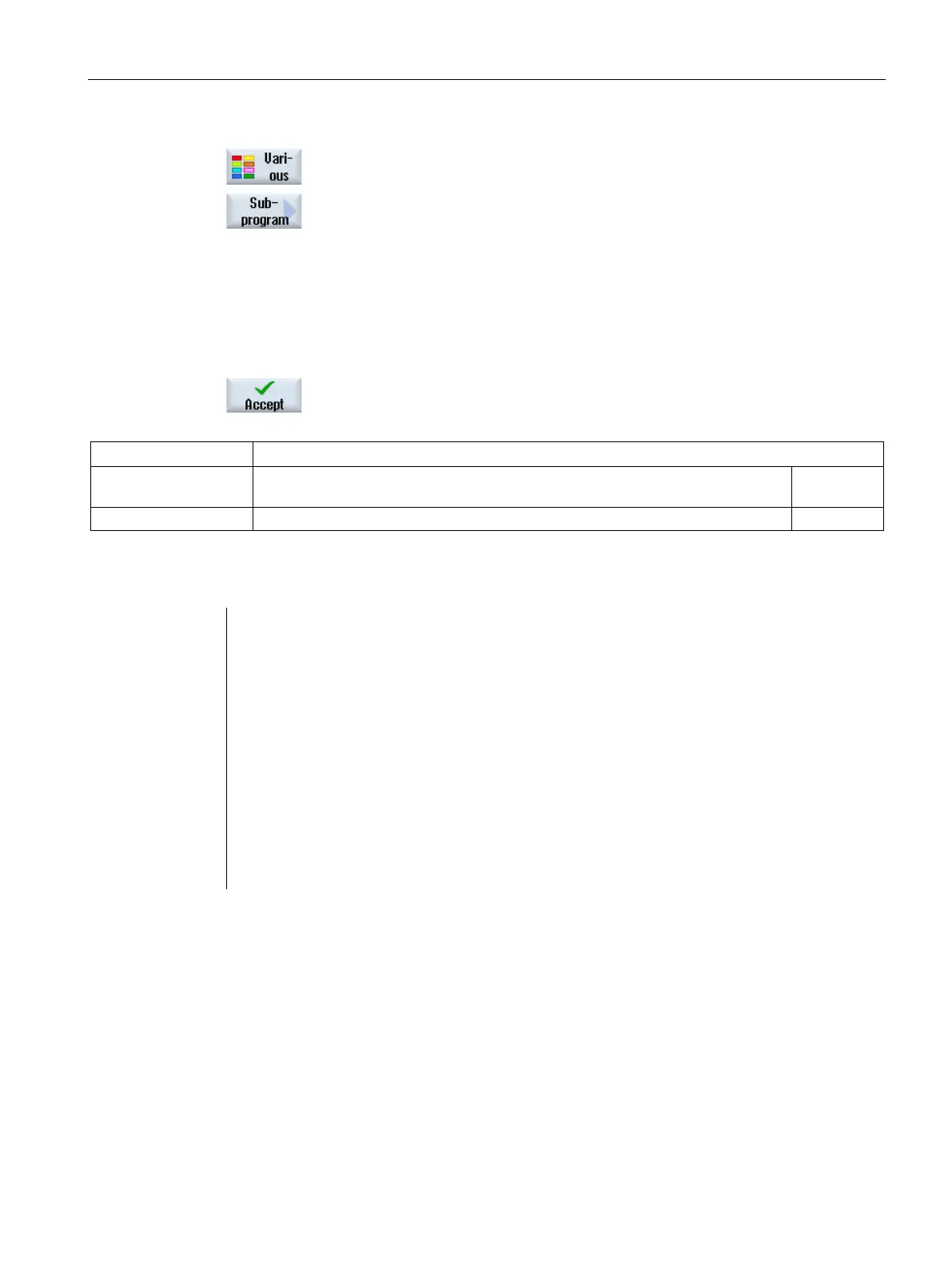
Press the "Various" and "Subprogram" softkeys.
Enter the path of the subprogram if the desired subprogram is not
stored in the same directory as the main program.
Enter the name of the subprogram that yo
u want to insert.
You only need to enter the file extension (*.mpf or *.spf) if the subpr
o-
gram does not have the file extension specified for the directory in
which the subprogram is stored.
Press the "Accept" softkey.
The subprogram call is inserted in the main program.
Path/workpiece Path of the subprogram if the desired subprogram is not stored in the same direc-
tory as the main program.
Name of the subprogram that is to be inserted.
N40 CYCLE832(0.05,3,1)
;Tolerance value 0.05 mm, machining type,
roughing
Externally call subprogram CAM_SCHRUPP
N70 CYCLE832(0.005,1,1) ;Tolerance value 0.005 mm, machining
N80 EXTCALL"CAM_SCHLICHT"
;Call subprogram CAM_SCHLICHT
The subprograms CAM_SCHRUPP.SPF, CAM_SCHLICHT.SPF contain the workpiece
geometry and the technological values (feedrates). These are externally called due to the
program size.
















 To Next Page