Multi-channel machining
10.2 Multi-channel support
Turning
Operating Manual, 01/2015, 6FC5398-8CP40-5BA2
627
The double editor is opened and the cursor is positioned in the G
code program.
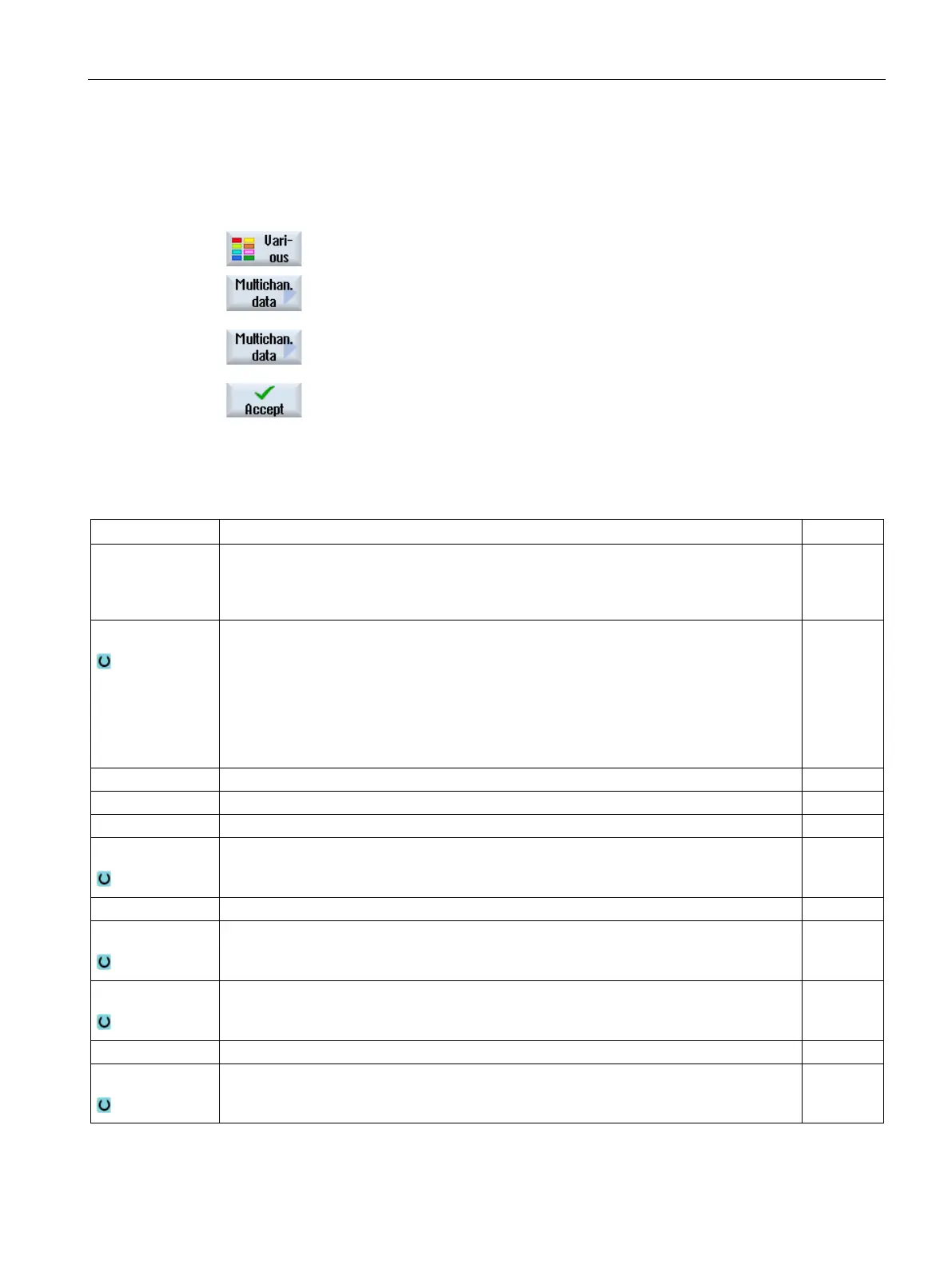
Press the "Misc." and "Multi
-channel data" softkeys.
-channel data" input window opens.
A field for specifying the job list appears.
-only.
Press the "Accept job list" softkey.
The name of the job list is entered in the field.
Press the "Accept" softkey.
CYCLE208 is taken over into the program. The name of the job
list is indicated in brackets.
Data for Here, you specify the spindle selected for the blank.
• Main spindle
• Counterspindle
Blank
The following blanks can be selected:
• Tube
• Cylinder
• Polygon
• Centered cuboid
• Delete
Width of the blank - (only for centered cuboid)
Length of the blank - (only for centered cuboid)
Number of edges – (only for polygon)
SW or L
Width across flats or edge length – (only for polygon)
ZI
Final dimension (abs) or final dimension in relation to ZA (inc)
ZB
Machining dimension (abs) or machining dimension in relation to ZA (inc)
XA Outside diameter – (only for tube and cylinder) mm
XI
Inside diameter (abs) or wall thickness (inc) – for tube only mm
















 To Next Page