Tool management
12.5 Tool list
Turning
682 Operating Manual, 01/2015, 6FC5398-8CP40-5BA2
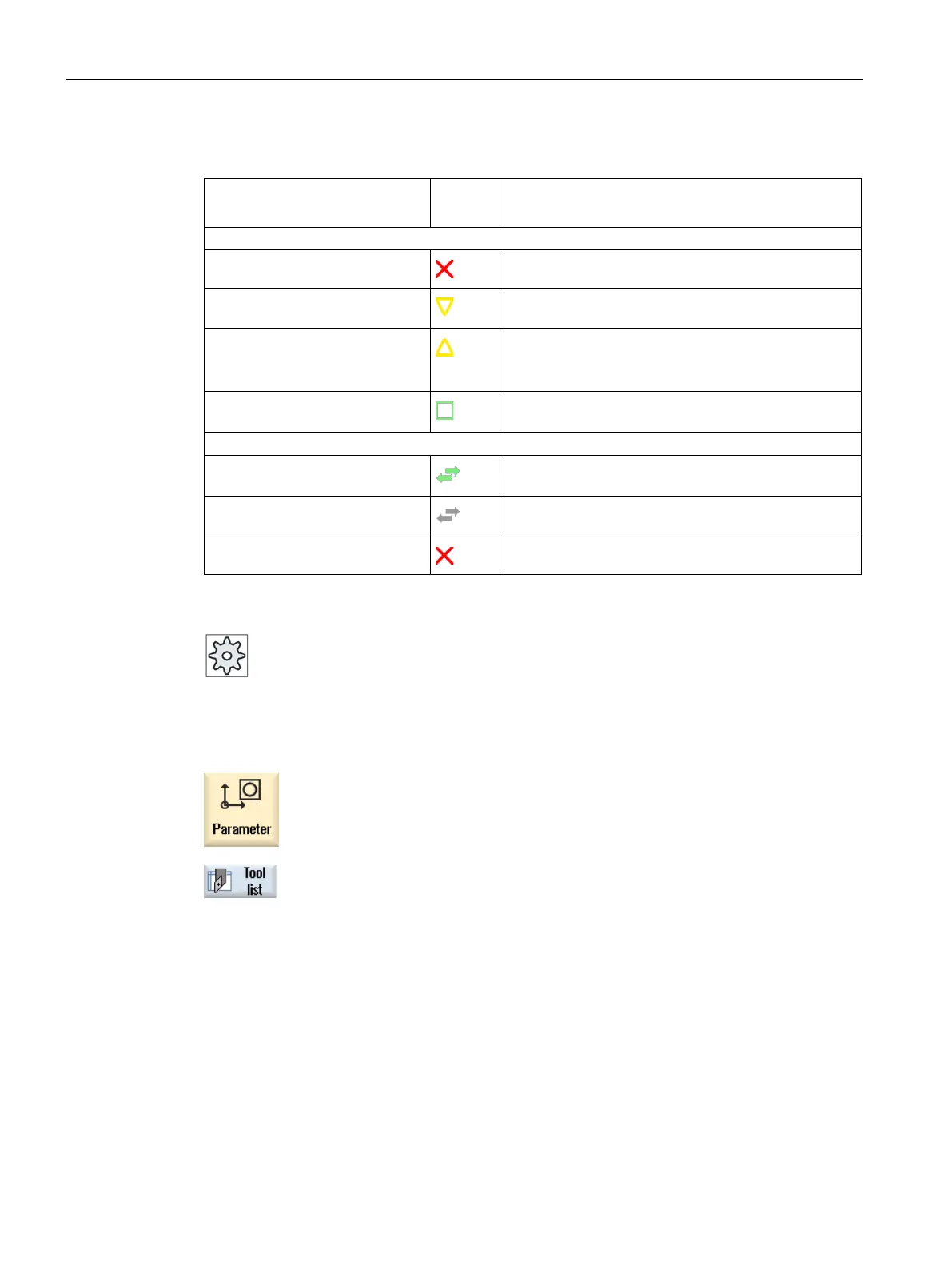
Red "X"
The tool is disabled.
Yellow triangle pointing down-
The prewarning limit has been reached.
Yellow triangle pointing upward
The tool is in a special state.
Place the cursor on the marked tool. A tool tip will
provide a brief description.
Green frame
The tool is preselected.
Green double arrow
The magazine location is positioned at the change
Gray double arrow
The magazine location is positioned at the loading
Red "X"
The magazine location is disabled.
Please refer to the machine manufacturer's specifications.
Select the "Parameter" operating area.
Press the "Tool list" softkey.
The "Tool List" window opens.
Displaying tool details (Page 707)
Changing the cutting edge position or tool type (Page 717)
















 To Next Page