Setting up the machine
3.6 Measuring the workpiece zero
Turning
86 Operating Manual, 01/2015, 6FC5398-8CP40-5BA2
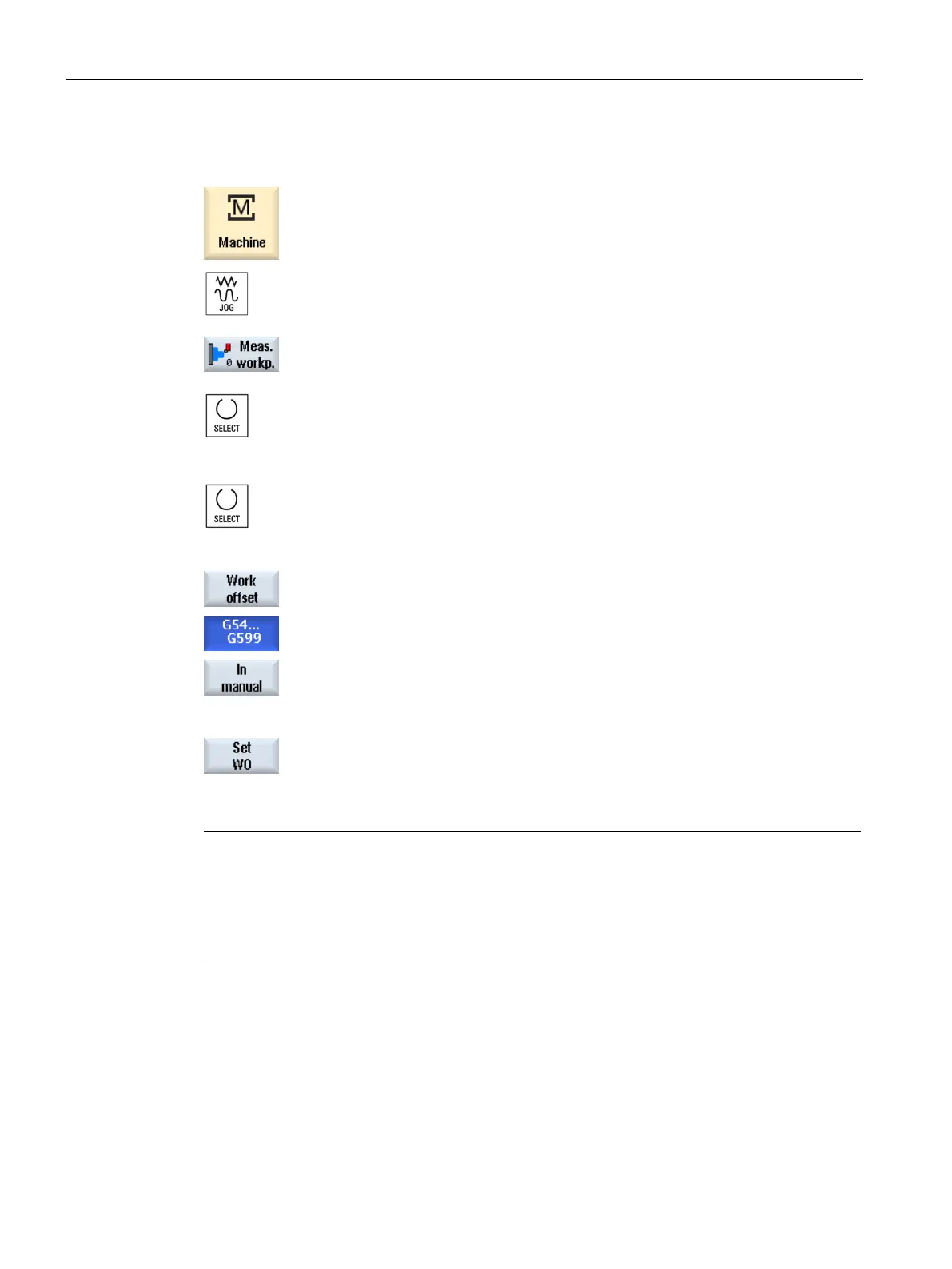
Select "JOG" mode in the "Machine" operating area.
e "Workpiece zero" softkey.
The "Set Edge" window opens.
Select "Measuring only" if you on
ly want to display the measured val-
Select the desired zero offset in which yo
u want to store the zero point
Press the "Zero offset" softkey and select the zero offset in which the
zero point is to be saved in the "Zero Offset
– G54 … G599" window
that opens and press the "In Manual" softkey.
t Edge" window.
Traverse the tool in the Z direction and scratch the workpiece.
ter the position setpoint of the workpiece edge Z0 and press the "Set
Note
Settable zero offsets
The labeling of the softkeys for the settable zero offsets varies, i.e. the settable zero offsets
configured on the machine are displayed (ex
amples: G54…G57, G54…G505, G54…G599).
Please refer to the machine manufacturer's specifications.
















 To Next Page