Ctrl-Energy
20.6 Using the energy-saving profile
Turning
Operating Manual, 01/2015, 6FC5398-8CP40-5BA2
865
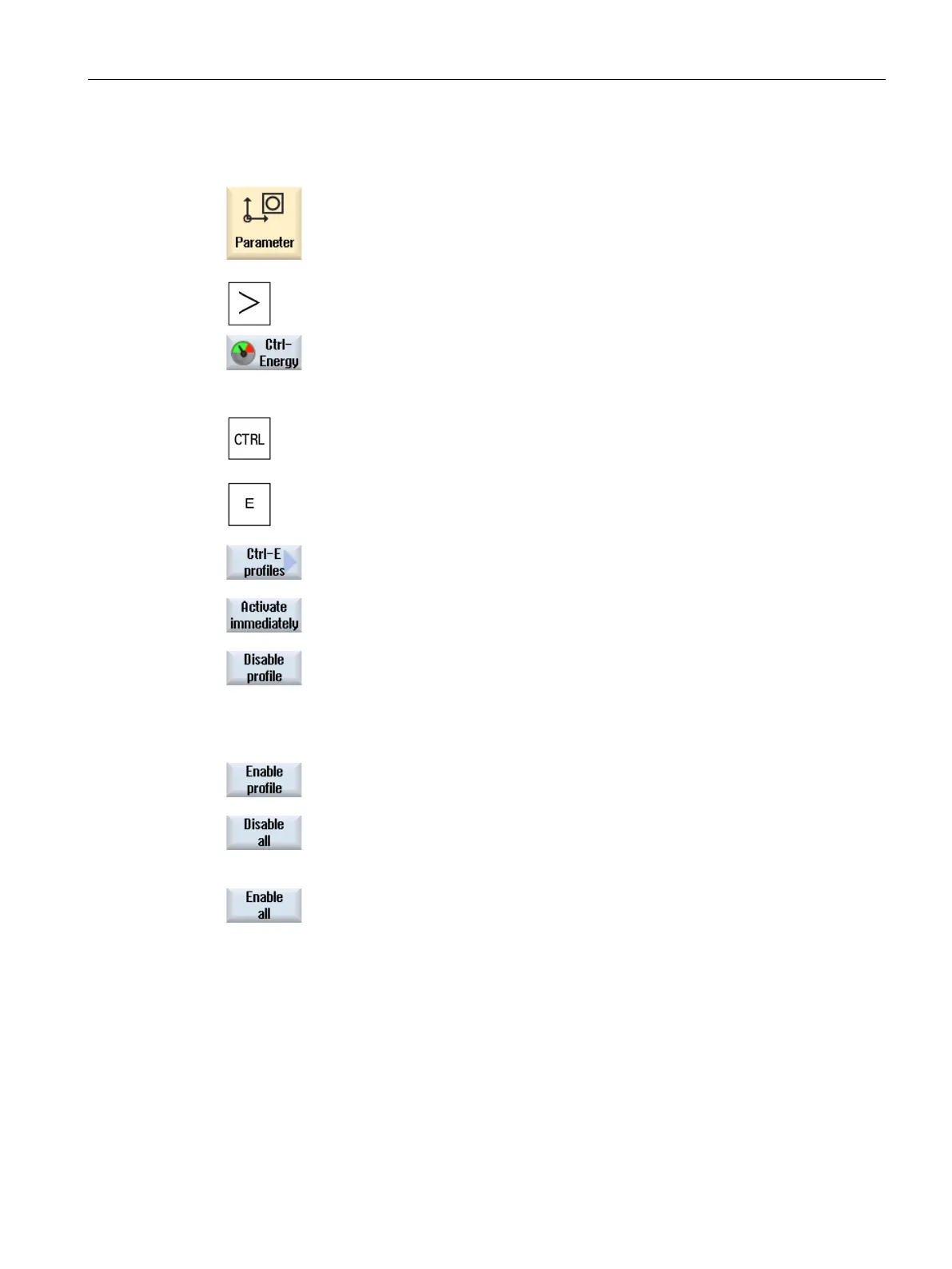
Select the "Parameter" operating area.
Press the menu forward key and then the "Ctrl
-Energy" softkey.
TRL> + <E> keys.
-E profile" softkey.
-E Profile" window opens.
Position the cursor on the required energy
-saving profile and press the
"Activate immediately" softkey if you wish to directly activate this state.
Position the cursor on the required energy
-saving profile and press the
"Disable profile" softkey if you wish
to disable this state.
The profile is disabled. The energy
-
saving profile cannot be active, i.e. it
is grayed out and displayed without time details.
The labeling of the "Disable profile" softkey changes to "Enable profile".
Press the "Enable profile" softkey in order to withdraw the energy
-
Press the "Disable all" softkey in order to disable all states.
All the profiles are disabled and cannot be active
.
The labeling of the "Disable all" softkey changes to "Enable all".
e all" softkey to withdraw the disable for all profiles.
















 To Next Page