Setting up the machine
3.8 Zero offsets
Turning
96 Operating Manual, 01/2015, 6FC5398-8CP40-5BA2
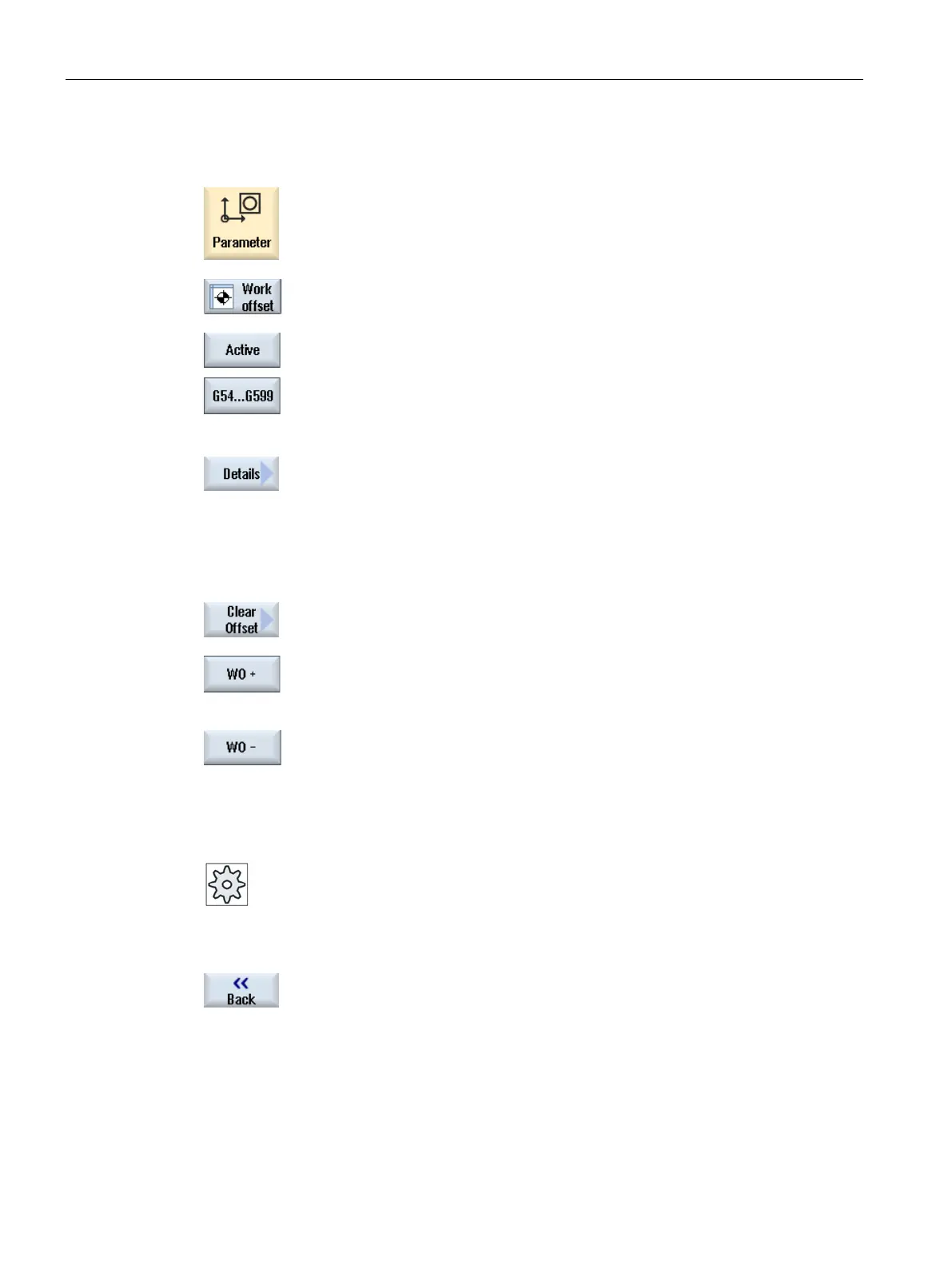
Select the "Parameter" operating area.
Press the "Zero offset" softkey.
Press the "Active", "Base" or "G54…G599" softkey.
The corresponding window opens.
Place the cursor on the desired zero offset to view its details.
Press the "Details" softkey.
g on the selected zero offset, e.g. "Zero Off-
set - Details: G54 to G599".
You can edit the values directly in the table.
Press the "Clear offset" softkey to reset all entered values.
...
-" softkey to select the next or previous offset,
respectively, within the selected area ("Active", "Base", "G54 to G599")
without first having to switch to the overview window.
If you have reached the end of the range (e.g. G599), you will switch
automatically to the beginning of the range (e.g
. G54).
These value changes are available in the part program immediately or after "Reset".
Please refer to the machine manufacturer's specifications.
he "Back" softkey to close the window.
















 To Next Page