Dolby
®
IMS2000 Installation and User’s Manual
IMS.OM.004730.DRM Issue 3 85
13.1 Audio Settings/Channel Mapping
The audio settings application allows you to route all audio tracks in a SMPTE Interop
package to operator-designated outputs. The main purpose of the mapping is to allow
you to move the hearing impaired or visually impaired channels to a specific output. The
audio settings application is available from the
Administration tab.
1. To open the audio settings application, select,
Administration > Control Panel > Audio
Settings.
When first launched, the audio settings
application opens in the Audio Delay tab.
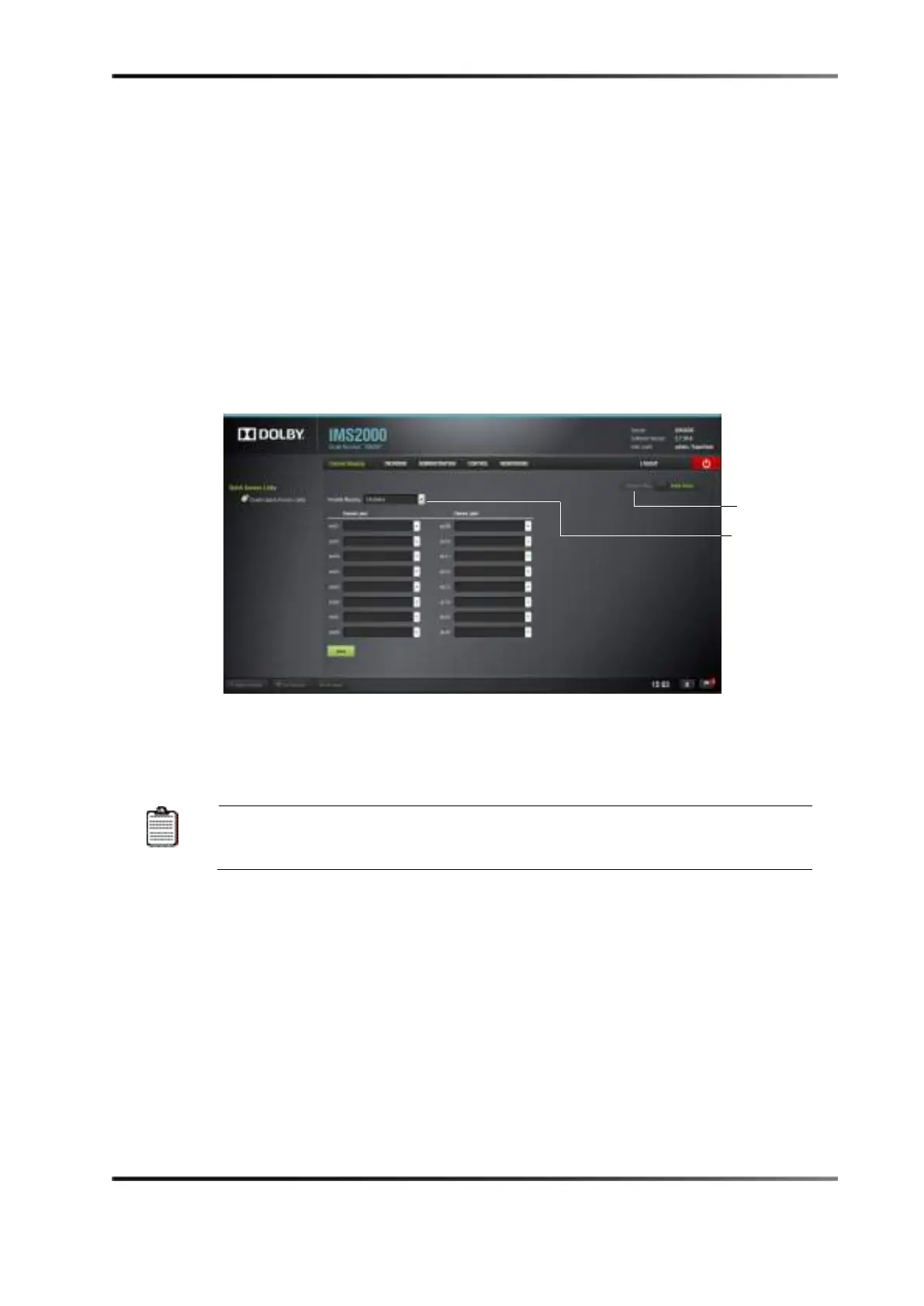
Figure 13-2 Audio Mapping Window: Disabled Setting
2. Click on the Channel Mapping arrow to get to the Channel Mapping tab. The Template
Mapping
feature will be set to Disabled.
All of the templates (except
Disabled
) can be modified directly instead of
having to select Custom. Once the template is edited, the template
mapping will read Custom.



 To Next Page