Dolby
®
IMS2000 Installation and User’s Manual
IMS.OM.004730.DRM Issue 3 241
Click on the arrow on the HD-SDI Input Mode drop-down menu, and select the input
mode from the list:
•
(2D) 4:4:4 Dual Link
•
(3D) 4:2:2
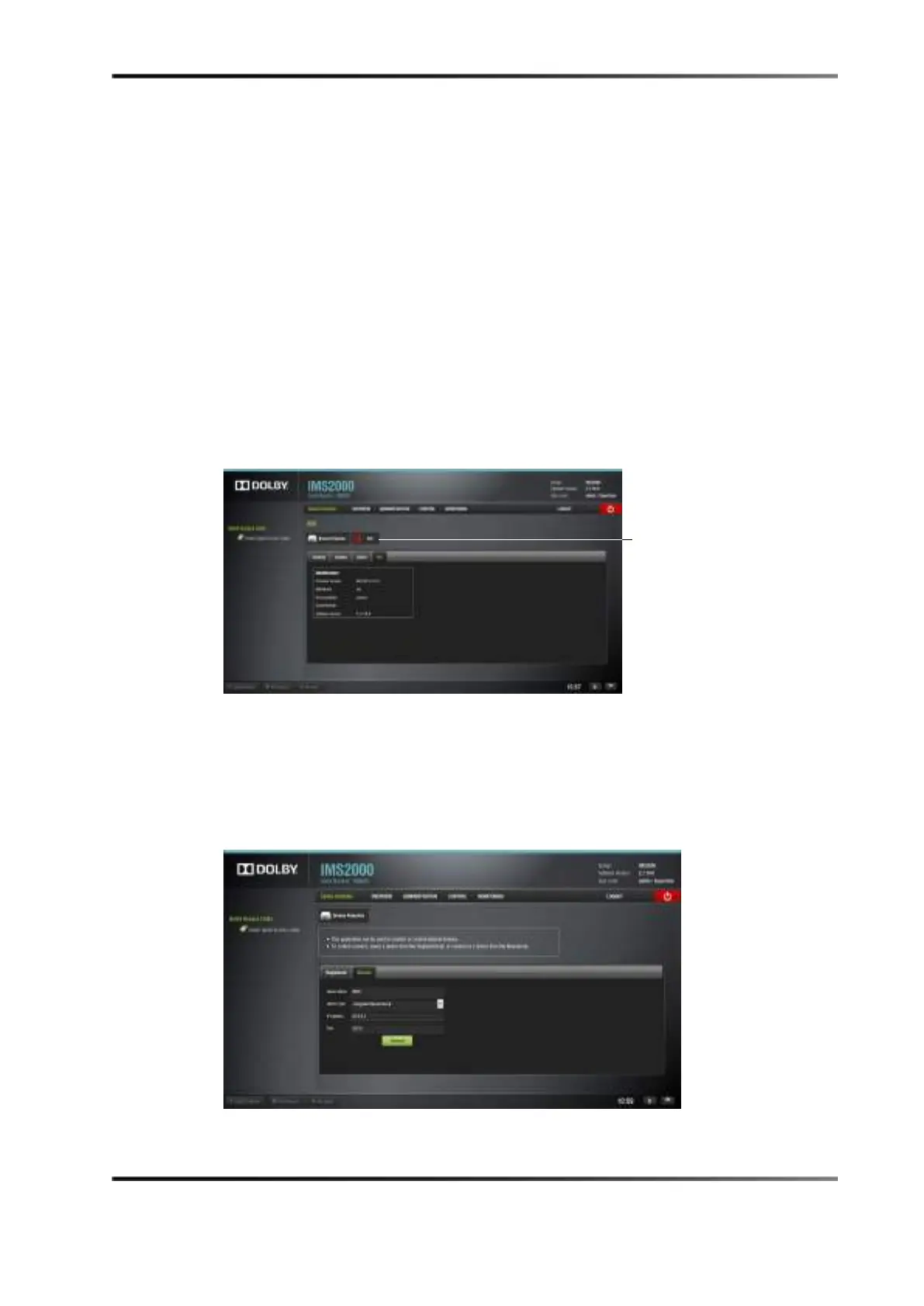
Info Tab
The fourth tab will display the following useful identification information for the
controlled device:
•
Firmware version
• MainBoard (main board revision number)
• Running Mode
• Serial Number
• Software Version
Figure 14-96 Info Tab
14.11.2 Manual Tab
If the device is created manually in the Manual tab, then it will be temporary and will be
lost once the unit is rebooted or if you log out.
Figure 14-97 Manual Tab



 To Next Page