134 Dolby
®
IMS2000 Installation and User’s Manual
IMS.OM.004730.DRM Issue 3
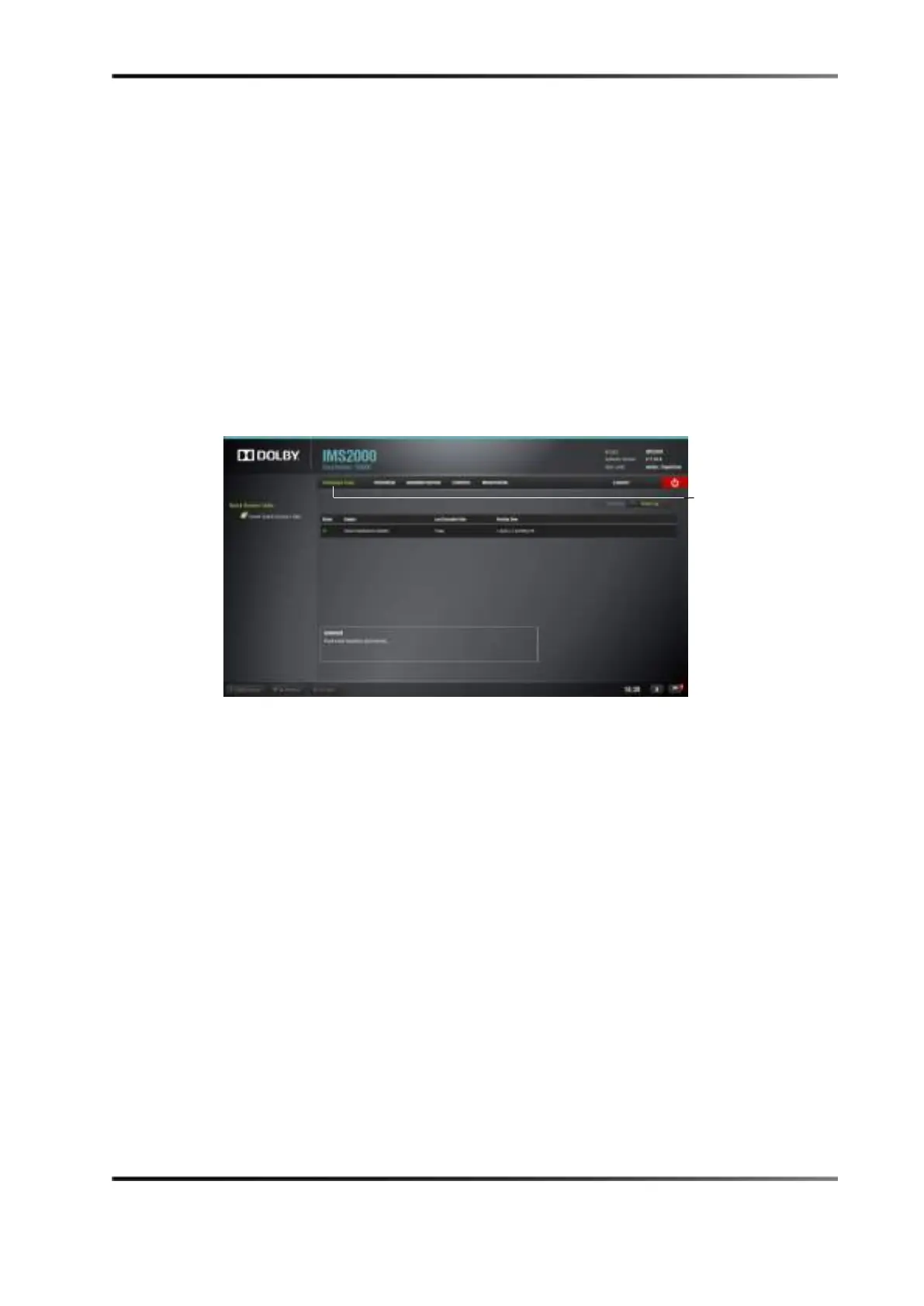
13.11.2 Scheduled Tasks Tab
The Scheduled Tasks tab lists the different maintenance operations that exist for the
IMS2000.
It lists, per maintenance operation, the last time the operation was performed and the
next time the operation will have to be performed. For the IMS2000, the only type of
maintenance operation is annual maintenance activities. The tab is not modifiable.
To access the
Scheduled Tasks tab, click on the green arrow on the right-hand side of the
GUI while in the
Log Operator Maintenance tab.
Figure 13-61 Scheduled Task Window
window



 To Next Page