76 Dolby
®
IMS2000 Installation and User’s Manual
IMS.OM.004730.DRM Issue 3
11.4 NTP Servers
Network Time Protocol (NTP) servers sync the time and date on your unit to coordinated
universal time (UTC).
To access the NTP Servers tab:
1. Click on the green arrow button on the right side of the Date and Time tab.
2. Select Administration > Control Panel > Time Settings.
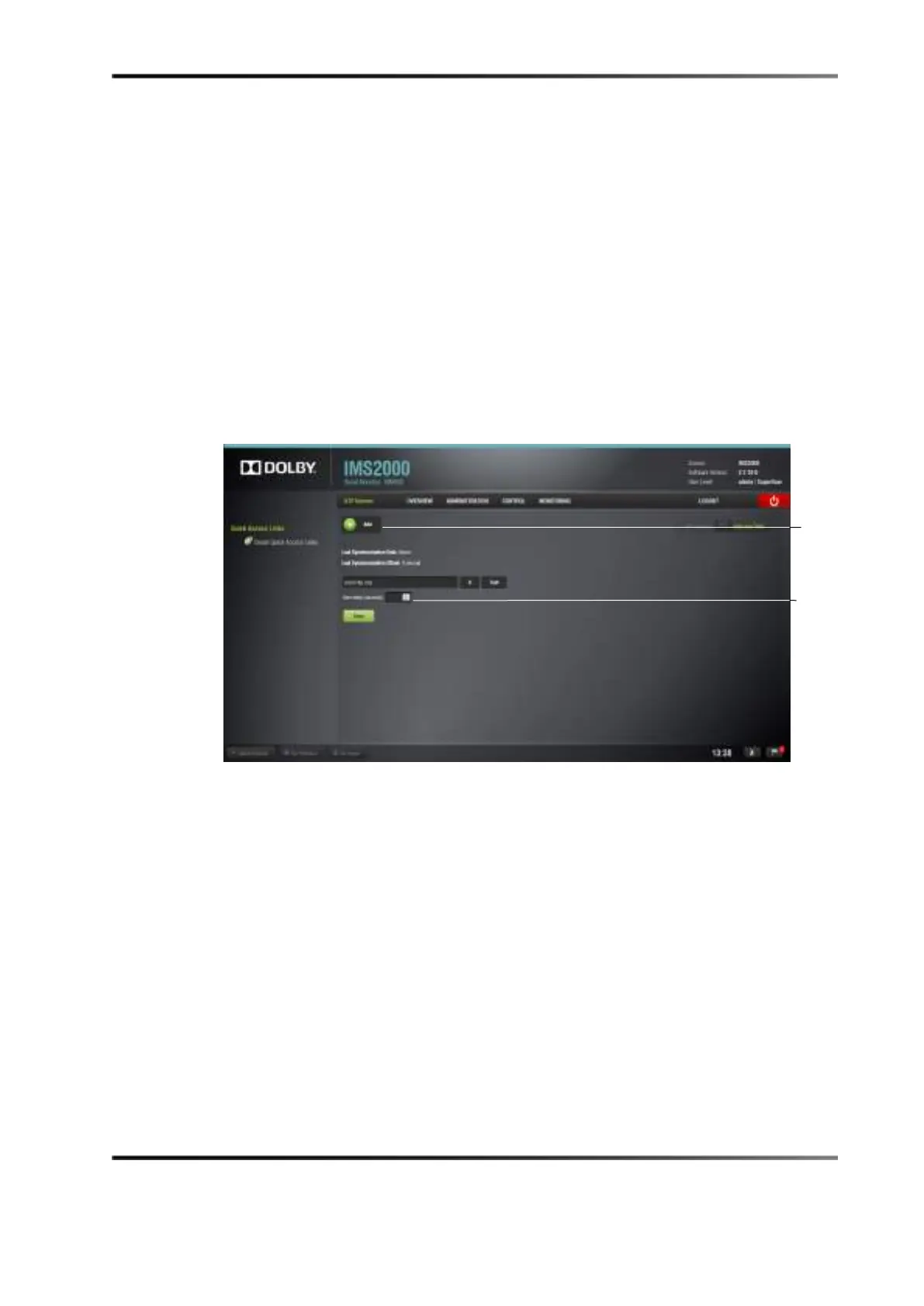
3. Click the Add button to add your NTP server.
The Extra delay field allows you to add a delay in syncing the server with the NTP
server. The delay allows you to space out the time in which all servers connect to the
NTP server.
Figure 11-4 NTP Servers Window



 To Next Page