Dolby
®
IMS2000 Installation and User’s Manual
IMS.OM.004730.DRM Issue 3 257
Chapt er 1 6 Replacing a Drive
The Storage tab identifies a failed drive that requires replacement in Storage Details, and
also displays the RAID status.
To replace a drive:
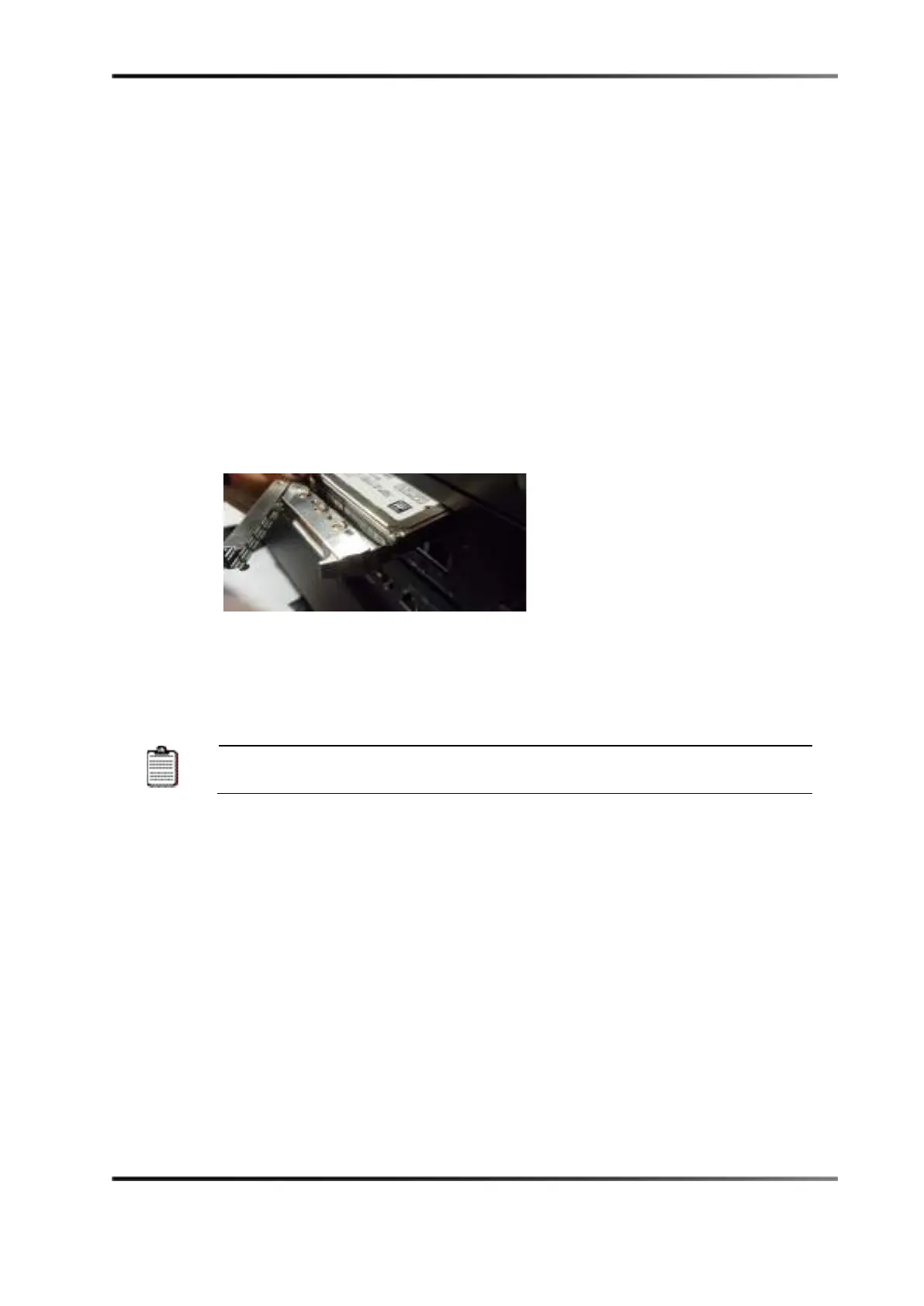
1. Press on the handle to release it, and open the handle all the way.
2. Slide the drive out gently from the enclosure.
Figure 16-1 Hard-Disk Drive Removal
3. Reboot the unit with just the two functioning drives in place.
4. Insert the new drive all the way in the enclosure at the same position as the previous
drive.
The drive must be inserted all the way inside the enclosure before trying to
close the handle. Otherwise, the drive might not be plugged properly.
5. Close the handle by pushing it toward the hard-disk drive until it clicks.
When the new drive insertion process has been completed, the drive will
automatically start rebuilding.



 To Next Page