Dolby
®
IMS2000 Installation and User’s Manual
IMS.OM.004730.DRM Issue 3 211
14.9 Ingest Manager
The ingest manager GUI can be accessed by going to Control > Ingest Manager. It will
only show items that can be supported by the IMS2000. Text, documents, pictures,
PowerPoint
®
presentations, and so on will not appear.
You are able to ingest while performing playback.
14.9.1 Ingest Scan
The Ingest Monitor tab automatically opens the Ingest Scan tab.
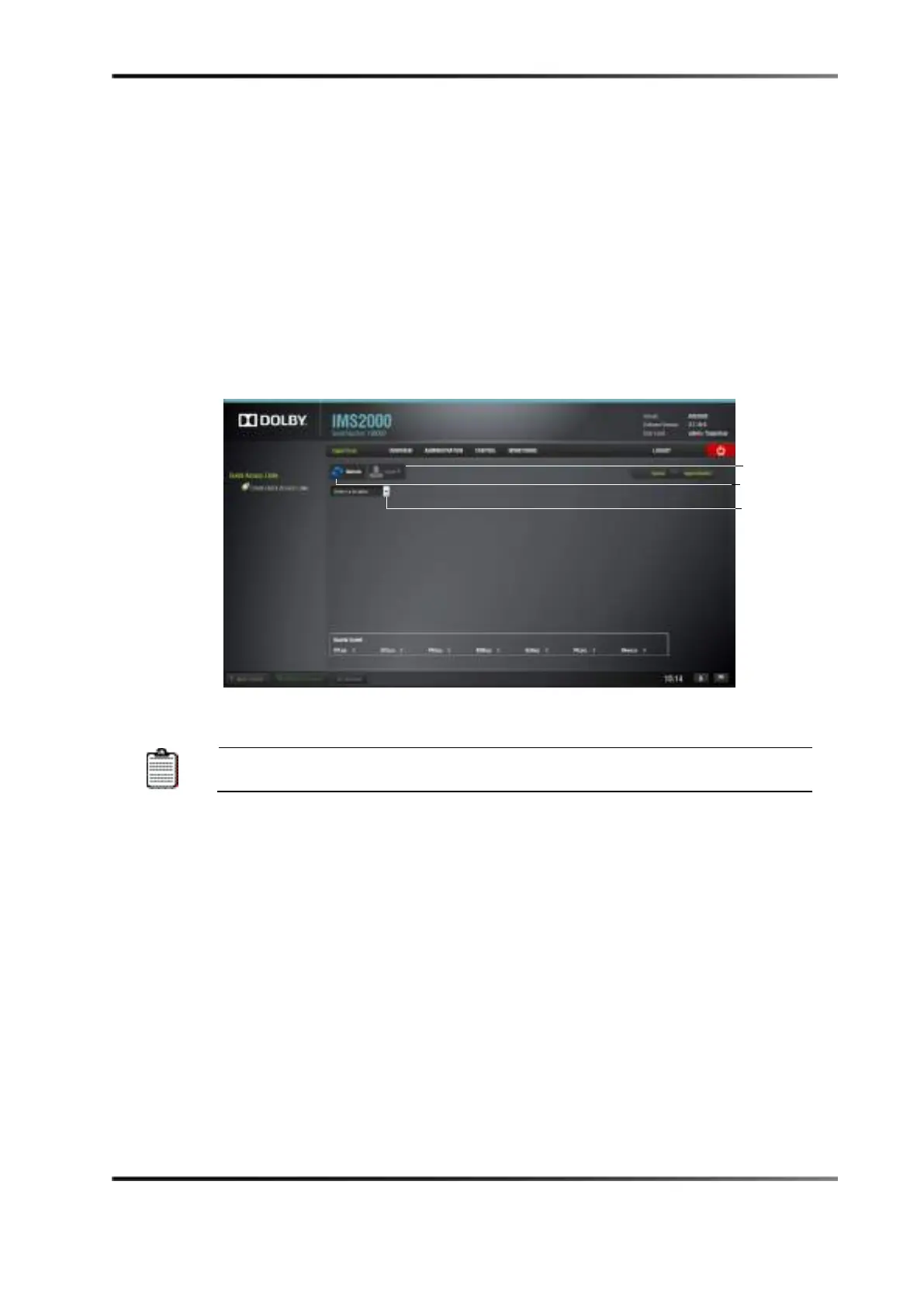
Figure 14-56 Ingest Scan Window
CPLs, KDMs, digital license messages, and show playlists can all be
ingested through the ingest manager GUI.
Selecting an element to ingest and then hovering over the Ingest button reveals the
amount of space available on the local storage. Clicking on the pop up will take you to
the
Ingest Monitor tab.



 To Next Page