288 Dolby
®
IMS2000 Installation and User’s Manual
IMS.OM.004730.DRM Issue 3
19.4 Dolby CP850 Web GUI
19.4.1 Accessing the Dolby CP850 Web GUI
To access the Dolby CP850 web GUI:
1. Open a web browser on a Macintosh
®
or Windows
®
system that is on the same
subnetwork as the CP850.
The default IP address is required to access the Dolby web GUI. Confirm the IP
address with your Dolby installer.
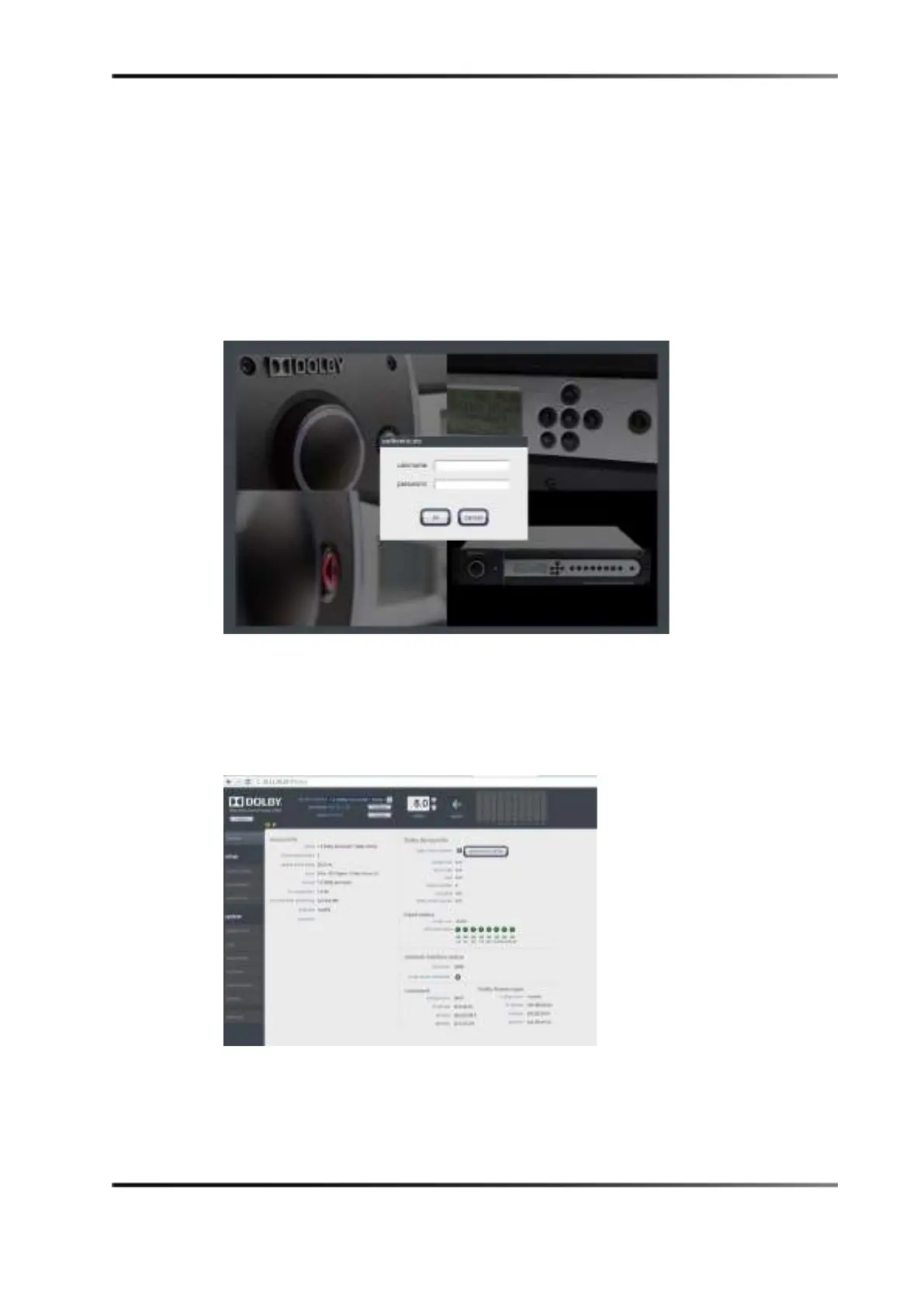
Figure 19-12 Dolby Audio Processor Login Screen
Do not change the Dolby Atmos input port IP address. Do not connect this port to an
Ethernet switch. If you experience any difficulty, contact Dolby support.
2. Enter the user name and password.
Contact your local Dolby support to obtain proper credentials.
Figure 19-13 Dolby Web GUI Home Screen



 To Next Page