Dolby
®
IMS2000 Installation and User’s Manual
IMS.OM.004730.DRM Issue 3 65
Chapt er 9 Configuring the Operating System
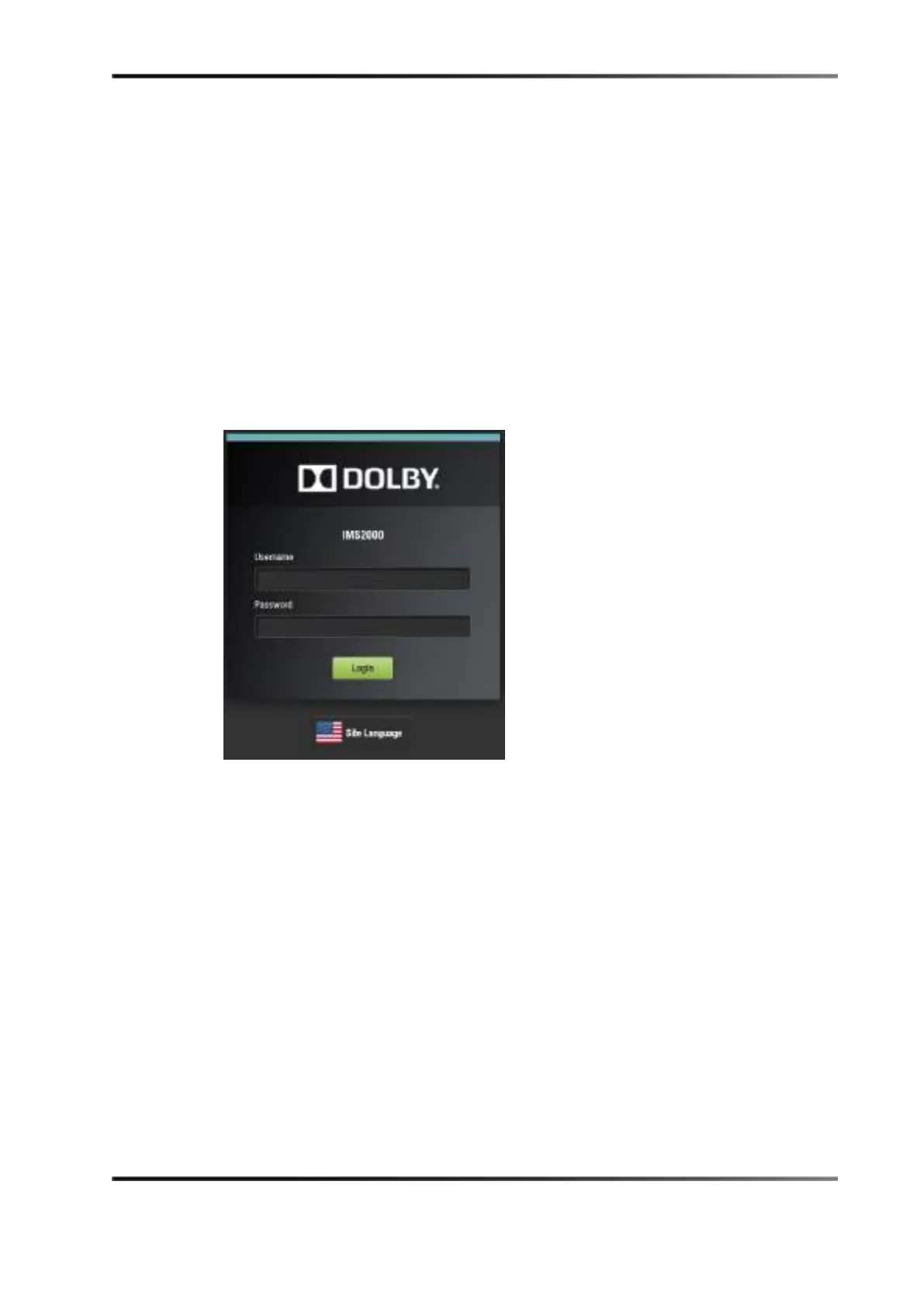
When you log out of the operating system and then log back in, a login authentication
window appears. The default login name is
doremi, and the password is doremi.
However, the administrator may have changed and/or added other login user names and
passwords. Please contact your administrator for the appropriate information.
Figure 9-1 Security Manager Section



 To Next Page