138 Dolby
®
IMS2000 Installation and User’s Manual
IMS.OM.004730.DRM Issue 3
13.12.3 Deleting an Existing User Account
In the Account Manager GUI, you will be able to delete an existing user account.
To delete an existing user account:
1. Hover over the account in
Account Manager GUI.
2. Click on the X that appears on the right side of the screen.
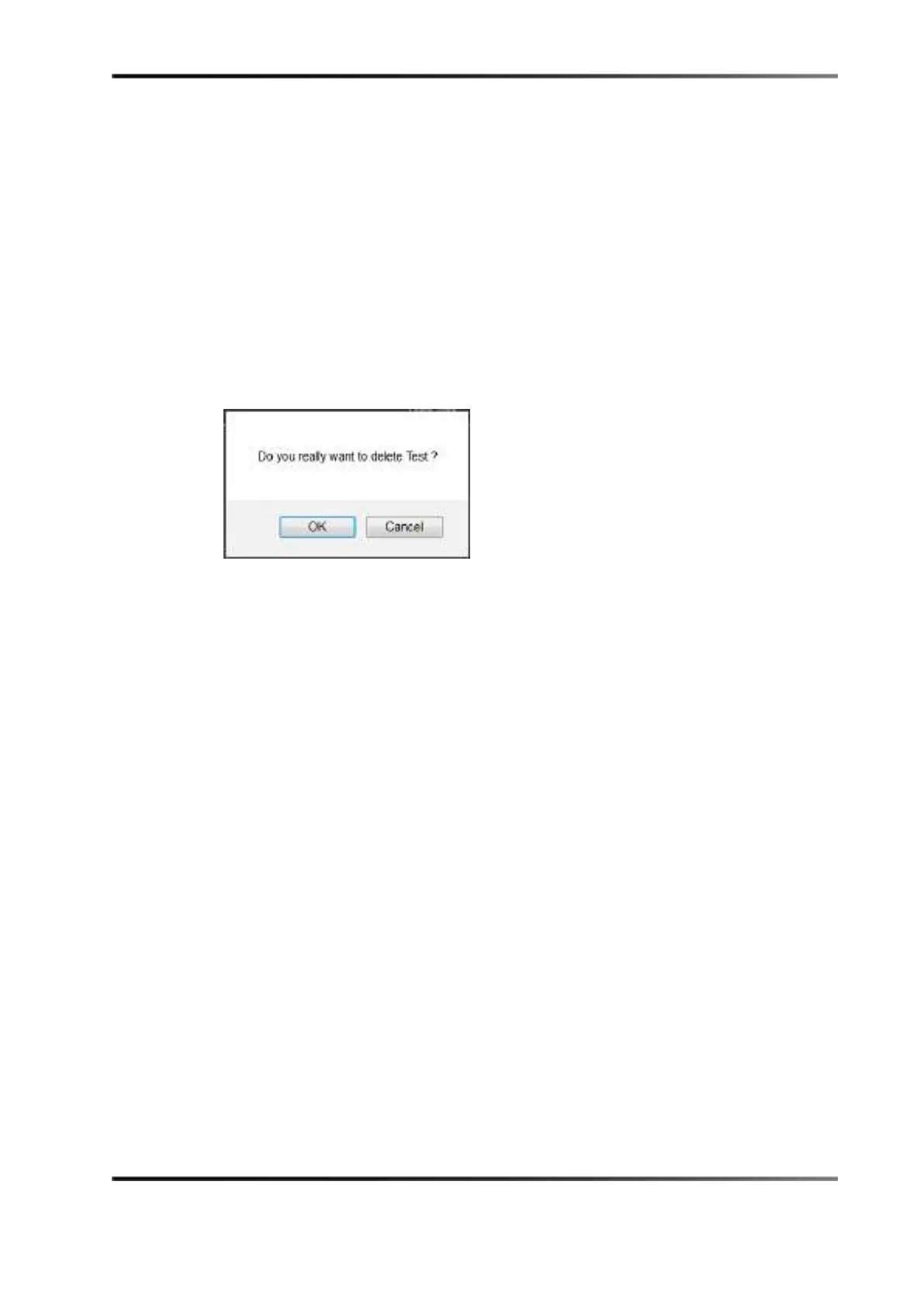
You will be asked for a confirmation.
3. Click on the
OK button to delete the user account.
Figure 13-67 User Account Deletion Confirmation



 To Next Page