Dolby
®
IMS2000 Installation and User’s Manual
IMS.OM.004730.DRM Issue 3 313
Chapt er 2 9 Updating Web-Based User-
Interface Version
To update the web-based user-interface version:
1. Obtain the latest update package from the FTP site. Contact Dolby product specialists
to confirm the latest version.
2. Log into the unit using an FTP client.
3. Go to the
data/incoming/GUI folder.
4. Place the file in the GUI folder.
5. Log onto the IMS2000.
6. Select
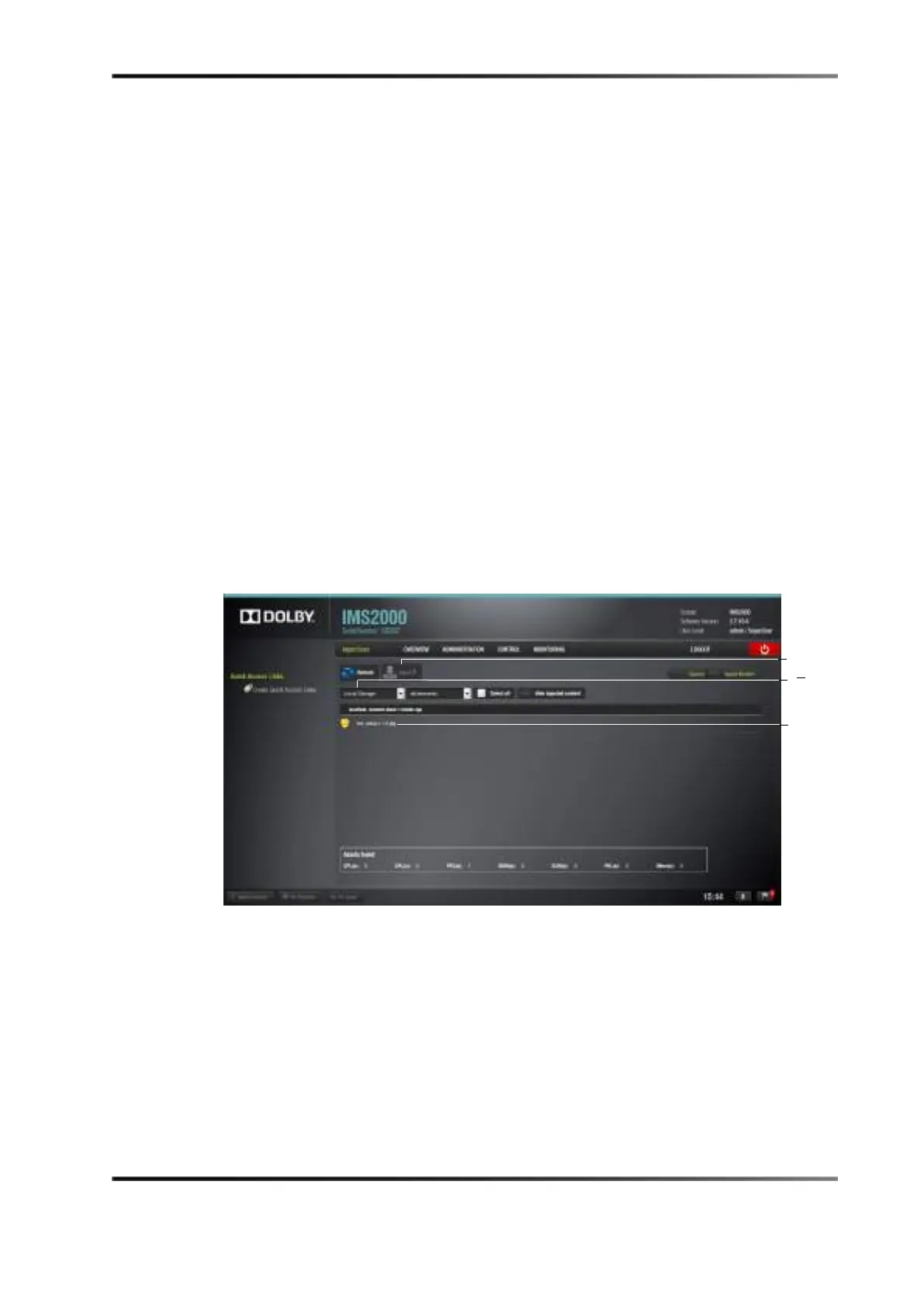
Control > Ingest > Ingest Scan.
Figure 29-1 Ingest Scan Window
7. Select Local Storage.
8. Select the package.
9. Click on the
Ingest button.
10. Click on the
OK button in the pop-up window to acknowledge that the system must
be rebooted.
ingest



 To Next Page