216 Dolby
®
IMS2000 Installation and User’s Manual
IMS.OM.004730.DRM Issue 3
14.9.2 Ingest Monitor
The IMS2000 allows you to ingest content while the server is ingesting previously
selected content. Click on the
Ingest Monitor tab to see the progress of all the ingested
items.
To access the
Ingest Monitor tab, click on the green arrow on the right-hand side of the
GUI in the
Ingest Scan and Upload tabs:
• USB ingests are real time.
• eSATA ingests are two-thirds of real time.
To display an updated view of the
Ingest Monitor with all the recently ingested items,
click on the
Refresh button.
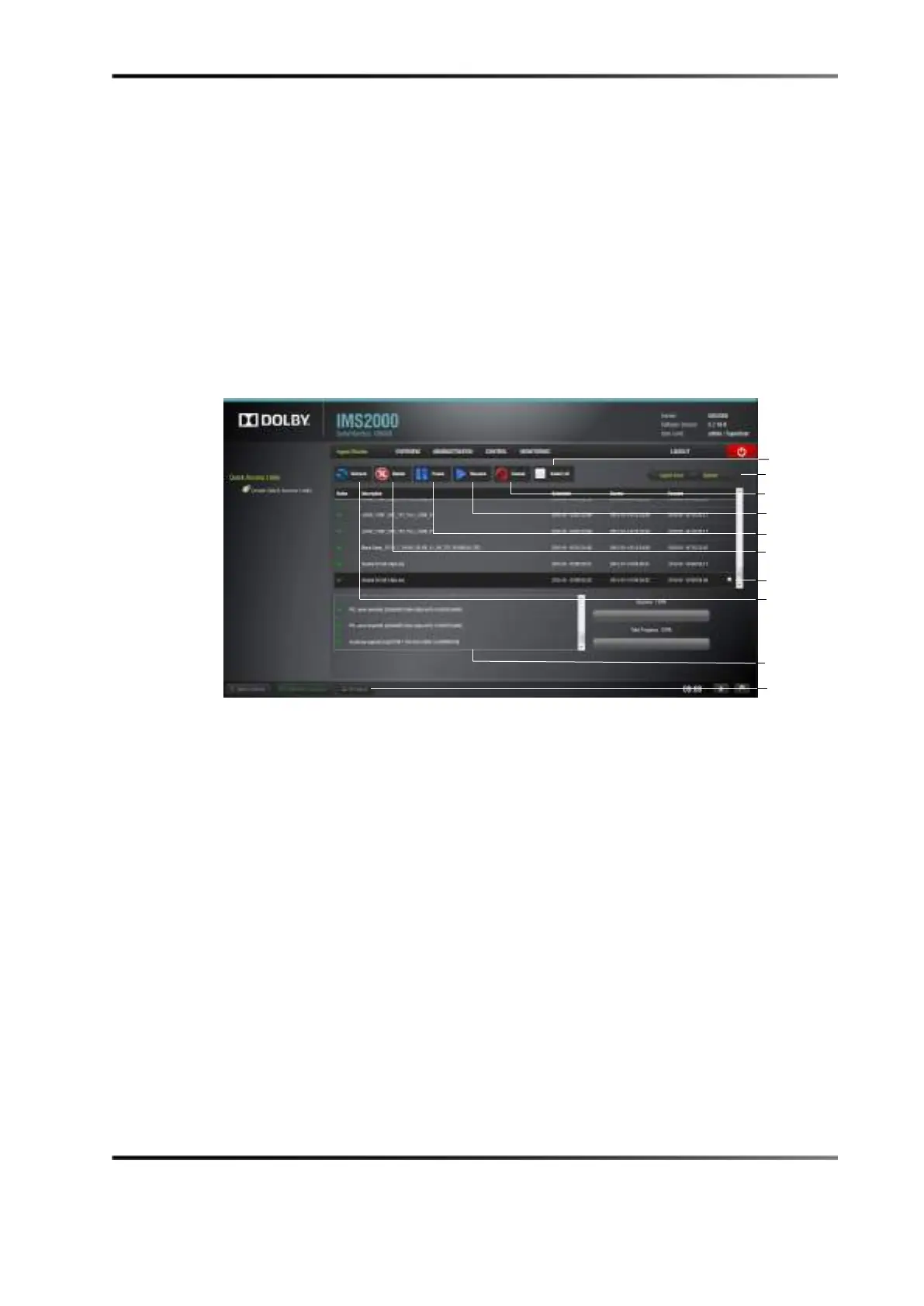
Figure 14-62 Ingest Progress
In the Ingest Monitor tab, you can delete, pause, resume, or cancel an ingest using the
available buttons.
To select or unselect all items, use the
Select All button.
To see more details for each element, highlight the item and click on the properties
icon
on the right-hand side. The element information displays at the bottom of the window.
The notifications bar alerts you to any ingest that is in progress.
Clicking on the button opens the
Ingest Monitor tab that displays the ingest progress.



 To Next Page