Dolby
®
IMS2000 Installation and User’s Manual
IMS.OM.004730.DRM Issue 3 261
16.3.1 Repairing a Drive in the Storage Tab
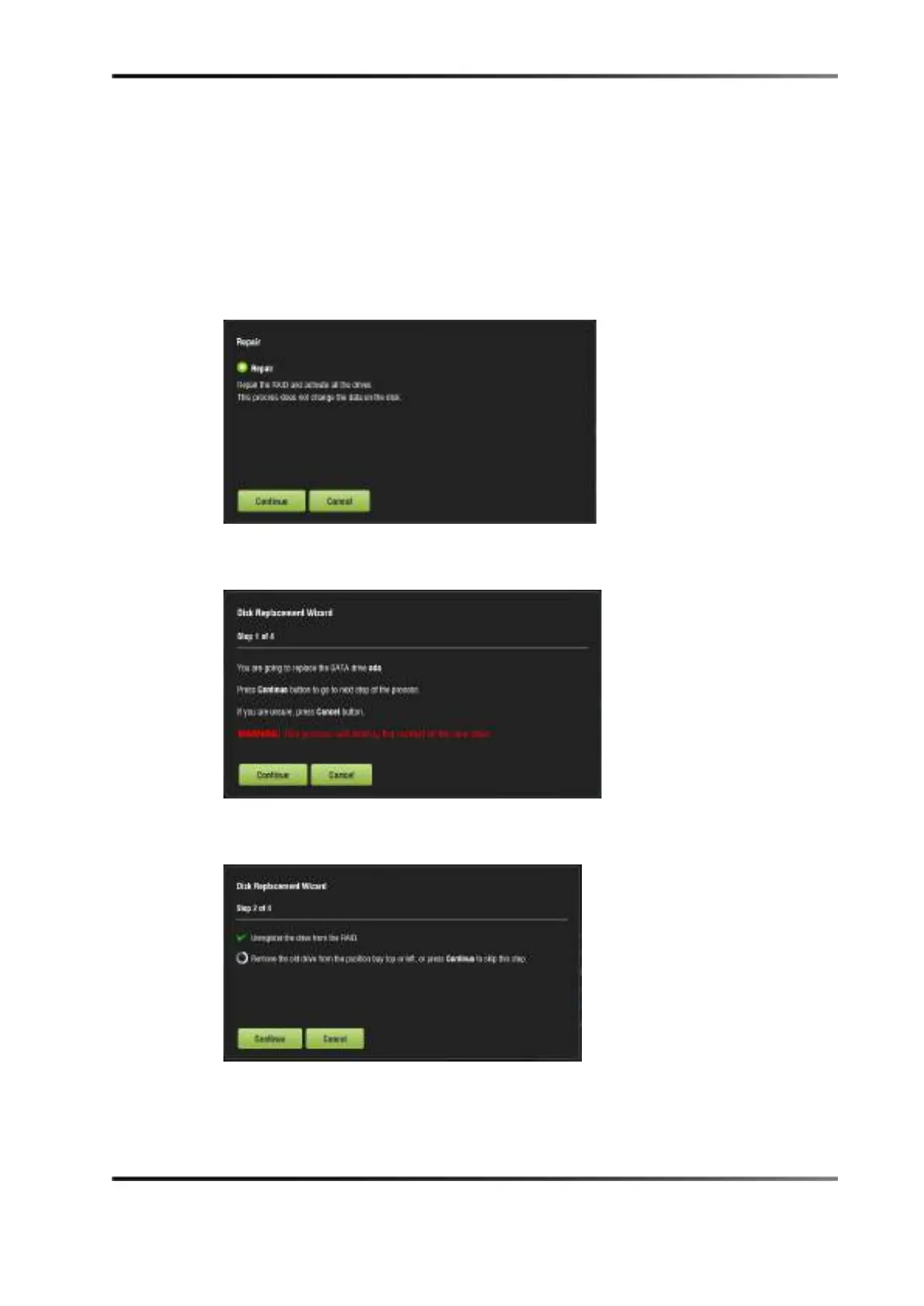
To repair a IMS2000 hard-disk drive:
1. Hover over the drive.
2. Click on the
Repair button.
3. Click on the
Continue button.
Figure 16-8 Repair Drive
4. Click on the Continue button.
Figure 16-9 Repair Drive: Step 1
5. Click on the Continue button.
Figure 16-10 Repair Drive: Step 2
6. Insert the new drive.
7. Click on the
Continue button.



 To Next Page