204 Dolby
®
IMS2000 Installation and User’s Manual
IMS.OM.004730.DRM Issue 3
14.7.2 Playback Progress
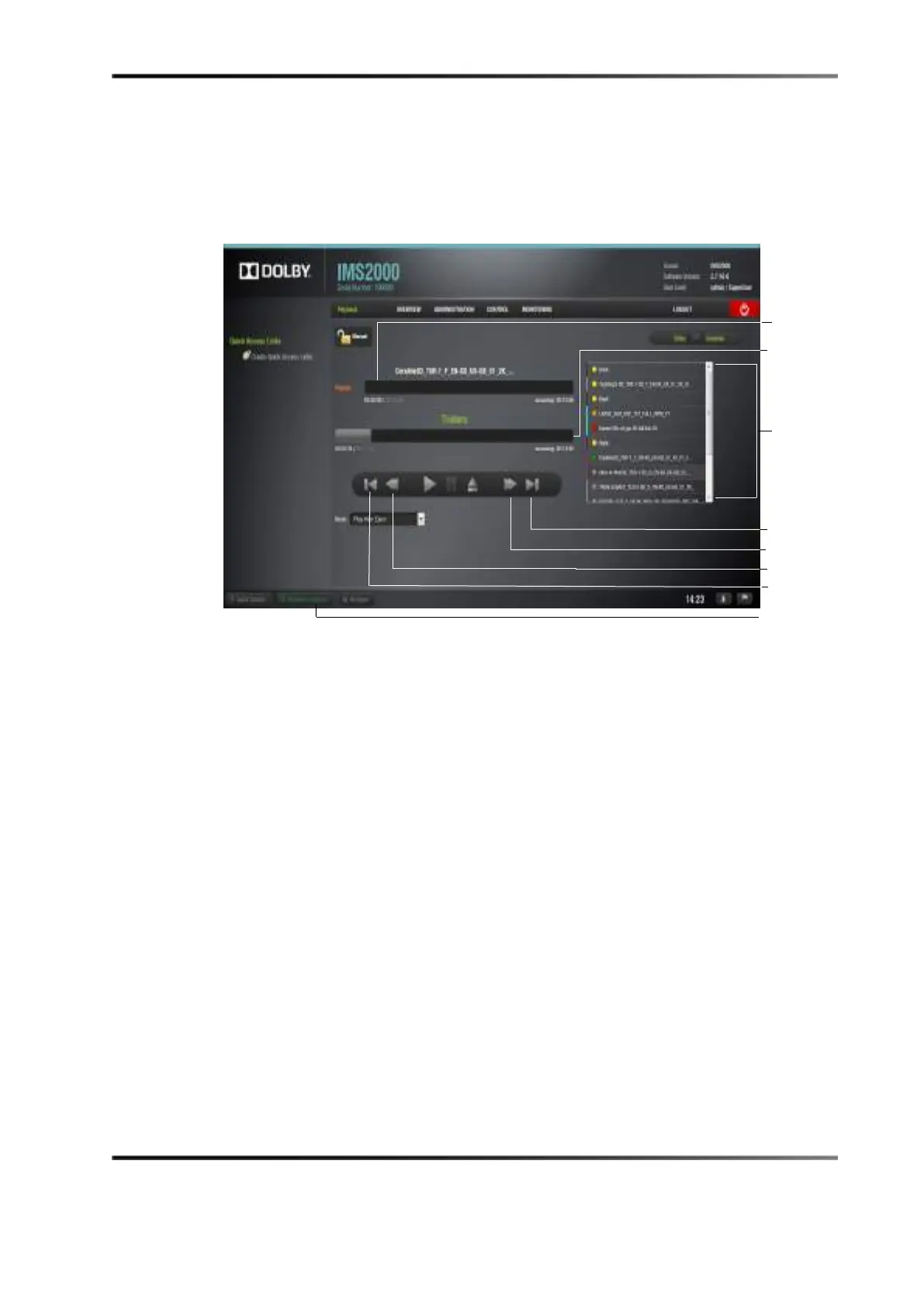
The show playlist progress list box displays the order of the playback.
Figure 14-49 Playback Icons
The top playback bar displays how much time has elapsed and how much time is
remaining in the individual element. The bottom playback bar displays how much time
has elapsed and how much time is remaining in the entire show playlist:
• Elements already played are flagged using a yellow mark.
• Elements currently being played are flagged using a green mark.
• Elements that were not played due to an error are flagged using a red mark.
• Elements that were skipped by you have an orange mark.
• Elements that have not yet been played do not have any marks next to them.
The playback button on the bottom notifications bar will display if playback is in
progress. If playback is in progress, clicking on the playback
button will open up the
CineLister Playback tab. If playback is not in progress, clicking on the button will open up
the
CineLister Editor tab.



 To Next Page