Dolby
®
IMS2000 Installation and User’s Manual
IMS.OM.004730.DRM Issue 3 175
Chapt er 1 4 Using the Control Tab
14.1 Managing Shows Using CineLister
The Control tab provides access to the CineLister GUI that enables you to create, manage,
edit, and play back show playlists and other ingested content. With CineLister, you can
also schedule playbacks.
14.2 CineLister Editor Tab
To access CineLister, select Control > CineLister.
The
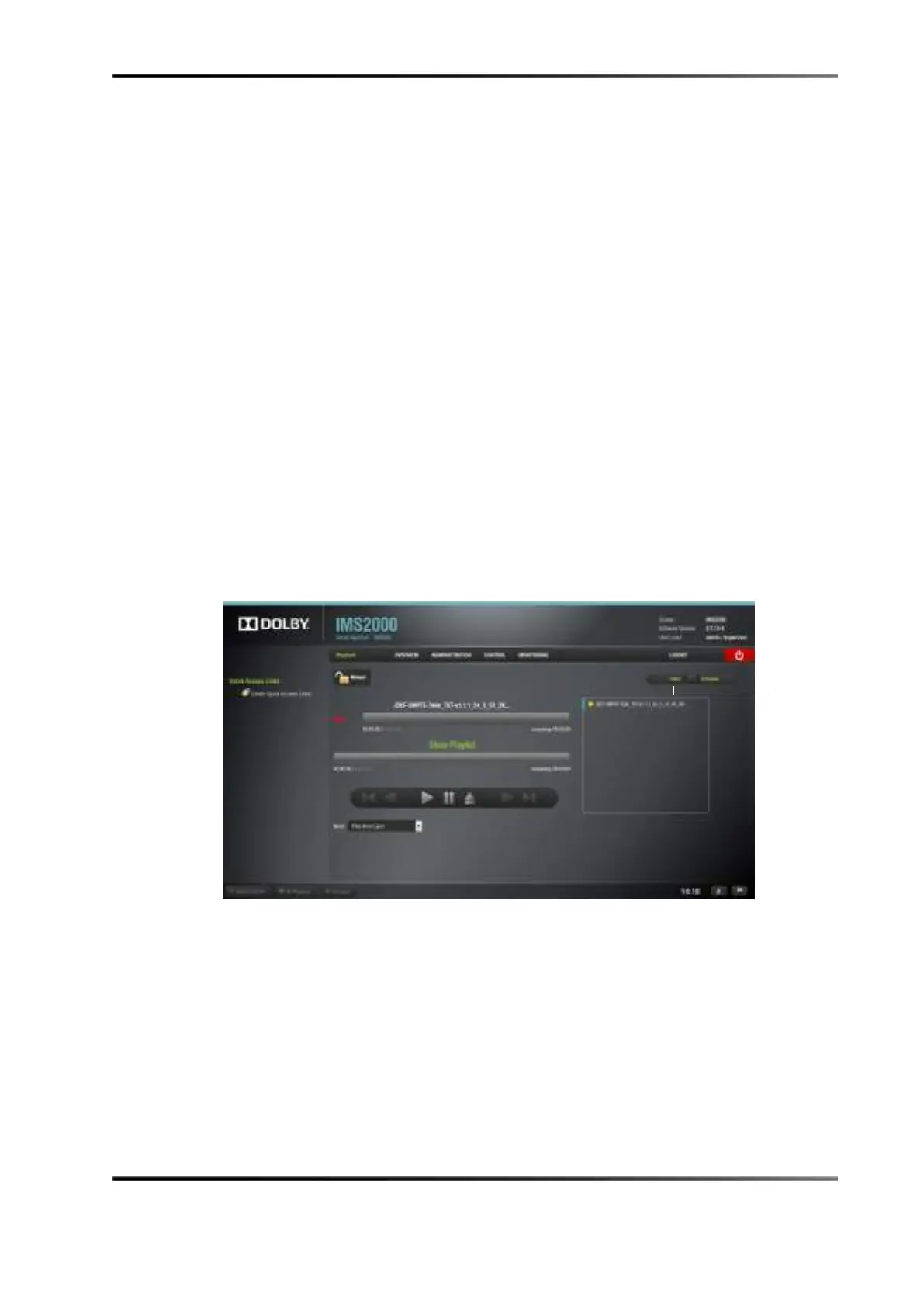
CineLister Playback tab appears. The Playback tab is the default tab that CineLister
displays each time the you open the application.
Figure 14-1 Playback Tab
To access the Editor tab, click on the green arrow button on the right side of the GUI.
The
Editor tab is composed of two different parts:
• The left pane displays all of the content (for example, features, trailers,
advertisements) and automation and trigger cues.
• The right pane is used to display the content of a given show playlist.



 To Next Page