Dolby
®
IMS2000 Installation and User’s Manual
IMS.OM.004730.DRM Issue 3 127
13.8.2 Adding a Server Manually
Networking the Servers
The Content Feed Manager GUI can be manually set up.
To perform the operation:
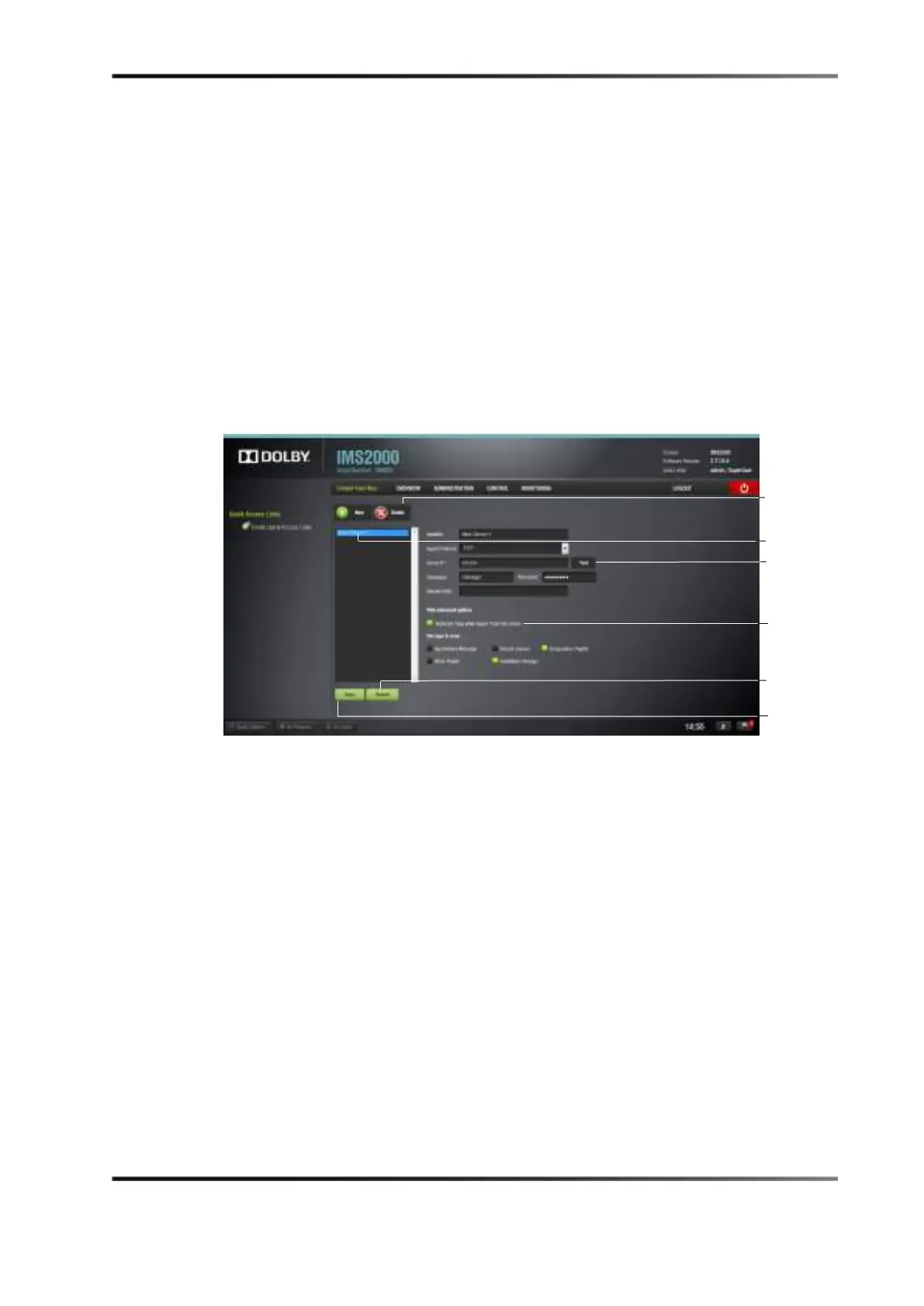
1. Click on the
New button.
This allows you to add a new server for which the fields will have to be manually
entered.
Figure 13-53 Content Feed Manager
2. Enter the identifier name in the Identifier field.
We recommend that a unique identifier be used (for example, screen 1, screen 2, and
so on).
3.
Ingest Protocol is set to FTP.
4. Enter the IP address for the server.
Optional: Click the
Test button to test the IP connection. A pop-up window appears
that will test the connection. Click the
Close button to exit this window.
5. Enter the remote path for the destination of the server.
You must manually enter the remote path.
6. Click the
Save button to save your changes.
Clicking the
Revert button before saving will cause you to lose all of the changes.



 To Next Page