Dolby
®
IMS2000 Installation and User’s Manual
IMS.OM.004730.DRM Issue 3 247
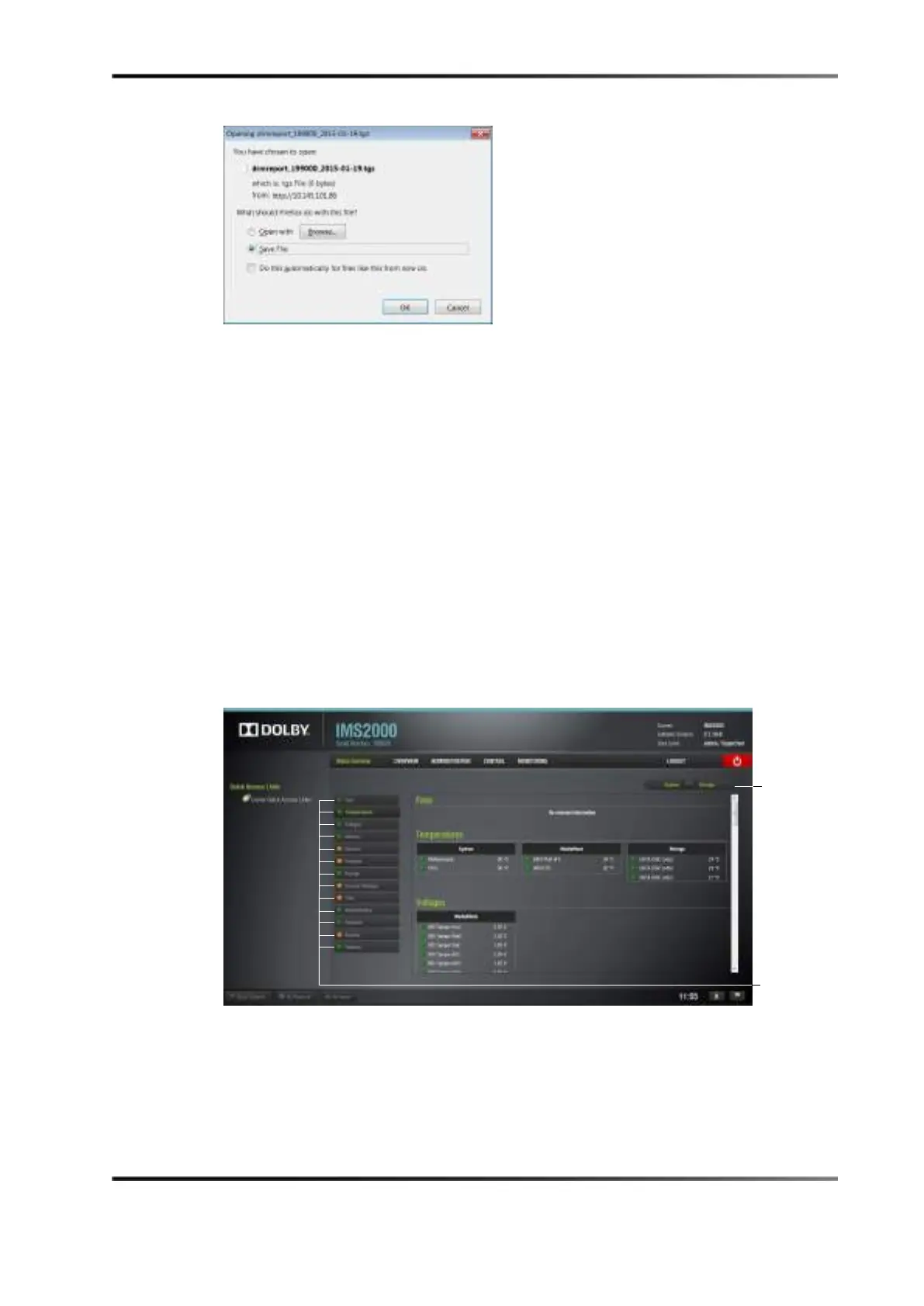
Figure 15-4 Detailed Report
15.3 Status Overview Tab
The Status Overview tab provides the following information concerning the server itself:
fans, temperature, voltage, memory, network, projector, storage, security manager, time,
administration, playback, security, and features.
To access the Status Overview tab, click on the Storage tab. Clicking on a section on the
left side of the GUI will take you from the top of the page to that section for more
detailed information.
The colored icons next to the sections reveal the status of that section:
• Green: Healthy
• Orange: Warning
• Red: Failure
Figure 15-5 Status Overview Tab



 To Next Page