Dolby
®
IMS2000 Installation and User’s Manual
IMS.OM.004730.DRM Issue 3 139
13.13 Theatre Properties
The Theater Properties tab allows you to specify theatre properties, such as the facility
name, address, auditorium specifics, and contact information. You may add one facility
per IMS2000.
To access the
Theater Properties tab, select Administration > Control Panel Theater
Properties
.
This information is necessary as it contains information needed for the generation of the
.flm file. The information is used by studios in KDM management.
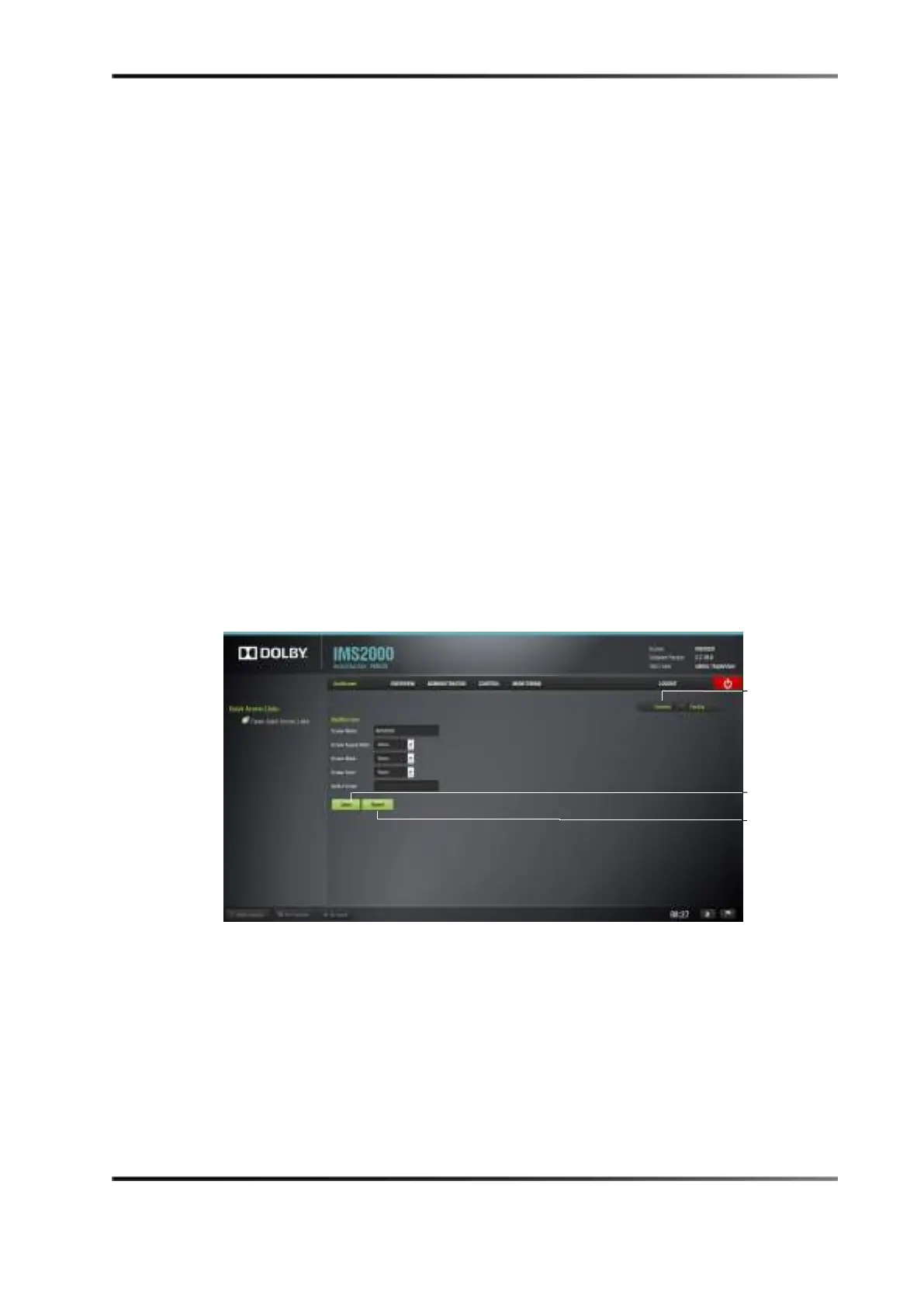
13.13.1 Auditorium Tab
The Theater Properties tab defaults to the Auditorium tab. Here you can input the
auditorium specifics (such as screen aspect ratio and screen color).
To complete the operation, click on the
Save button to save the changes.
Clicking the
Revert button without saving will cause all of the changes to be lost.
Figure 13-68 Auditorium Tab



 To Next Page