140 Dolby
®
IMS2000 Installation and User’s Manual
IMS.OM.004730.DRM Issue 3
13.13.2 Contacts Tab
The Theater Properties tab defaults to the Auditorium tab. Here you can access the
contacts tab.
To access the
Contacts tab:
1. Click on the arrow at the right side of the
Theater Properties tab.
2. Input the information of the appropriate contact for the facility.
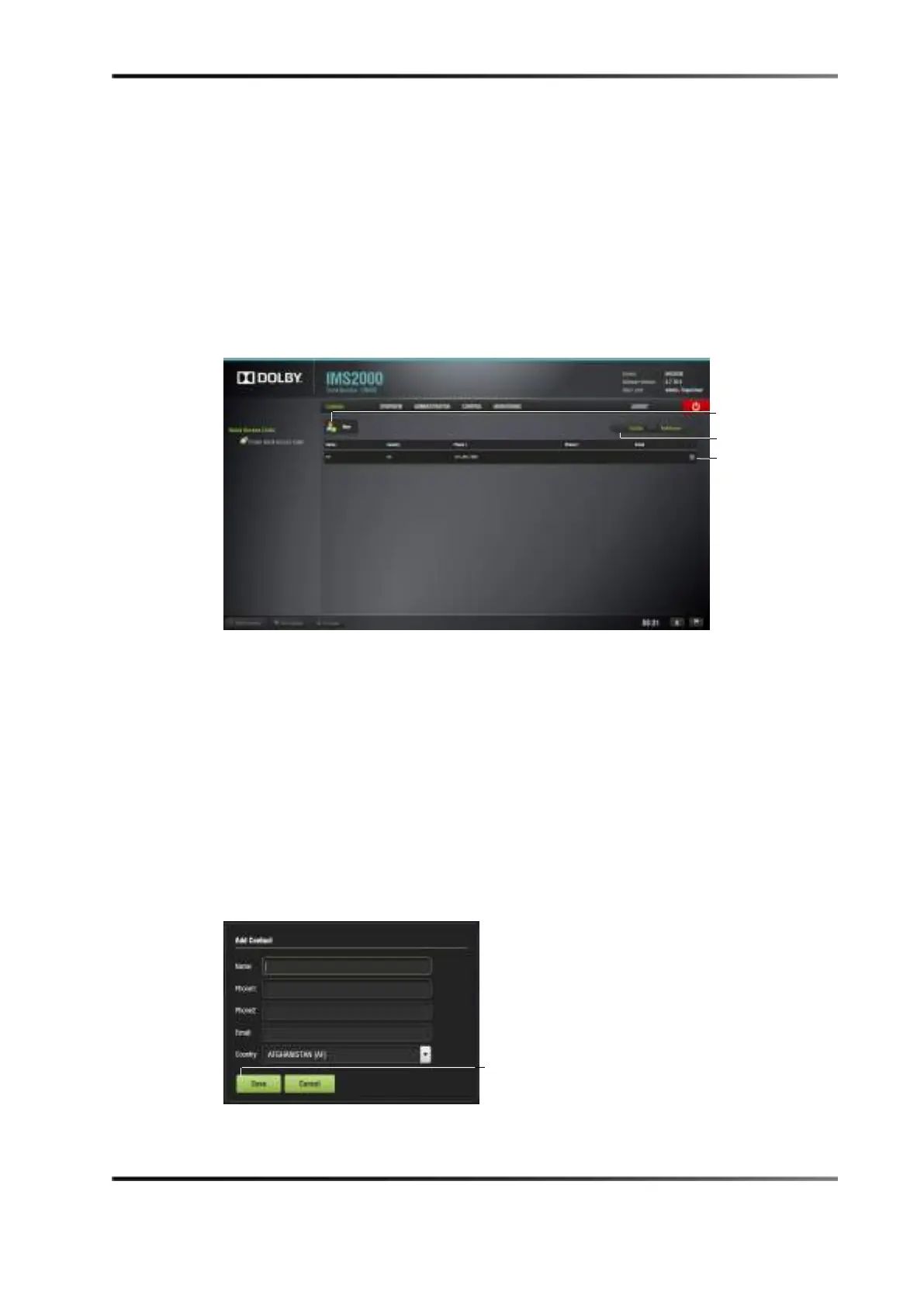
Figure 13-69 Contacts Tab
3. Click on the New button.
The
Add Contact window appears.
4. Input the appropriate information.
5. Click on the
Save button, or click the Cancel button to cancel the operation.
The contact appears in the
Contacts tab.
To delete a contact:
1. Hover over the contact.
2. Click on the
X that appears on the right.
3. The contact is now deleted.
Figure 13-70 Add Contact Window



 To Next Page