188 Dolby
®
IMS2000 Installation and User’s Manual
IMS.OM.004730.DRM Issue 3
In 3D or 48 fps mode, the IMS2000 video output is in the YCxCz color
space. The projector itself needs to be properly configured to the YCxCz
color space in 3D or 48 fps mode for proper display. Contact the projector
vendor to configure the projector properly, or
See Section 12.3.3.
14.6 Segment, Marker, and Intermission
You will have the option to add a segment, marker, or intermission to a selected show
playlist.
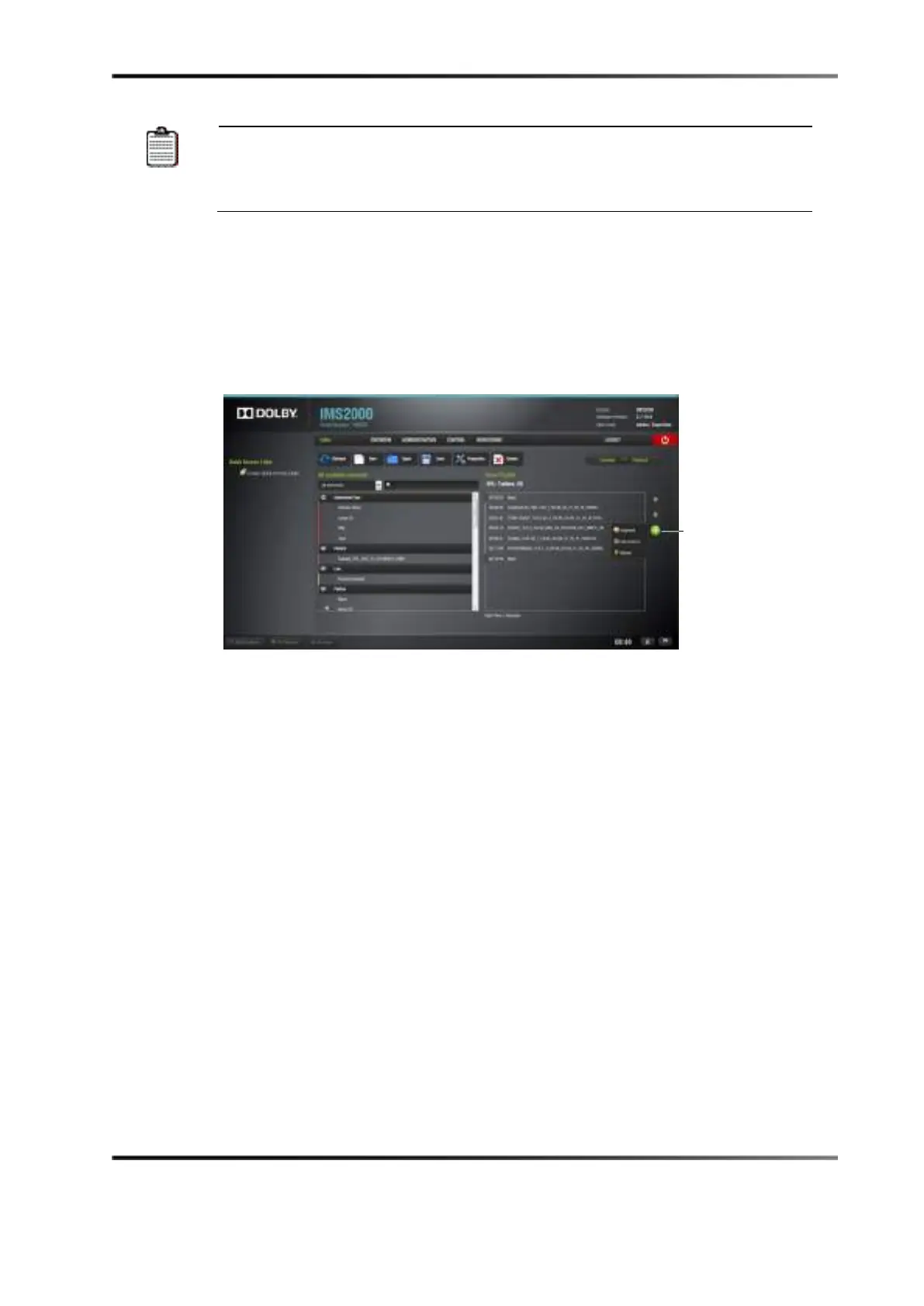
Clicking on the plus button in the CineLister
Editor tab opens a drop-down menu that
allows you to add a segment, marker, and intermission to the show playlist.
Figure 14-21 Plus Button



 To Next Page