Dolby
®
IMS2000 Installation and User’s Manual
IMS.OM.004730.DRM Issue 3 129
13.8.4 Ingesting from a Server
You will have the option of the ingesting from a server that was added manually.
In order to ingest material (restrictions are based on the advanced options settings) on
the destination unit, you will need to open the Ingest Manager application (Control >
Ingest Manager).
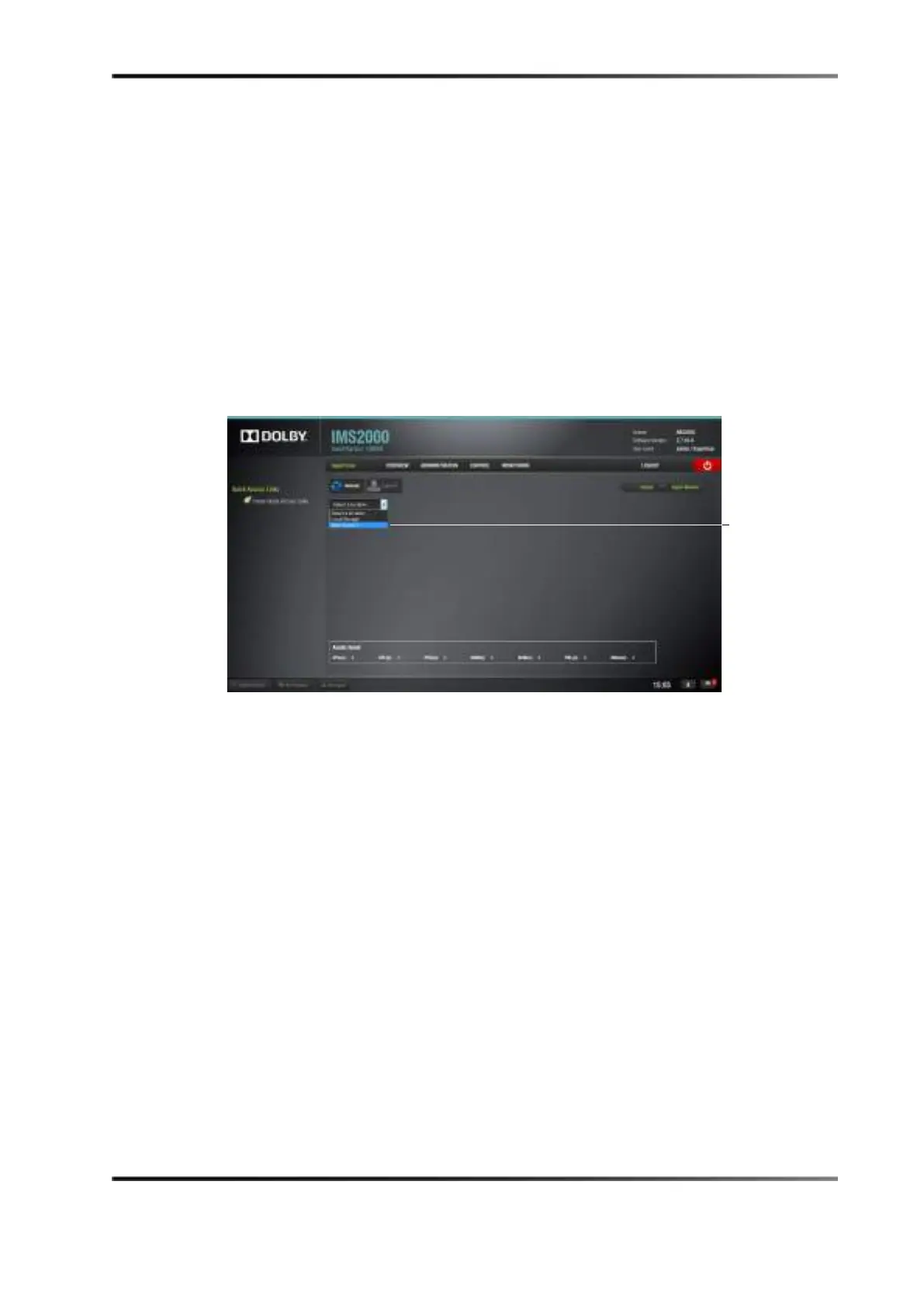
1. Select the unit that was previously added in the Content Feed Manager application as a
source/feed.
Figure 13-54 Ingesting Scan Window
2. The Ingest Manager application scan tab window will display the content available for
ingest from the selected source/feed unit.
3. Select the material to ingest.
4. Click on the Ingest button to ingest the content.



 To Next Page