Dolby
®
IMS2000 Installation and User’s Manual
IMS.OM.004730.DRM Issue 3 137
7. Click on the
Save button to save the new user.
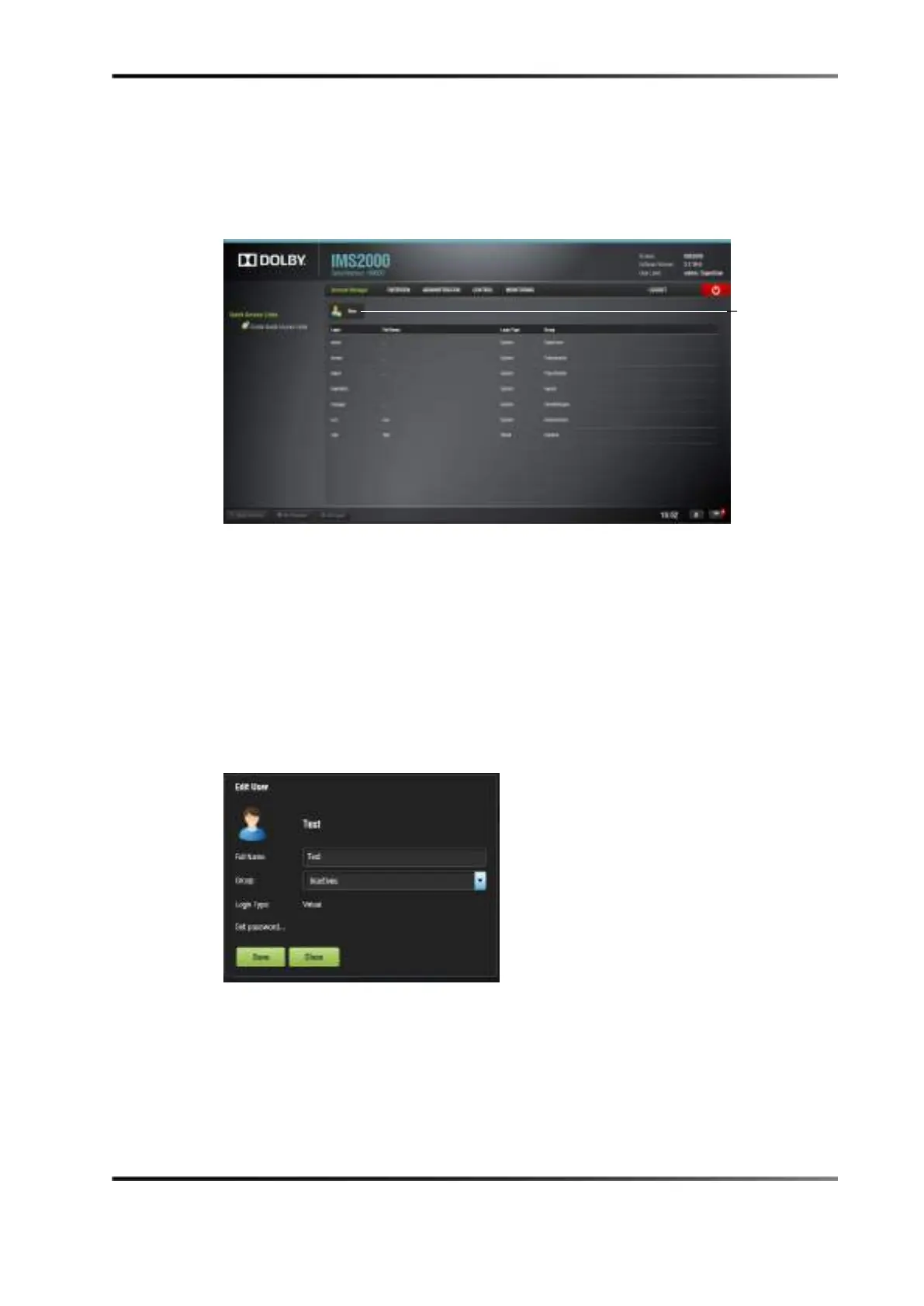
The new user account will be visible in the main
Account Manager GUI.
Figure 13-65 Account Manager GUI: New User Added
13.12.2 Edit an Existing User Account
In the Account Manager GUI, you will be able to edit an existing user account.
To edit an existing user account:
1. Select the account.
The following dialog box appears, allowing you to edit your properties but not the
user name or the login type.
Figure 13-66 Account Manager GUI: User Properties Editing
2. Click on the Save button when finished editing the settings.
3. Click on the
Close button when finished with the configuration.
account



 To Next Page