Dolby
®
IMS2000 Installation and User’s Manual
IMS.OM.004730.DRM Issue 3 107
If you try to add a device with a missing license, a message will alert you to the missing
license.
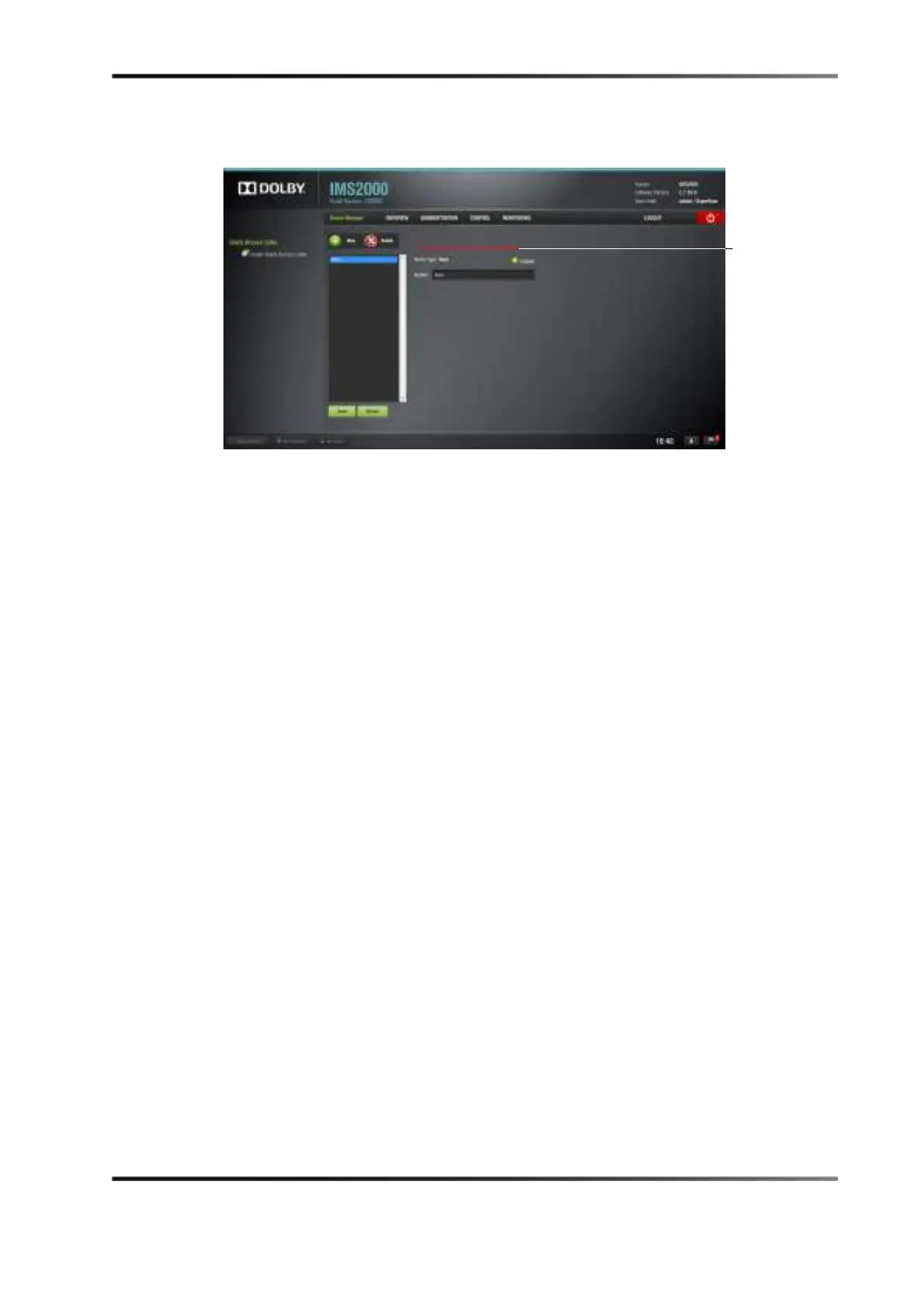
Figure 13-26 Missing License Message
13.4 Macro Editor
13.4.1 Automation Cues
An automation cue is a command that is sent from the IMS2000 to any external device
connected to the IMS2000 for the purpose of being inserted into a show playlist. Upon
installation of the IMS2000, automation cues can be predefined by the operator,
transferred from an XML file, or added manually. Automation cues can be added to CPLs
and show playlists using CineLister.
13.5 Macro Automation Cues
A macro automation cue consists of two parts, an automation cue and a Trigger Cue.
Trigger cues are explained fully in Section 12.6 . A trigger cue is an action that is sent to
the IMS2000, whereas an automation cue is sent from the IMS2000. Also, macro cues are
a sequence of actions, whereas an automation cue is only one action.
13.5.1 Creating Macros Using the Macro Editor
You can create macros using the IMS2000 macro editor.
To create macros using the macro editor:
1. Select
Administration > Macro Editor.
2. The macro editor
GUI appears.



 To Next Page