74 Dolby
®
IMS2000 Installation and User’s Manual
IMS.OM.004730.DRM Issue 3
11.2 Changing the Time Zone
To change the time zone:
1. Select
Administration > Control Panel > Time Settings, and the Date and Time tab
appears.
2. Click on the
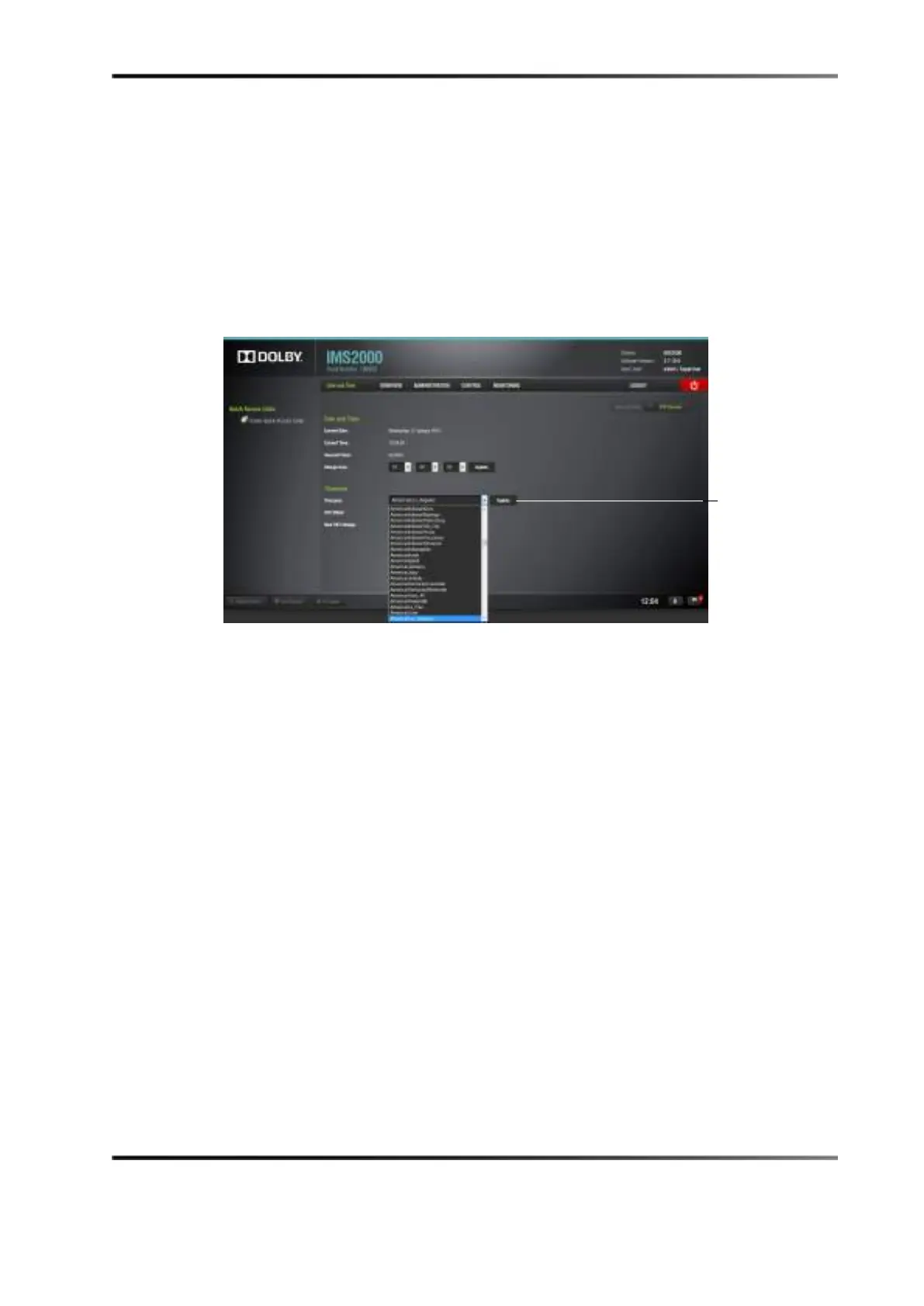
Timezone drop-down menu.
A list of time zones appears.
Figure 11-2 Selecting a Time Zone
3. Select the time zone that best represents the geographical area in which the IMS2000 is
installed.
4. When you select the appropriate time zone and it appears in theTimezone field, click
the
Update button to save this setting.
Superuser privileges are necessary to save the change.
5. Reboot the system for the changes to take effect.
button



 To Next Page