Dolby
®
IMS2000 Installation and User’s Manual
IMS.OM.004730.DRM Issue 3 101
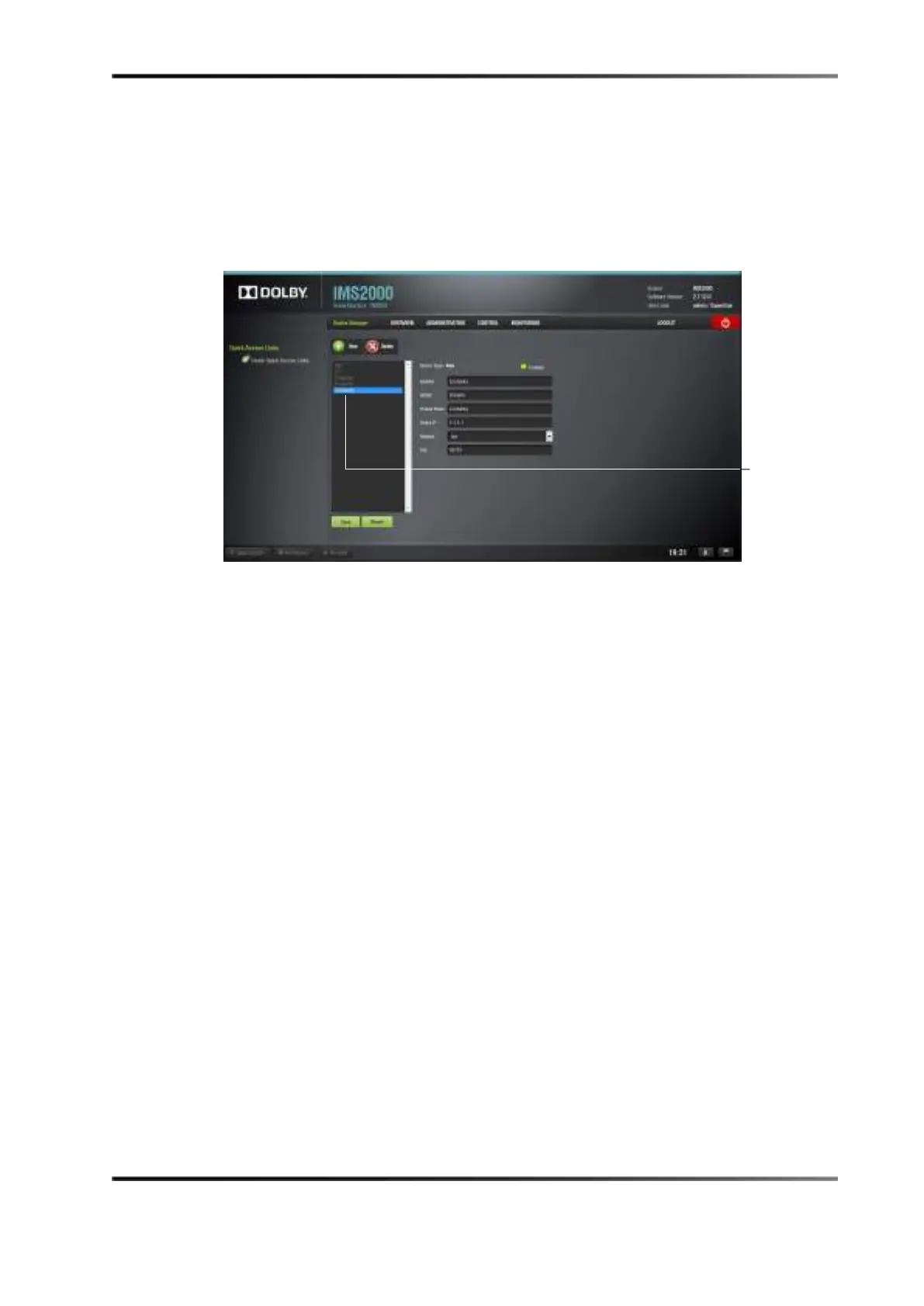
When a projector is added, a certainty device is also automatically added to allow you to
connect directly to the media block, and to easily change between SDI, HDMI™, or
internal inputs.
Figure 13-20 Certainty Added
Removing a Device or Projector
You can also remove a device or projector. To remove a device or projector:
1. Click on the device you want to remove in the left part of the
Device Manager GUI.
2. Click on the
Delete Device button.
13.3.5 Automation Libraries Management
Support for theatre automation control is also provided. The list of currently supported
devices is the following:
• eCNA.
• JNIOR.
• A prebuilt library of supported automation commands is available for each of these
two devices. These automation commands can then be added to macro cues.



 To Next Page