Dolby
®
IMS2000 Installation and User’s Manual
IMS.OM.004730.DRM Issue 3 67
The IMS2000 will need authentication to complete certain tasks. For
example, the authentication required in the password confirmation
window needs Show Manager privileges; therefore, the IMS2000 will
automatically prompt you to the manager user name. However, it is
possible to select a different user name from the drop-down list,
depending on the level of security that has been provided.
9.2 Language Setup
You are able to change the language of the operating system.
To change the language:
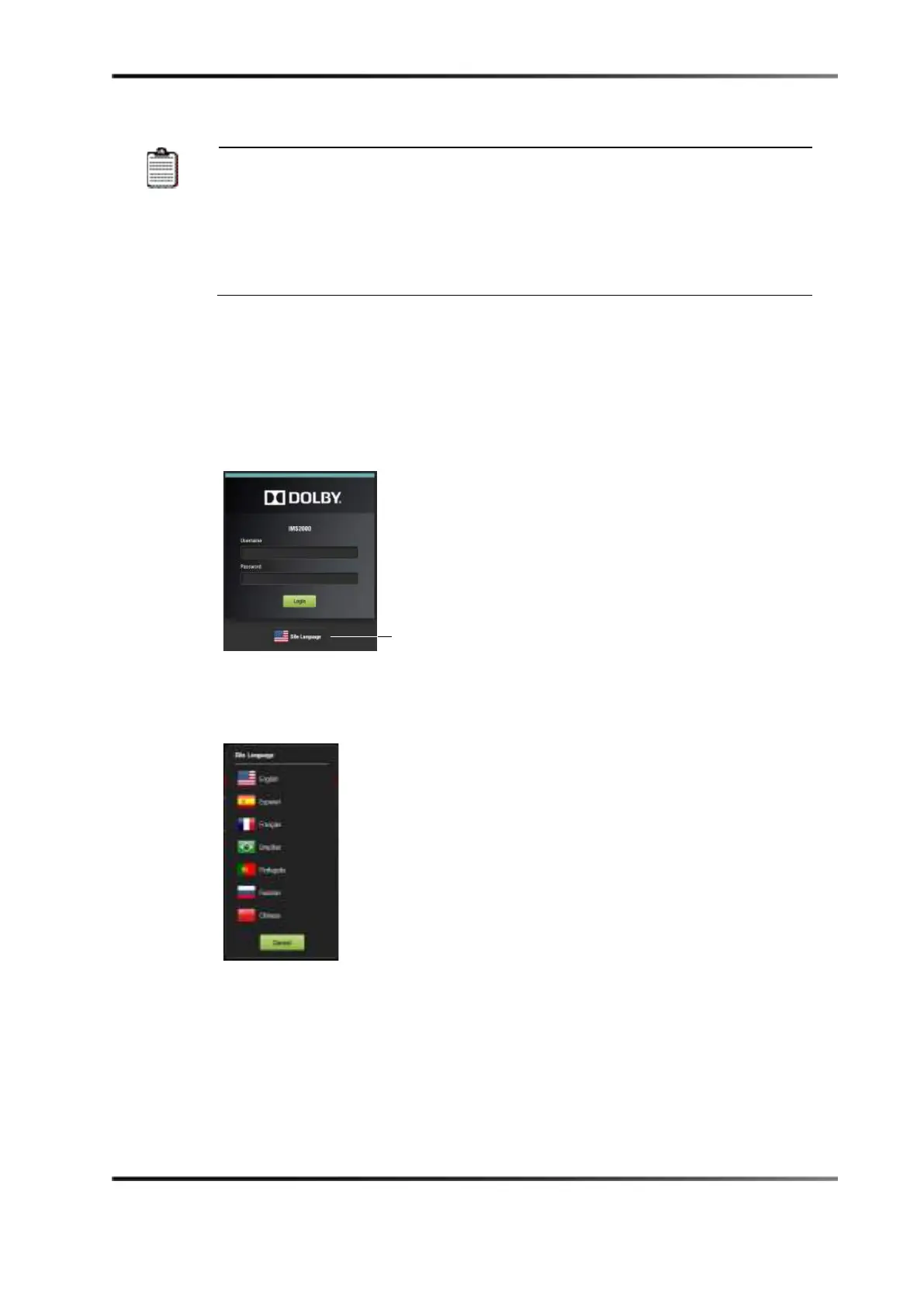
1. Click on the
Site Language button on the login window (see Figure 8-4).
Figure 9-4 Login Window
2. Select the language in the window that appears (see Figure 8-5).
Once selected, the language will change throughout each application.
Figure 9-5 Language Selection Window
button



 To Next Page