Dolby
®
IMS2000 Installation and User’s Manual
IMS.OM.004730.DRM Issue 3 77
Chapt er 1 2 Using the O v e r v i e w Ta b
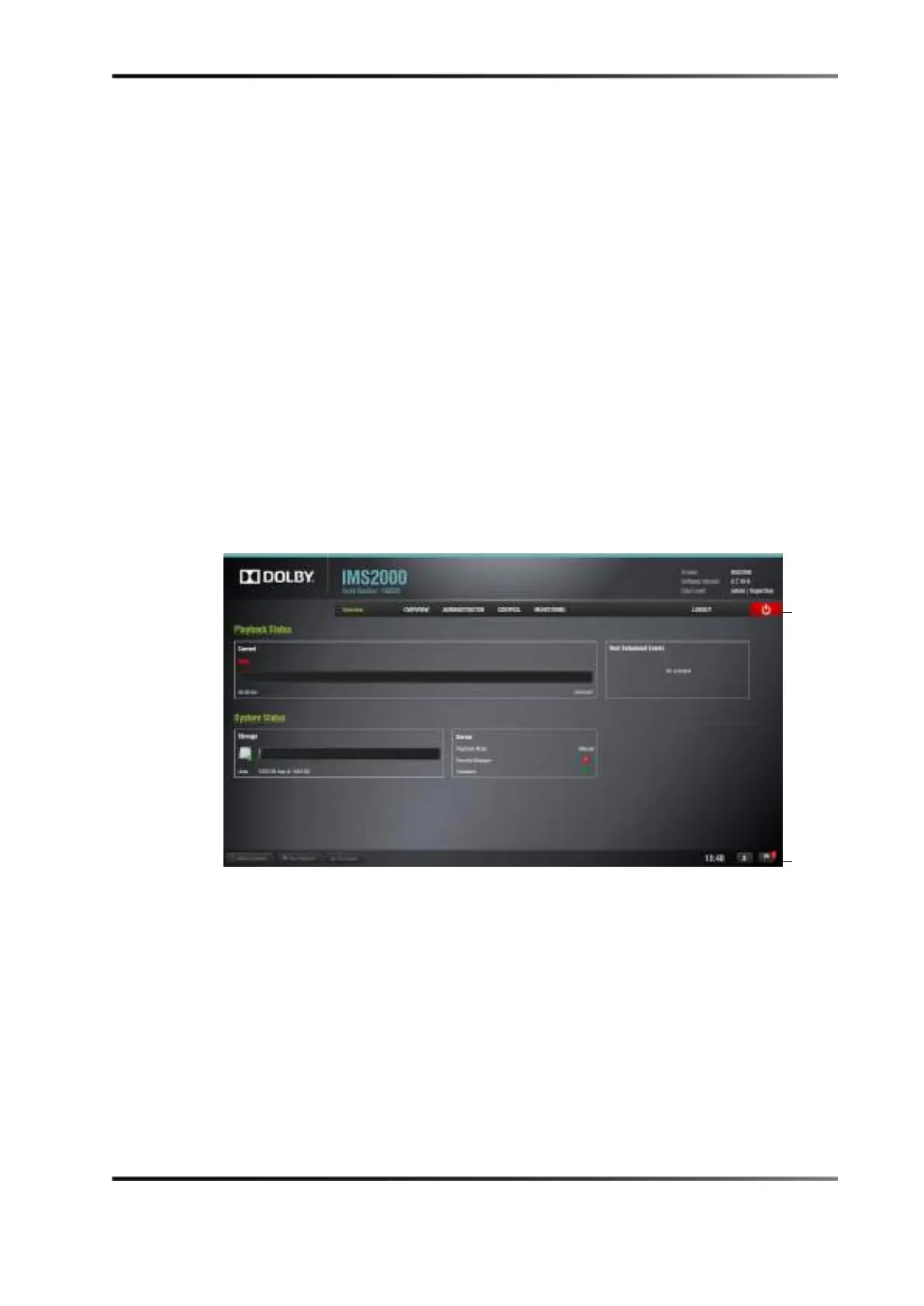
The Overview tab will always display first upon logging in to the IMS2000 GUI. This tab
provides you with a snapshot of the current system status. The top section of the screen,
labeled
Playback Status, will display the current playback status along with any
upcoming show playlist schedules.
The lower part of this screen displays the current system status and is divided into two
sections for storage and IMS2000 information. Hot links on this tab provide quick access
to the respective functions.
From the top tabs bar, you can navigate to the
ADMINISTRATION tab, CONTROL tab, or the
MONITORING tab.
Figure 12-1 Overview Tab



 To Next Page