Dolby
®
IMS2000 Installation and User’s Manual
IMS.OM.004730.DRM Issue 3 111
13.5.4 Adding a GPO Action to the Macro Automation Cue
To add a GPO action to the macro automation cue:
1. Highlight the macro cue.
2. Select the GPO option, which is located in the input/output section in the
Select an
Action to Insert
drop-down menu.
3. Click on the
Insert button.
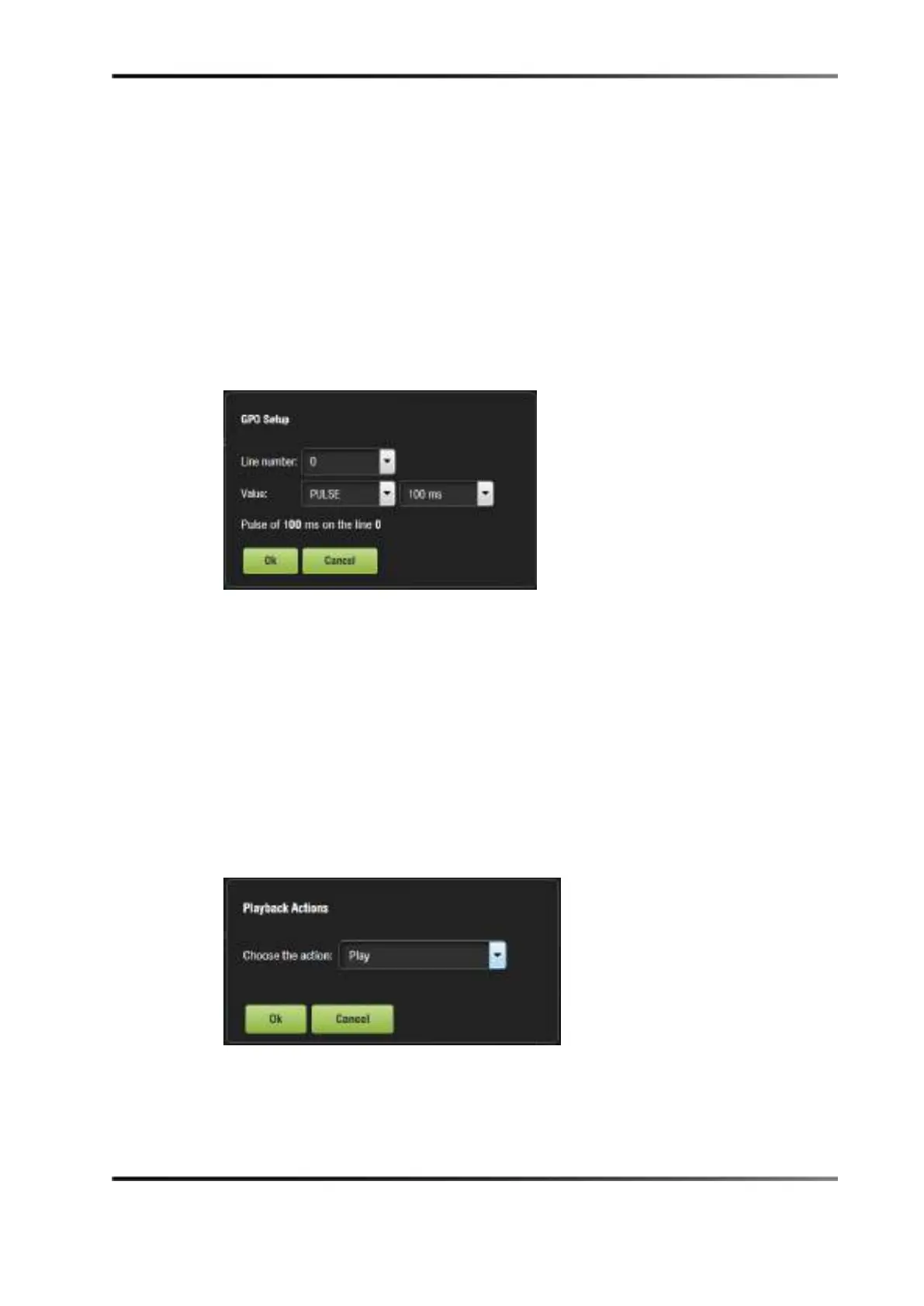
The following window appears.
Figure 13-31 GPO Setup Window
4. Set the line number and value according to the usage, and click on the Ok button.
13.5.5 Adding a Playback Action
To add a playback action:
1. Highlight the macro cue.
2. Select the Playback Actions option, which is located in the playback section in the
Select an action to insert drop-down menu.
3. Click on the Insert button.
The following window appears.
Figure 13-32 Playback Actions Setup Window
4. Select the proper playback action between Play, Pause, Toggle Play/Pause, Recue
Show, Rewind, Skip to Next Clip, Skip to ShowPlaylist Segment, or Exit from
Intermission, and click on the Ok button.



 To Next Page