Dolby
®
IMS2000 Installation and User’s Manual
IMS.OM.004730.DRM Issue 3 153
13.17.2 Restoring the System to a Previous Backup
This section applies to units that have had any storage component changed. Every time a
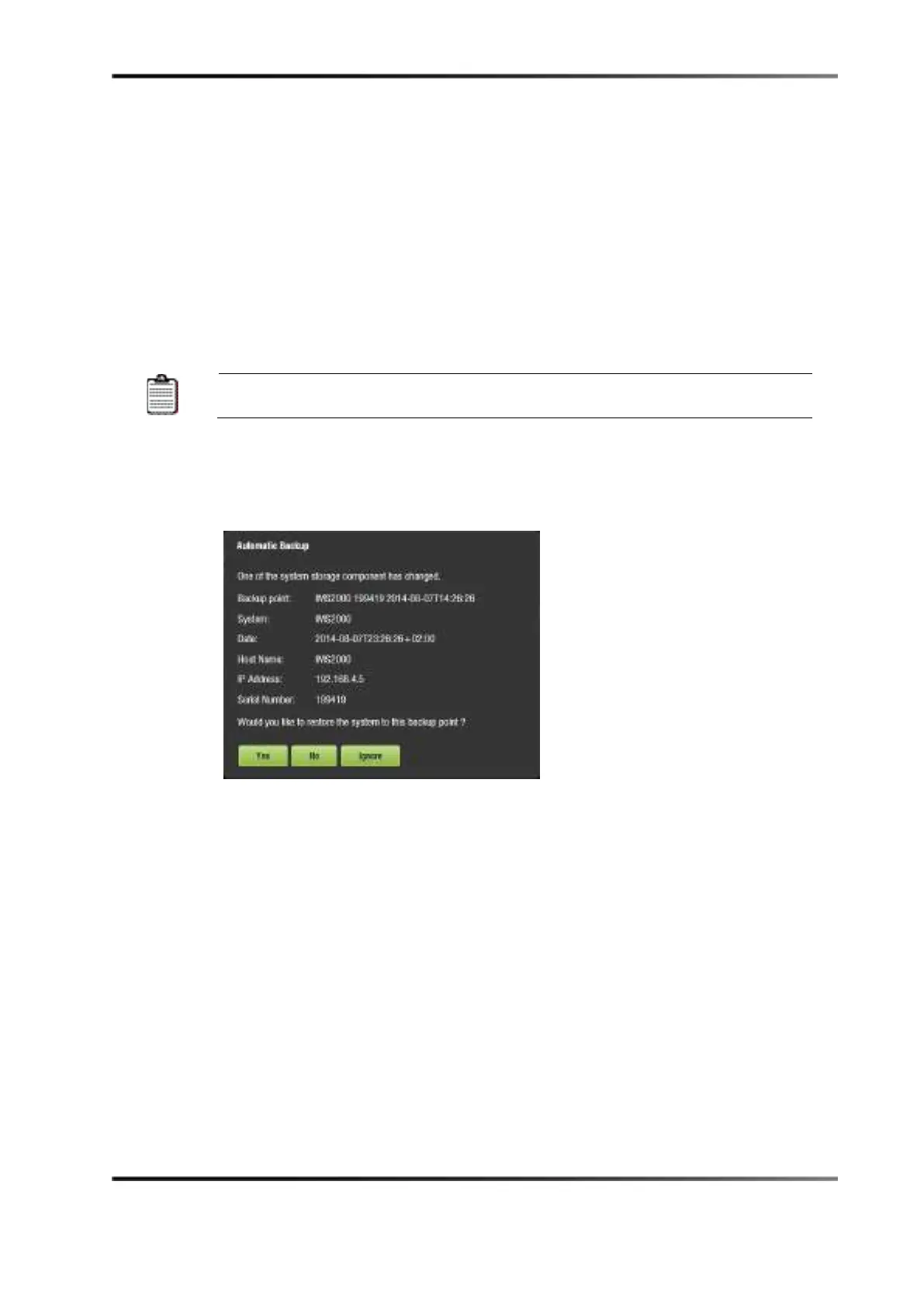
storage component has changed, you will receive a message asking to restore the
configuration files:
•
Yes: You can choose to restore now by clicking on the Yes button. This will restore
the configuration files on the RAID to the new USB flash drive.
•
No: You can choose not to restore now by clicking on the No button. This will
generate a backup file based on the current configuration on the flash drive and place
it on the RAID.
If you select No by mistake, you can manually restore the latest
configuration from the second most recent record.
•
Ignore: You can choose to ignore the message for now by clicking on the Ignore
button. This performs no restore or backup processes.
13.17.3 Restoring the Configuration Files
Figure 13-88 Restore Confirmation
To restore the configuration files now:
1. Click on the
Yes button.
A confirmation window appears, asking to proceed with the restoration process.
2. Click on the
Yes button.
A login window appears.
3. Enter the appropriate password.
4. Click on the
Ok button.
The restore process will now begin.



 To Next Page