144 Dolby
®
IMS2000 Installation and User’s Manual
IMS.OM.004730.DRM Issue 3
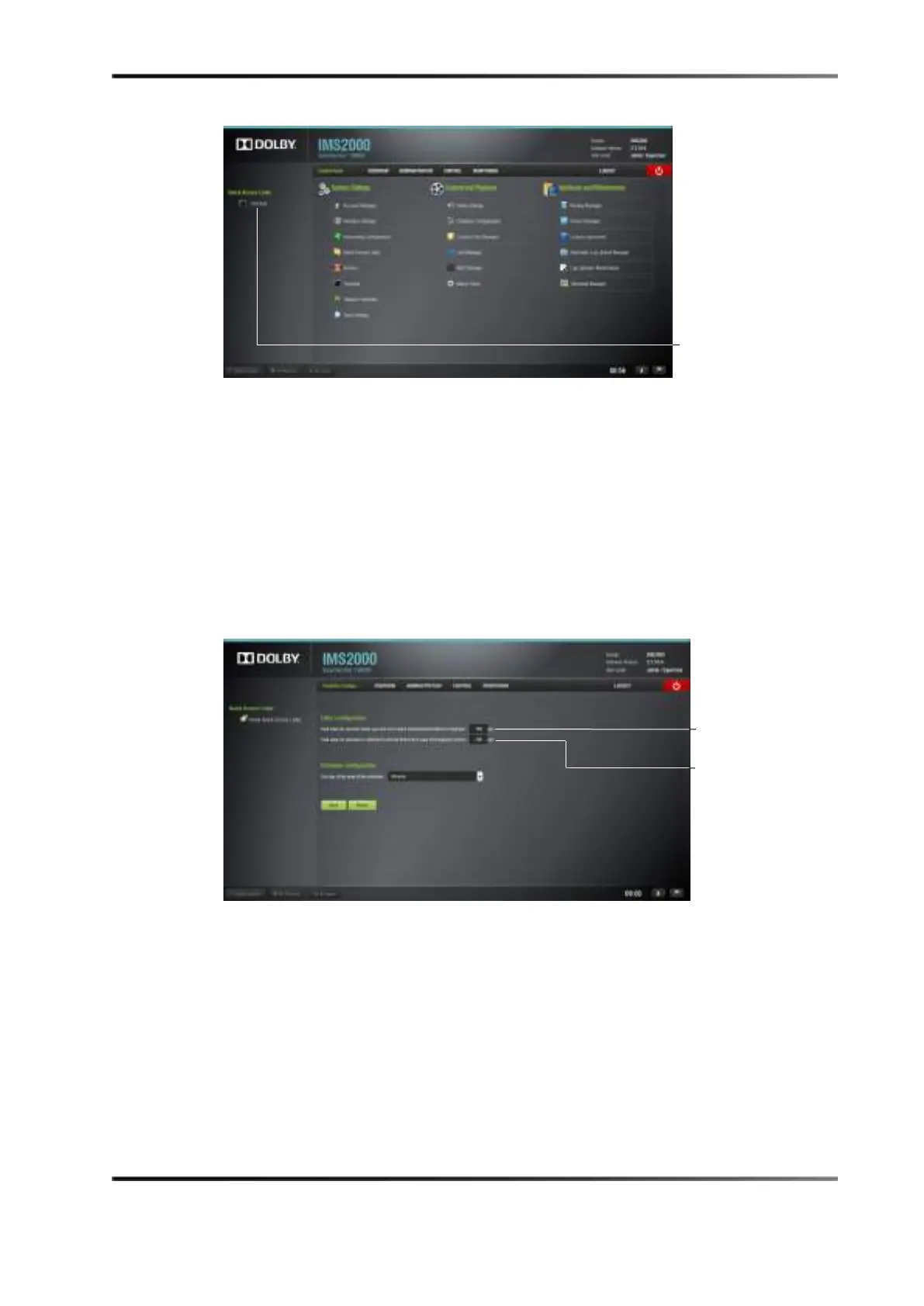
Figure 13-76 Link Added
13.15 CineLister Configuration
The CineLister configuration application allows you to configure certain components of
the CineLister application. CineLister is discussed in detail in Chapter 13.
To access the CineLister configuration application, select
Administration > Control Panel >
Cinelister Configuration.
13.15.1 Editor Configuration
Figure 13-77 CineLister Configuration Editor
To modify the amount of time that the fast-forward and rewind buttons will jump to in
playback:
1. Type the amount of seconds in the space provided.
2. Click on the
Save button to save the settings.
To modify the amount of time that playback will rewind to in the case of an emergency
recovery:
1. Type the amount of seconds in the space provided.
rewind value



 To Next Page