Dolby
®
IMS2000 Installation and User’s Manual
IMS.OM.004730.DRM Issue 3 71
10.3 Network Reset
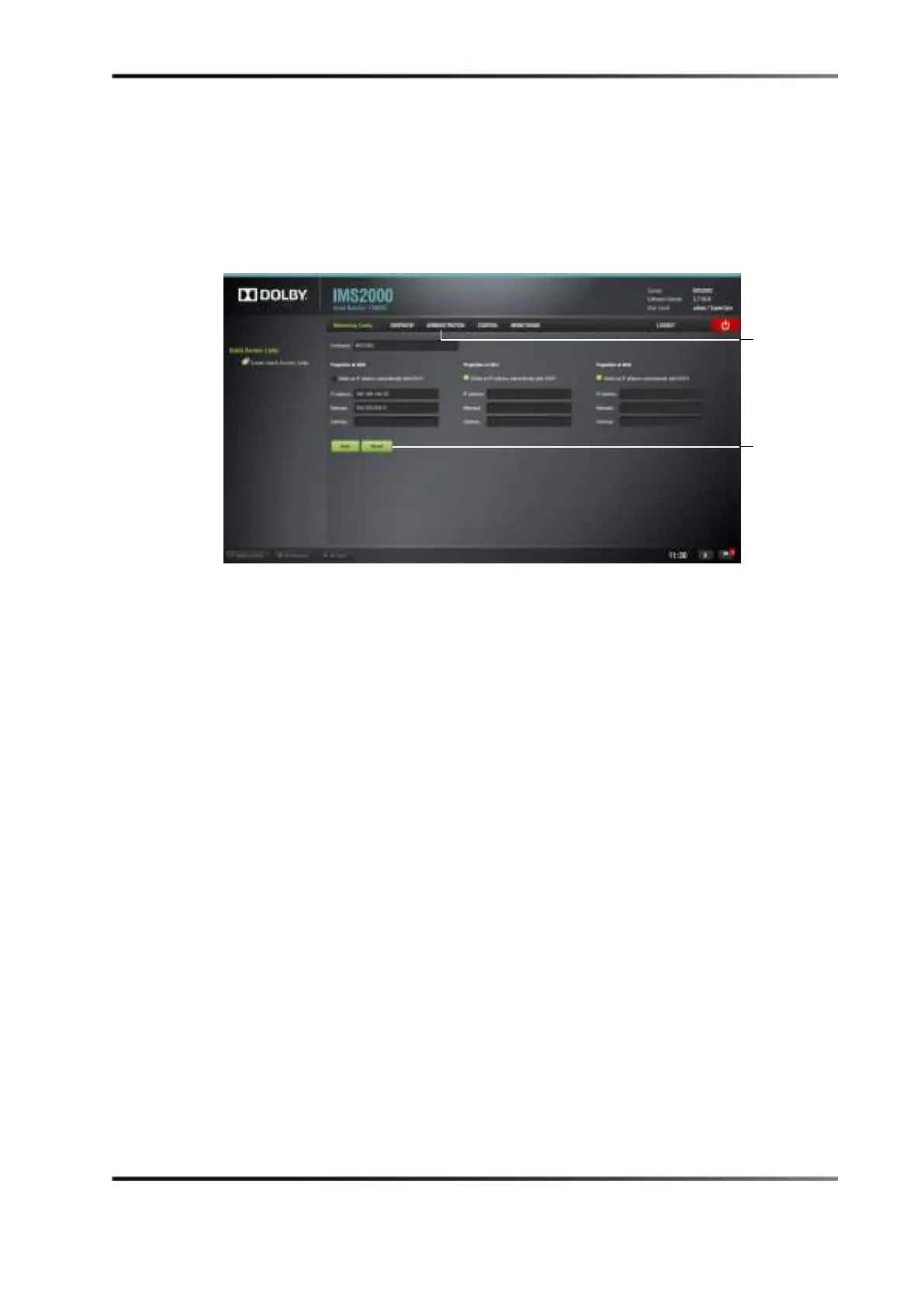
To can reset the network settings (if these settings require changes).
1. Select
Administration > Control Panel > Networking Configuration.
2. Click on the
Revert button (see Figure 9-3).
Figure 10-3 Network Configuration Window



 To Next Page