70 Dolby
®
IMS2000 Installation and User’s Manual
IMS.OM.004730.DRM Issue 3
2. You will need to populate the following field:
•
Hostname
We recommend entering the circuit location/screen number in the host
name field (for example, Screen-1, as it will be easier to identify in the
• Properties of ETH-0, ETH-1, and ETH-2:
o IP address
Do not put leading zeros (0) in front of any numbers. For example, do not
input 192.168.100.050.
• Netmask
• Gateway
You can use the tick box for all three of these settings to obtain an IP
address automatically with DHCP.
Click on th e
You will be prompted to key in a password to keep these settings. See your system
administrator for this password.
Superuser privileges are necessary to be able to confirm the changes. If you are
already logged in with superuser privileges, a password window will not appear.
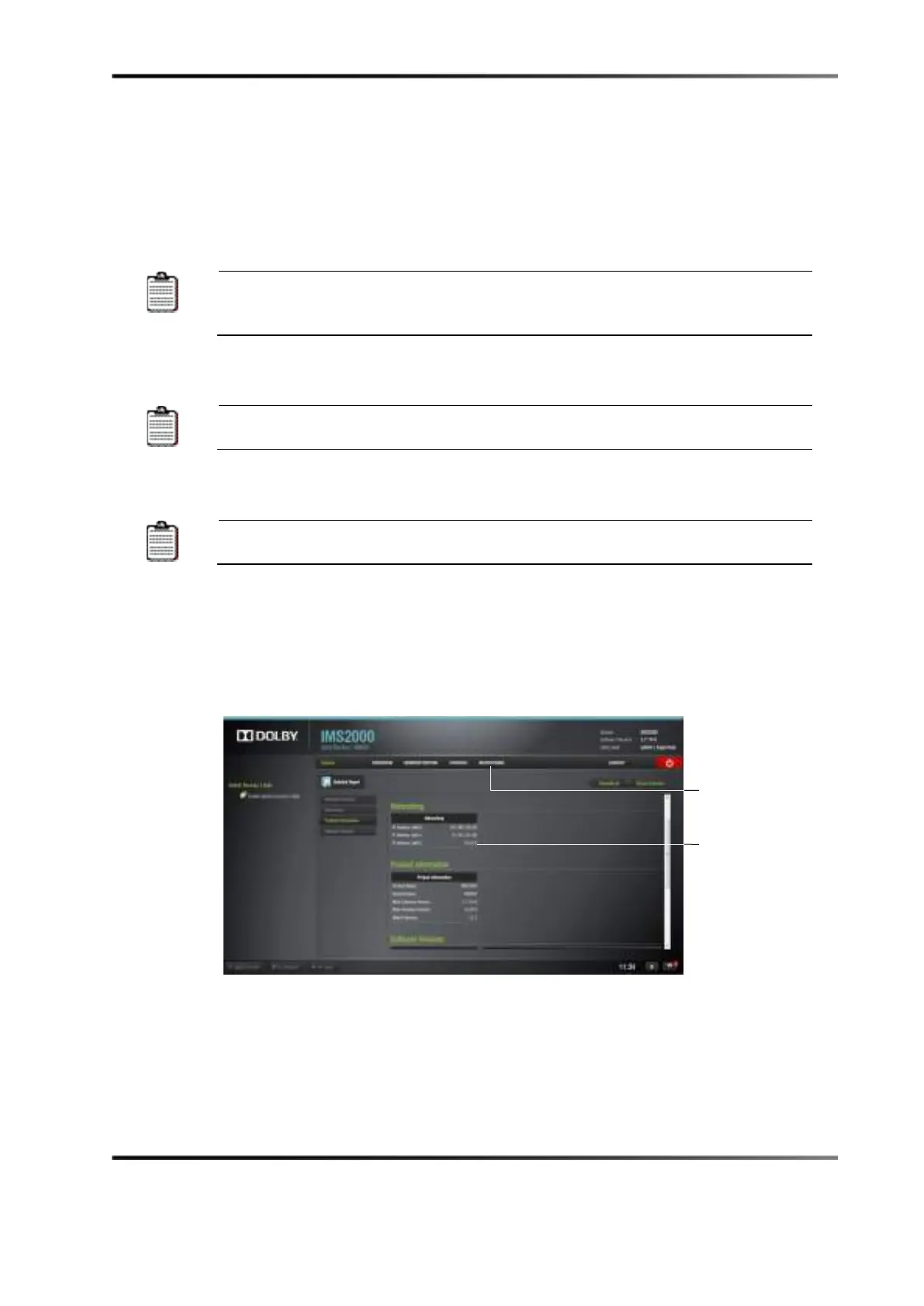
2. To verify the setup, select
Monitoring > Diagnostics > System > Networking and verify
the IP address listed in the area labeled
Networking (see Figure 9-1).
Figure 10-2 System Monitoring Tab



 To Next Page