184 Dolby
®
IMS2000 Installation and User’s Manual
IMS.OM.004730.DRM Issue 3
14.4.2 Deleting a Show Playlist
You are able to delete an existing show playlist from the CineLister application.
To perform the operation:
1. Open the show playlist.
2. Click on the
Delete SPL button.
A password is required to complete this operation. Superuser privileges are
necessary to confirm the changes. If you are already logged in with superuser
privileges, the password confirmation window will not appear.
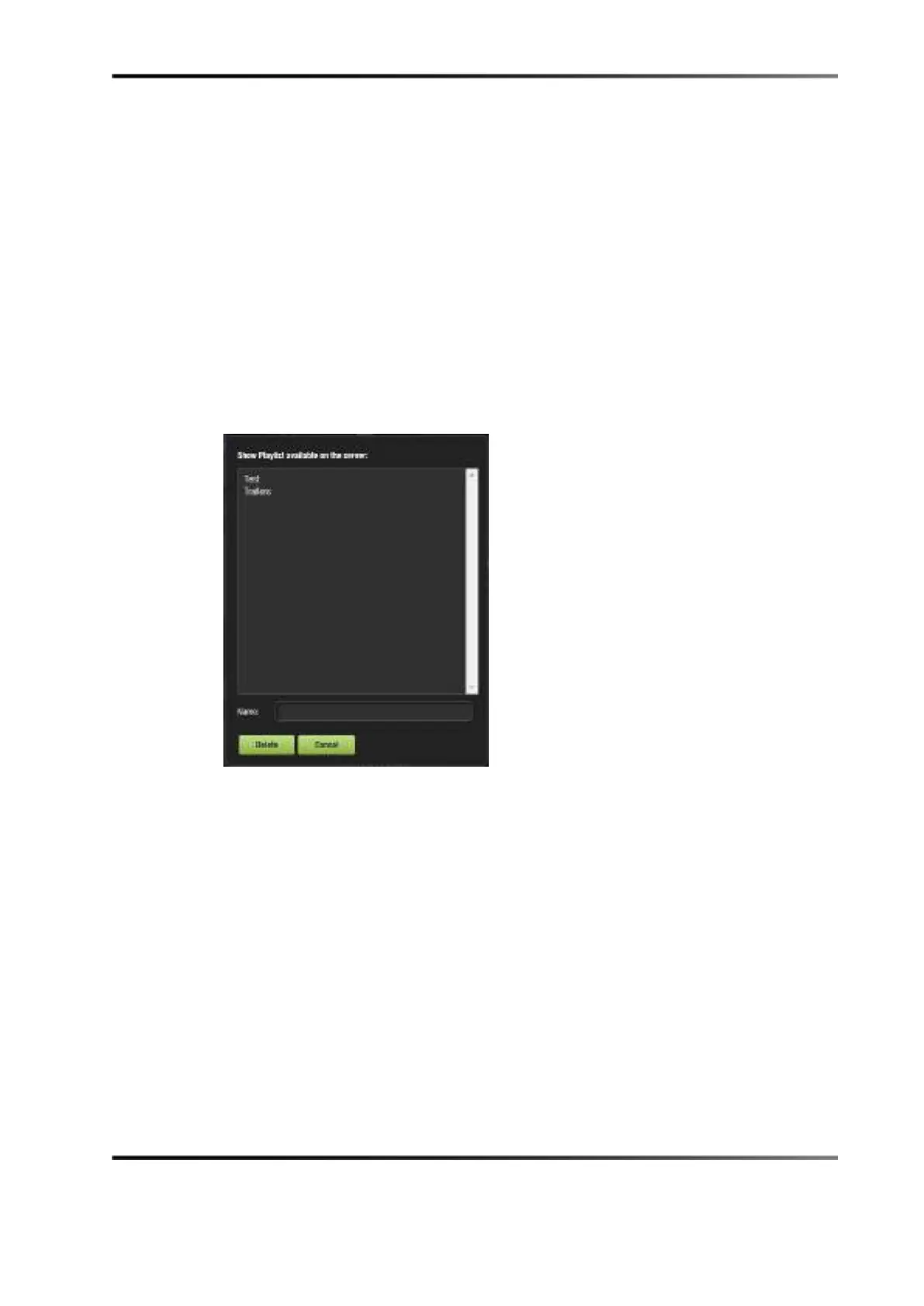
3. The
Delete window appears.
Figure 14-15 Delete Show Playlist Window
4. Select the show playlist to delete, and click Delete.



 To Next Page