260 Dolby
®
IMS2000 Installation and User’s Manual
IMS.OM.004730.DRM Issue 3
16.3 Remove Button
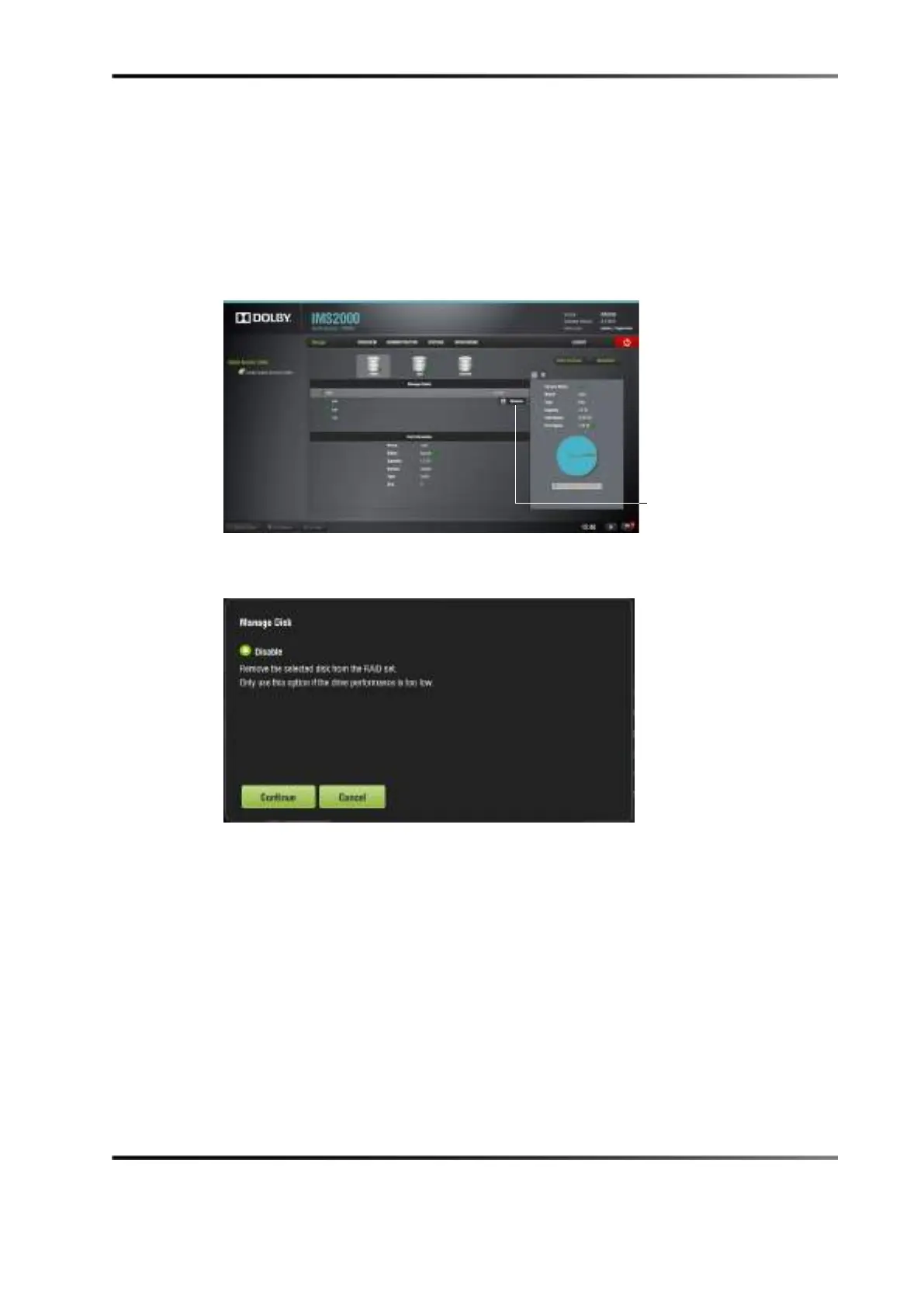
To remove a drive without shutting down the unit:
1. Select the diagnostics application.
2. Hover over the drive.
3. Click on the
Remove button.
You will be asked to confirm the action.
Figure 16-6 Remove Button
4. Click on the Continue button.
Figure 16-7 Disable Drive



 To Next Page