130 Dolby
®
IMS2000 Installation and User’s Manual
IMS.OM.004730.DRM Issue 3
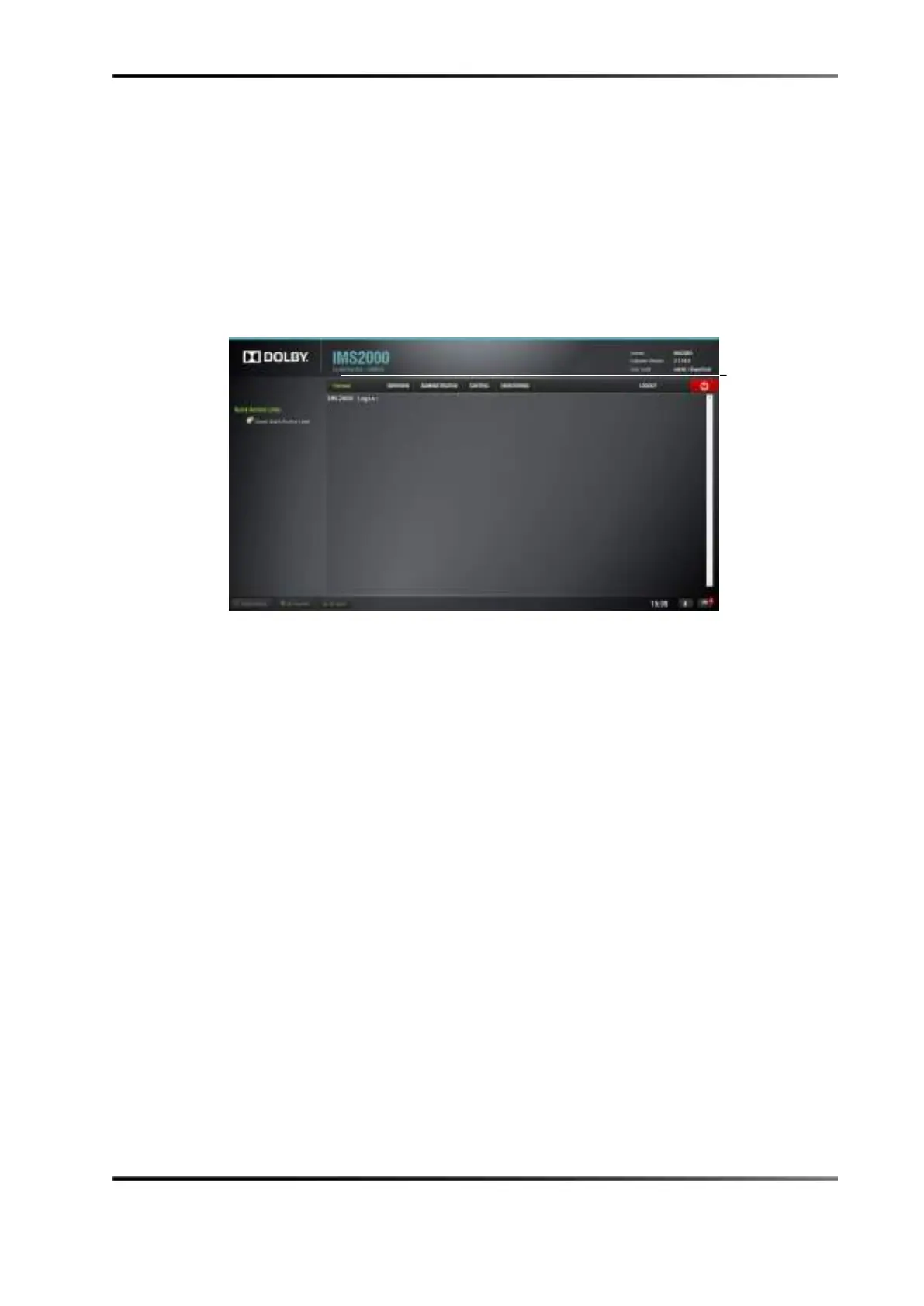
13.9 Terminal
The terminal is used mainly for administrative purposes:
1. To log into the
Terminal tab, select Administration > Terminal.
2. Enter the administrator user login name and password.
If possible, all changes made to settings should be performed through the
Terminal
GUI.
Figure 13-55 Terminal Login
13.10 System
The System tab (Administration > System) allows you to restart, shut down, and place the
unit in standby mode:
• To restart the IMS2000, click on the
Restart button. You will be disconnected from the
web interface in five seconds. You have the option to cancel the action.
• To shut down the system, click on the
Shutdown button.
• To place the unit in standby, click on the
Standby button.
You will be asked to confirm the operation.



 To Next Page