Dolby
®
IMS2000 Installation and User’s Manual
IMS.OM.004730.DRM Issue 3 141
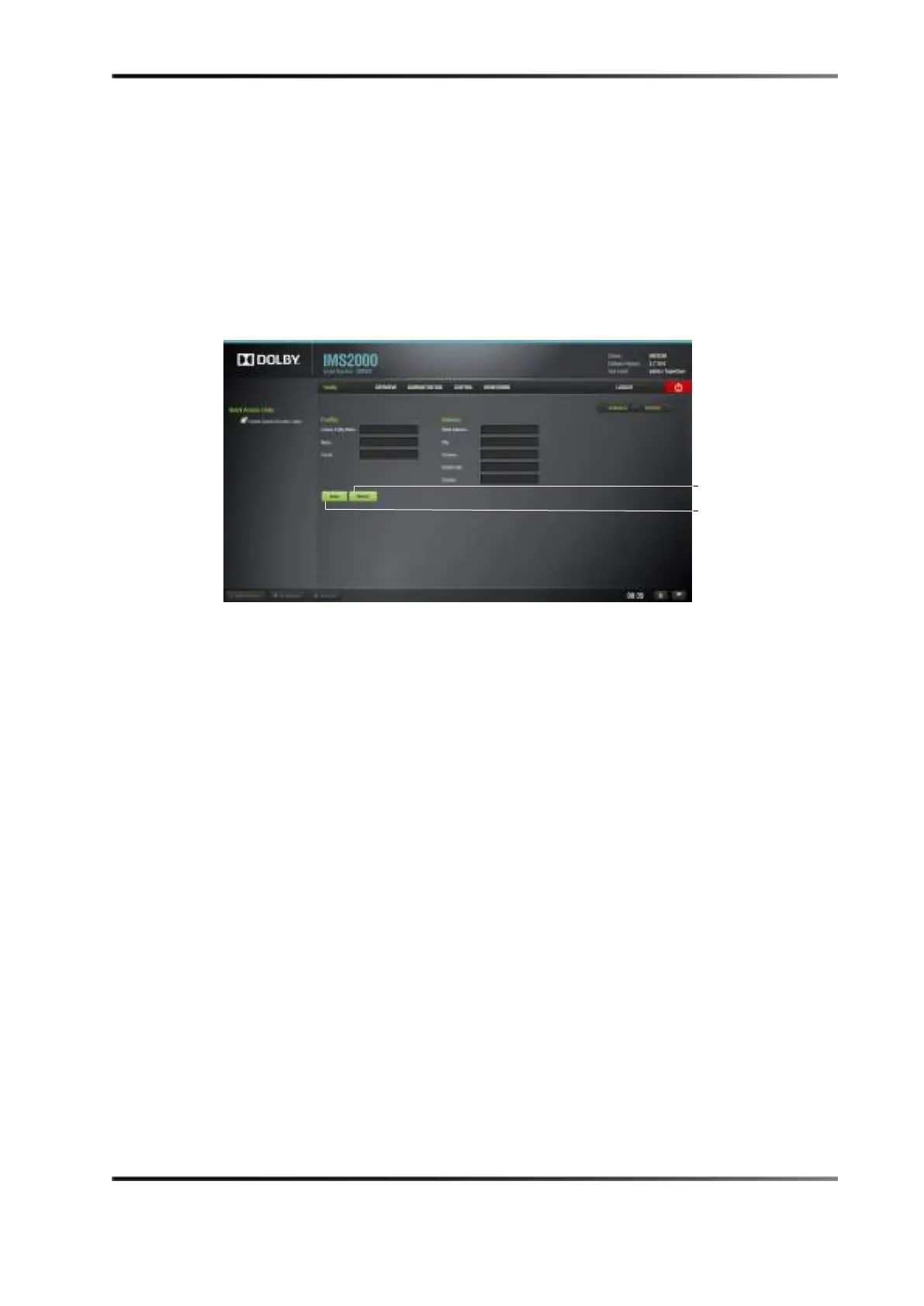
13.13.3 Facility Tab
You can access the Facility tab from the Theater Properties tab.
To access the
Facility tab:
1. Click on the arrow at the right side of the
Theater Properties tab.
2. Input the facility name and address if required.
3. Click on the
Save button to save the changes.
Clicking on the
Revert button without saving will cause all of the changes to be lost.
Figure 13-71 Facilities Tab



 To Next Page