Dolby
®
IMS2000 Installation and User’s Manual
IMS.OM.004730.DRM Issue 3 317
30.2.2 Netgear: ReadyNAS 2120
To verify the SNMP function is on:
1. Log in to the NAS device GUI.
2. Click on the
Systems button.
3. Click on the
Settings tab.
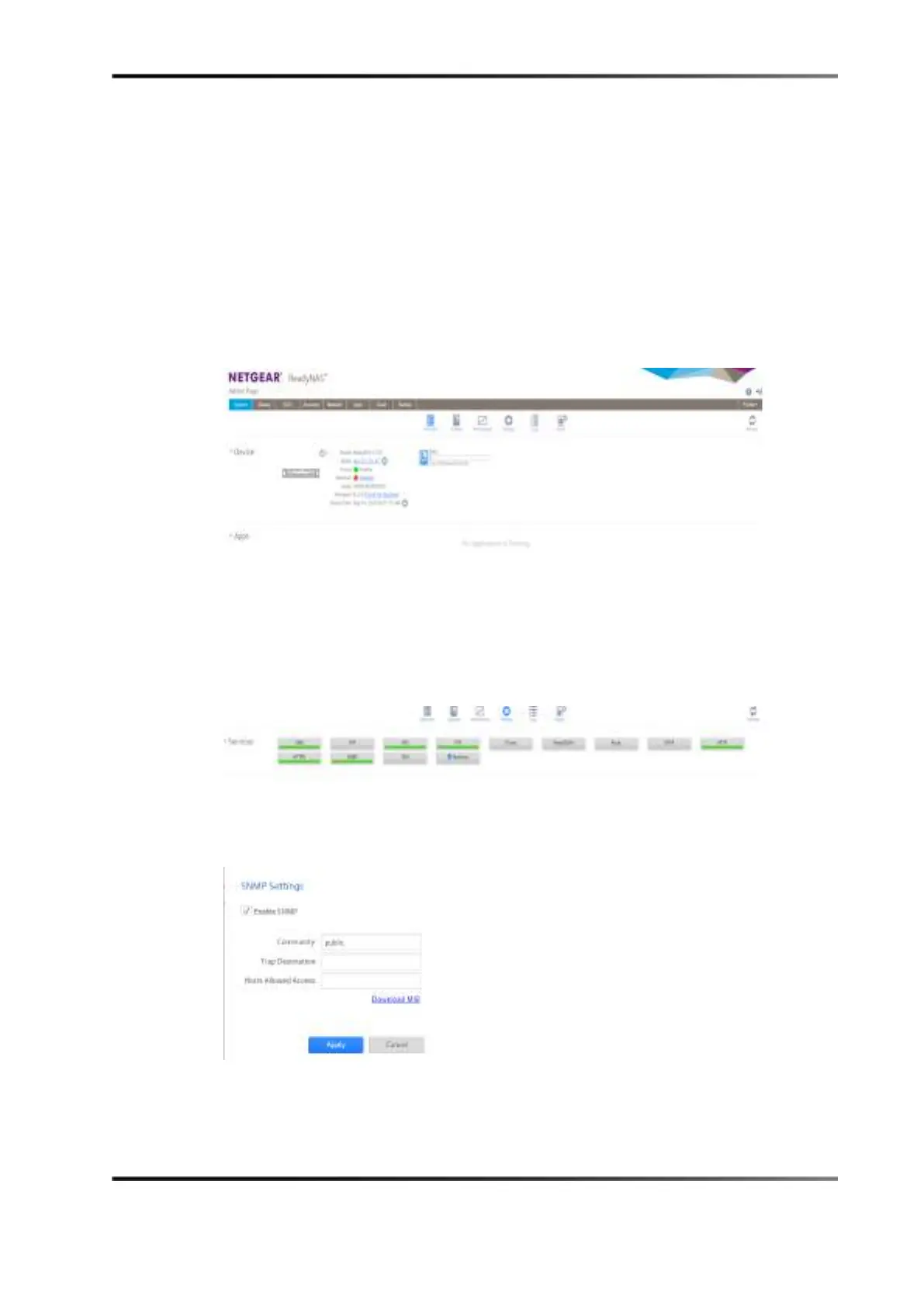
Figure 30-4 Home Screen: ReadyNAS 2120
4. Click on the SNMP button in the Services section.
Figure 30-5 Services Section
5. Verify that Enable SNMP is check marked.
Figure 30-6 SNMP Settings Window
6. Click on the Apply button to save the settings.



 To Next Page