176 Dolby
®
IMS2000 Installation and User’s Manual
IMS.OM.004730.DRM Issue 3
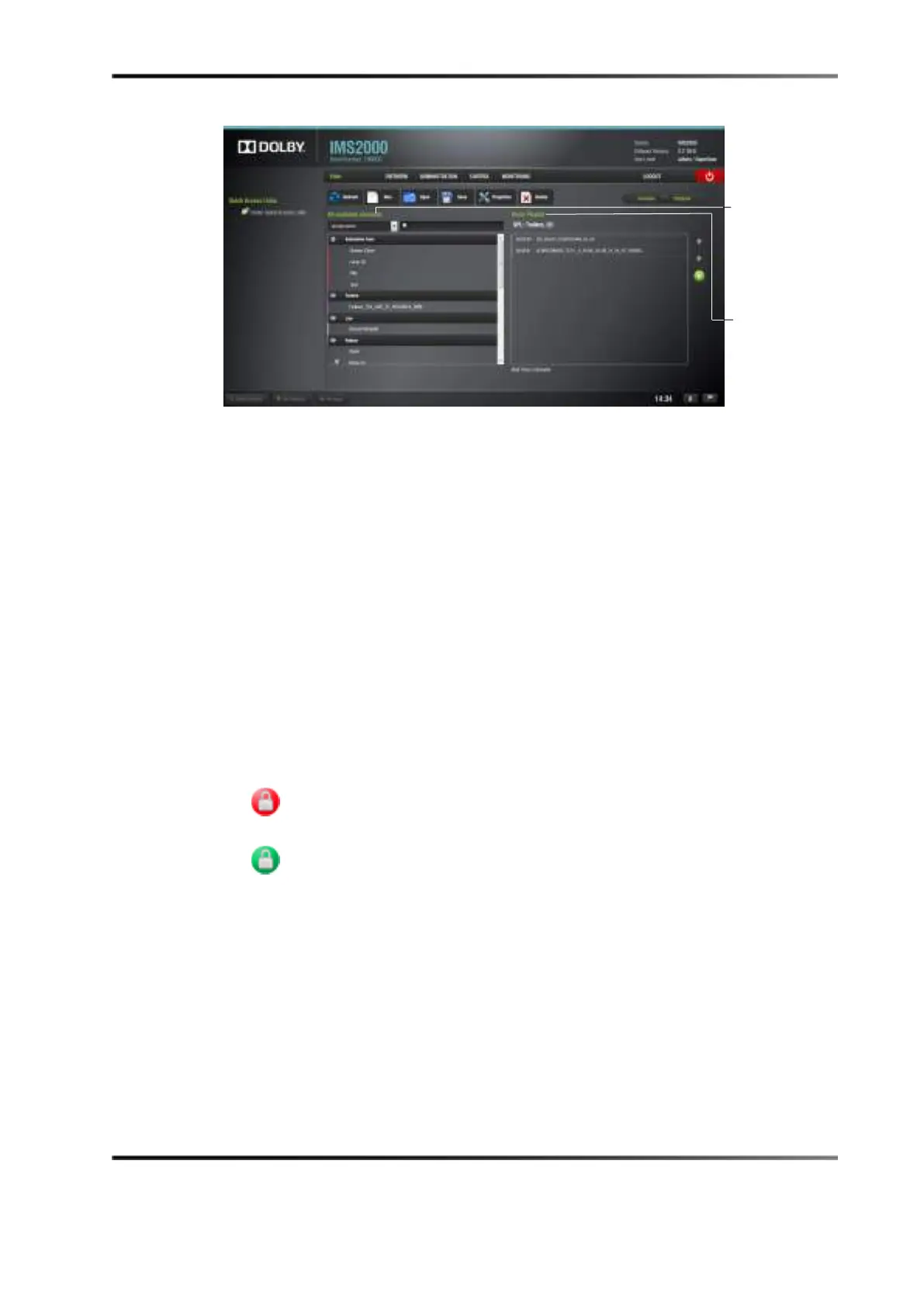
Figure 14-2 Editor Tab
14.2.1 Show Playlists
A show playlist is a succession of Composition Playlists (CPLs), automation cues, and
trigger cues. Show playlists make up the chain of events that account for the playback of
a show. Using CineLister, you can create and edit show playlists. Following are the types
of elements that you can use when creating a show playlist:
• Audio/visual content (for example, features, test content, trailers, live, and so on)
• Automation cues (macro automation events)
• Trigger cues (events upon which a macro automation cue is executed)
14.2.2 Audio/Visual Content
When the audio/visual content is encrypted, an icon is displayed with the content:
•
Lock icon with red button: The required KDM is not available. Thus, the content
cannot be played.
•
Lock icon with green button: A valid KDM is available for that content and
that content can be played.
playlist
content



 To Next Page