Dolby
®
IMS2000 Installation and User’s Manual
IMS.OM.004730.DRM Issue 3 171
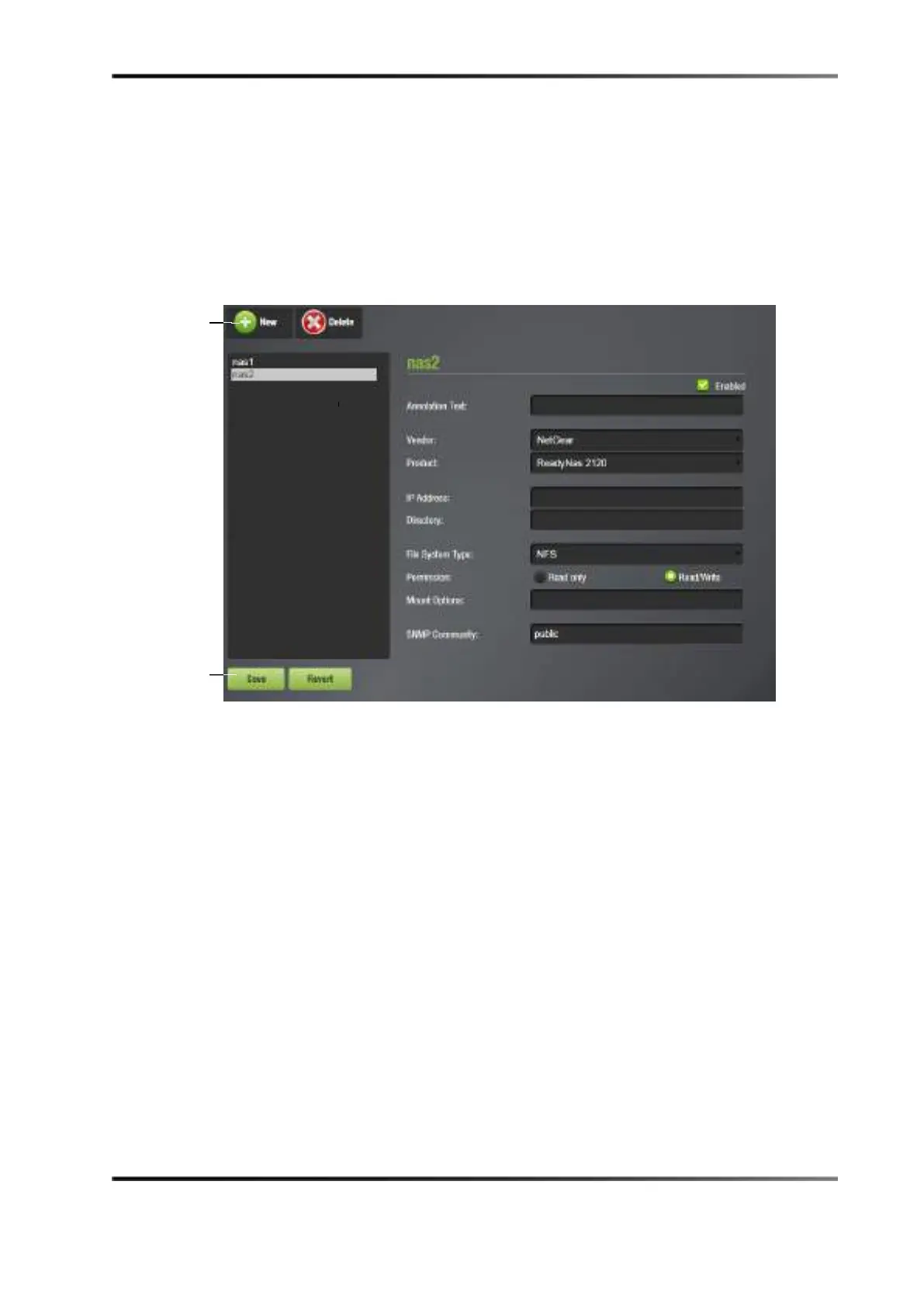
To add an NAS source:
a. Select
Administration > Control Panel > NAS Manager.
b. Click on the
New button.
c. Populate the fields with the appropriate information.
d. Ensure that the
Enabled check box is selected.
e. Click on the
Save button to save the source.
Figure 13-116 NAS Manager
13.22.1 Verifying NAS Connection
To verify the status of the NAS connection:
• Go to
Monitoring > Diagnostics > Storage.
• Click on the removable storage icon button.
• Verify that the status in the
Unit Information section is Normal.
If the NAS device is showing a warning or error message, refer to Chapter 30 for
information on how to troubleshoot the problem.
button



 To Next Page