Dolby
®
IMS2000 Installation and User’s Manual
IMS.OM.004730.DRM Issue 3 253
15.6.2 Log Download
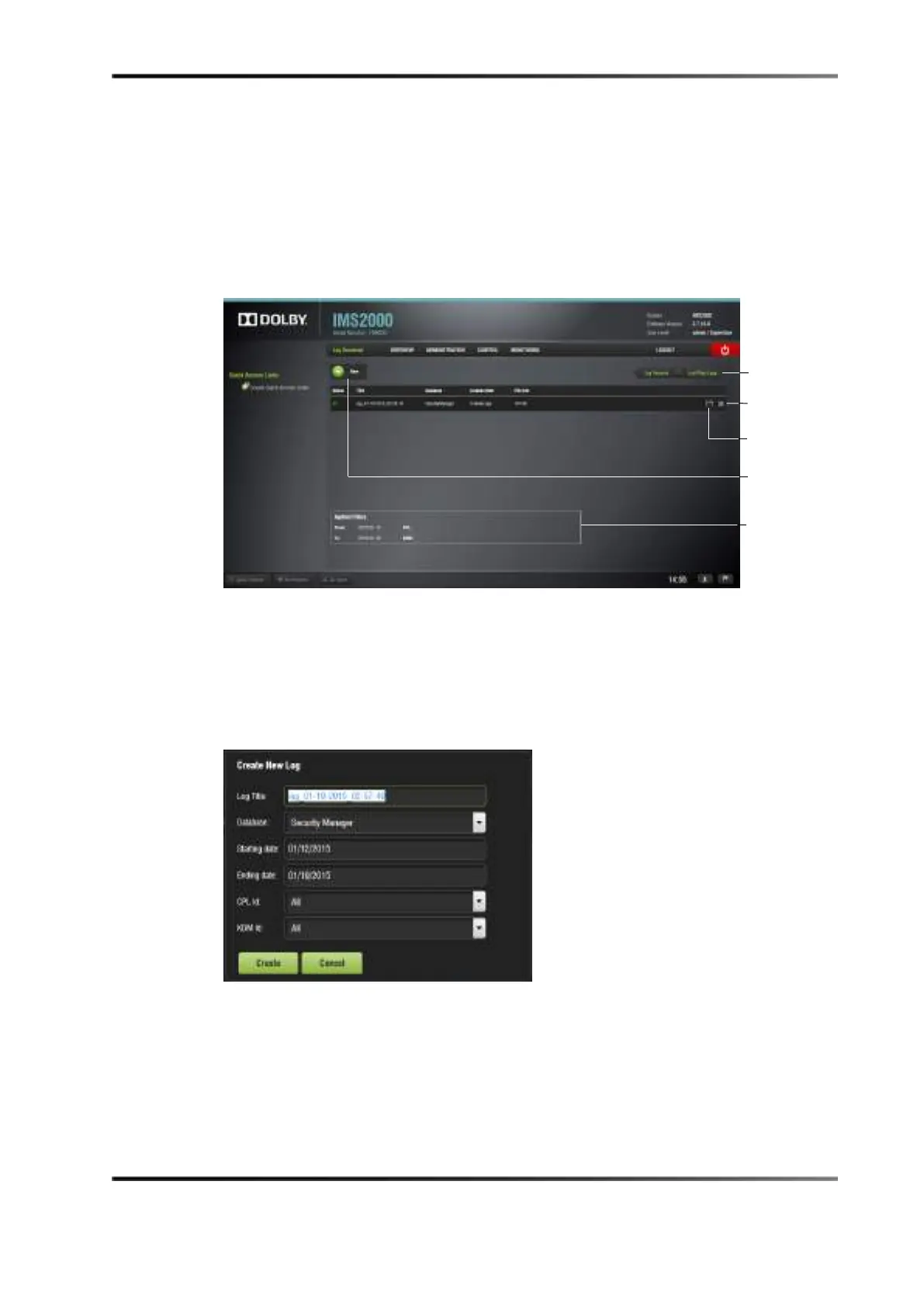
The Log Download tab allows you to generate and download security manager (SMPTE)
and system logs.
To access the
Log Download tab, click on the Log Records button to access it.
Figure 15-15 Log Download
To generate a log:
1. Click on the
New button.
2. Input the correct password, if necessary.
The
New Log window appears.
Figure 15-16 New Log Window
3. Select either the System or Security Manager database to create the log.
4. Select the starting and ending date.
5. Specify a CPL or KDM ID, if needed.
6. Click on the
Create button, or click Cancel to cancel the operation.
7. The log appears in the
Log Download tab.
log tab



 To Next Page