Dolby
®
IMS2000 Installation and User’s Manual
IMS.OM.004730.DRM Issue 3 183
14.4.1 Editing an Existing Show Playlist
You will be able to edit an existing show playlist from the CineLister application.
To perform the operation:
1. Click on the
Open button in the CineLister Editor tab.
2. You will be prompted to the show playlists available on the server window.
3. Select the show playlist, and click on the
Ok button.
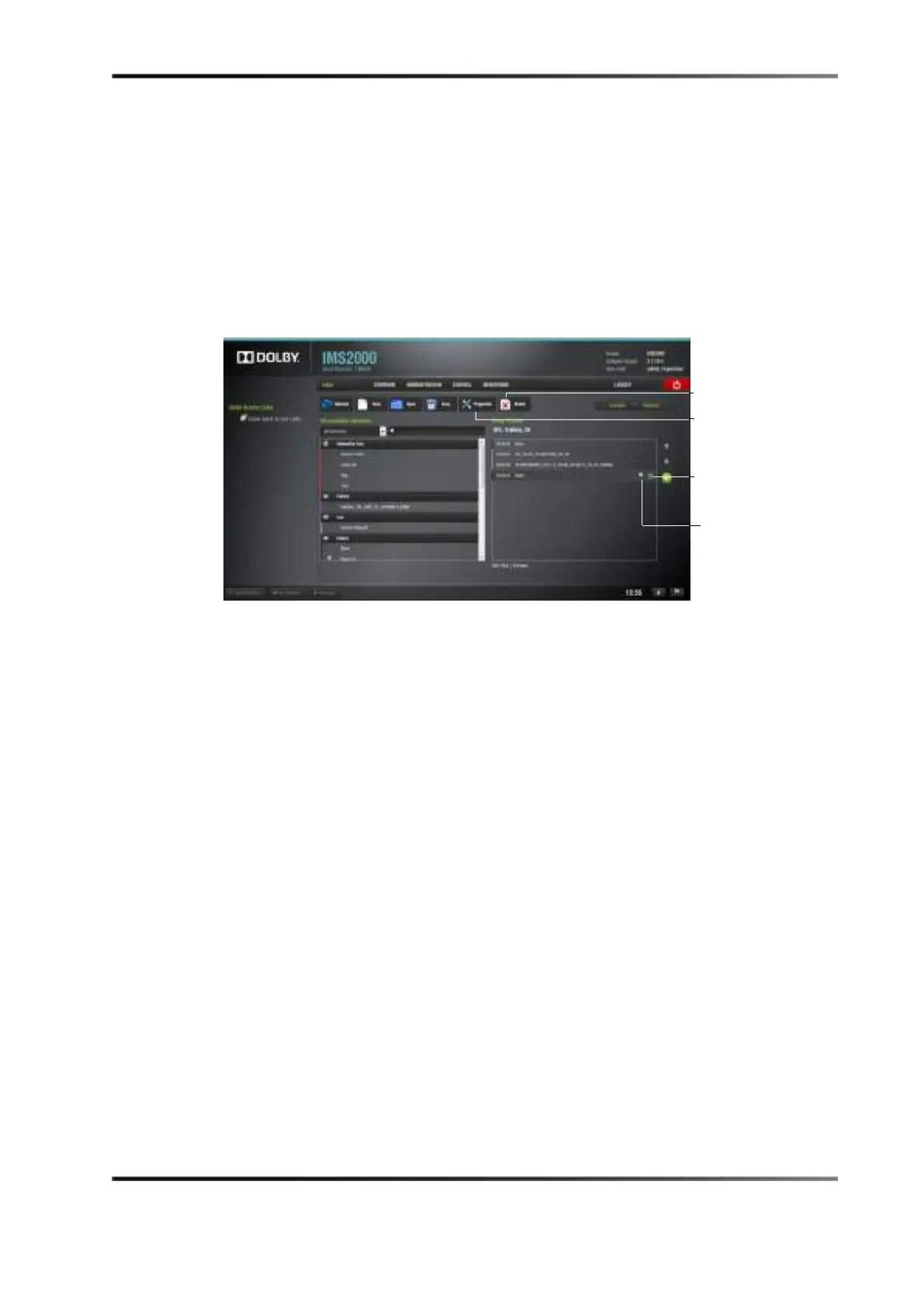
4. The show playlist content will be displayed on the right side of the GUI.
Figure 14-14 Show Playlist Opened
5. Reorder the elements within the show playlist by using the up and down arrows.
6. Remove elements by selecting them and then clicking the
X button.
To view the properties of a show playlist:
1. Open the show playlist.
2. Click the
SPL Properties button.
To view the properties of a particular CPL, highlight the CPL and click on the
Properties icon that appears on the right.
properties icon
Delete show
playlist button
properties button



 To Next Page