66 Dolby
®
IMS2000 Installation and User’s Manual
IMS.OM.004730.DRM Issue 3
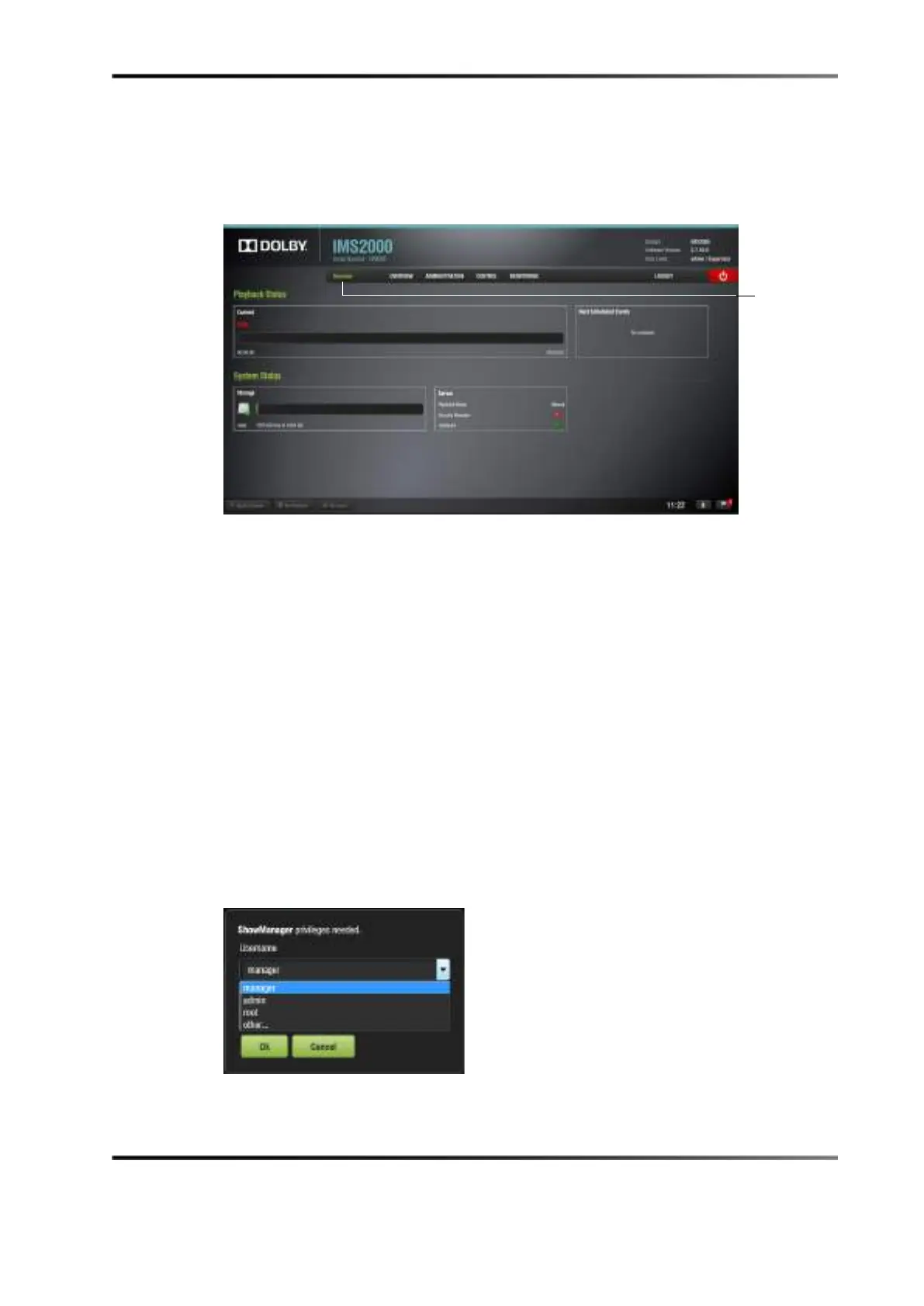
The Overview tab appears every time the unit is turned on or rebooted. You can access
various applications from the tabs located across the top of the GUI.
Figure 9-2 Overview Tab
9.1 Users
You will be prompted to enter a password for various tasks when using different
applications. The administrator determines the level of security.
Contact your system administrator for passwords, not Dolby Laboratories.
The following are types of passwords/privileges you may be asked for. Select the user
name and password:
• admin (administrator): Super User
• manager: ShowManager
• root: Administrator
• ingest: Projection
• doremi: Projection
Figure 9-3 Selecting Privileges



 To Next Page