164 Dolby
®
IMS2000 Installation and User’s Manual
IMS.OM.004730.DRM Issue 3
13.19 Automatic Log Upload Manager
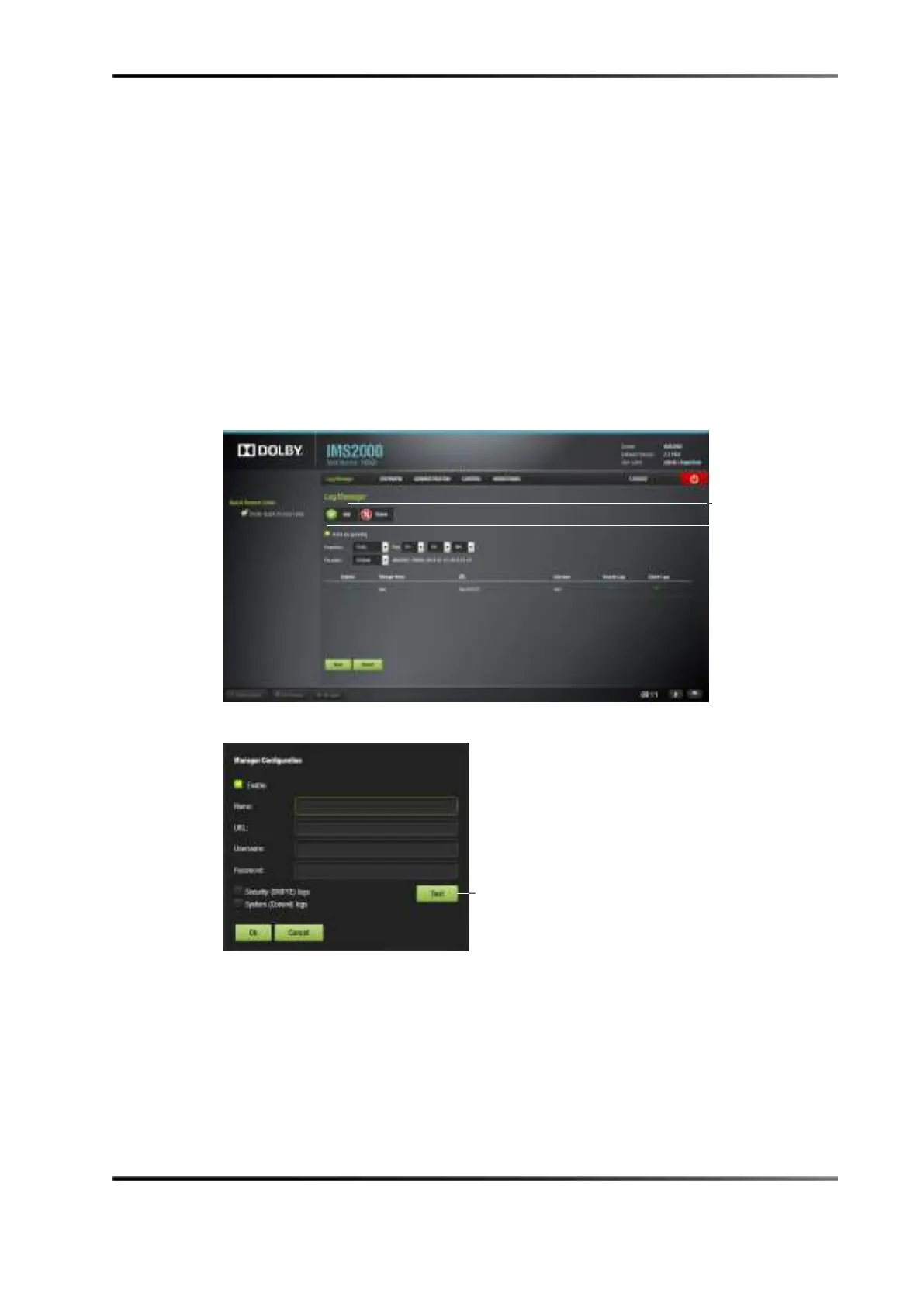
The automatic log upload manager allows you to generate a log and upload it to a
location you select. You will be able to automate log generation at a specified frequency.
To access the automatic log upload manager, select
Administration > Control Panel >
Automatic Log Upload Manager.
Check the
Active Log Uploading check box to ensure that the logs are being uploaded.
To perform the operation:
1. Specify the frequency and time, and select a file name.
2. Click on the
Add button.
The following window appears.
Figure 13-106 Automatic Log Upload Manager
Figure 13-107 Manager Configuration Window
3. Click on the Enable box if this particular configuration will be used.
4. Give the configuration a name.
5. Input a location in the URL field.
6. Enter a user name and password.
7. Select SMPTE and/or system logs.
8. Click on the
Test button to test the configuration, if needed.



 To Next Page