182 Dolby
®
IMS2000 Installation and User’s Manual
IMS.OM.004730.DRM Issue 3
Refresh Button
Anytime new content and a package are ingested into the server, the elements are not
displayed automatically in the CineLister
GUI if CineLister is already running. Click on
the
Refresh Contents button from the Editor tab to view an updated version of all
available elements that were ingested.
Save Button
It is very important to click on the Save button when done completing any task,
especially a show playlist. If you do not click on the
Save button, the changes will not be
reflected.
14.4 Accessing a Show Playlist
You are able to access an existing show playlist from the CineLister application.
To perform the operation:
1. Click on the
Open button from the CineLister Editor tab.
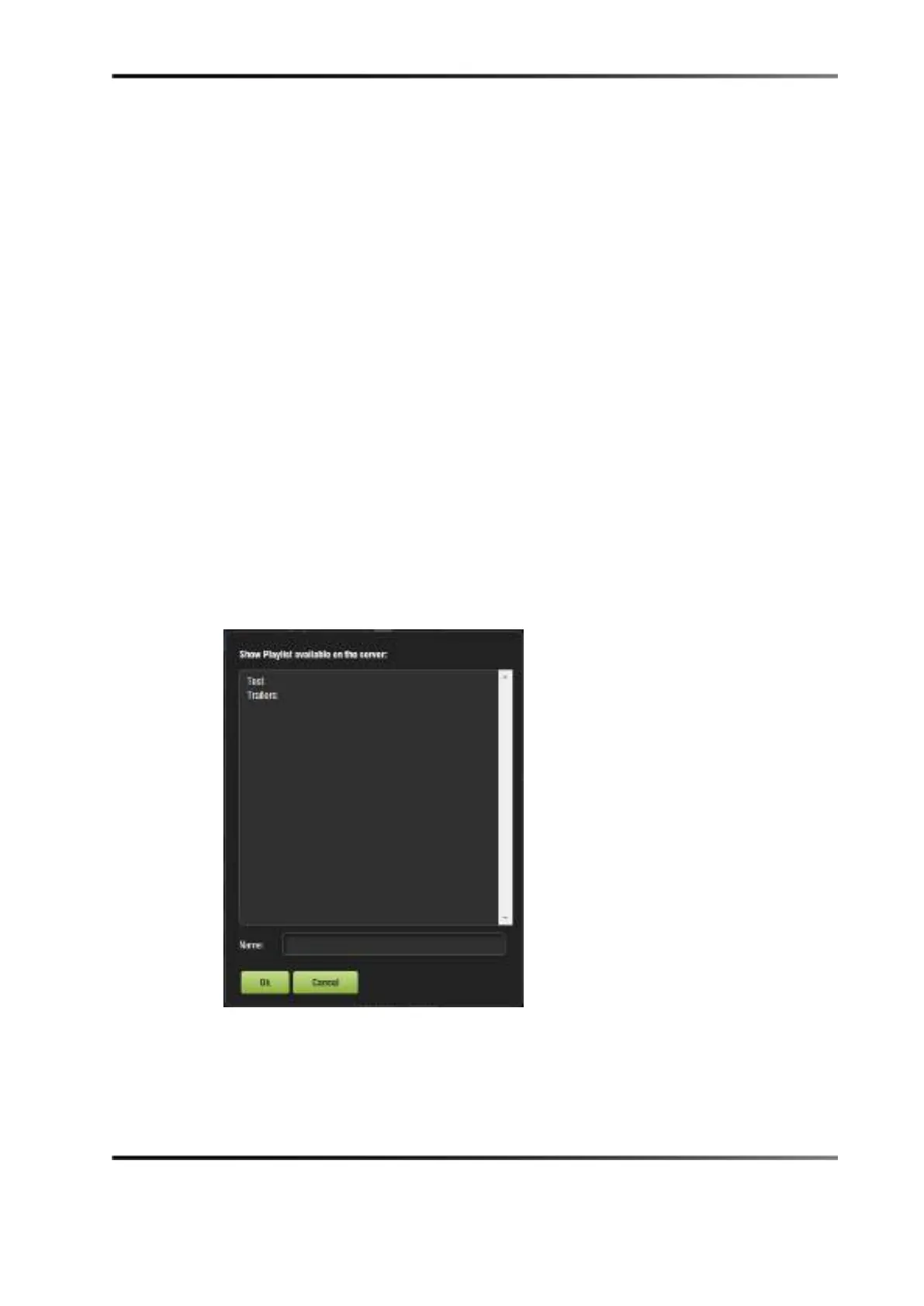
A new window appears, allowing you to select the show playlist.
Figure 14-13 Open Show Playlist
2. Select the show playlist, and click on the Ok button.
The show playlist displays on the right side of the GUI.



 To Next Page