Dolby
®
IMS2000 Installation and User’s Manual
IMS.OM.004730.DRM Issue 3 159
13.17.6 Restoring Backup Files
Restoring from RAID
You can restore from the RAID in the Backup Manager windo w.
To perform the operation:
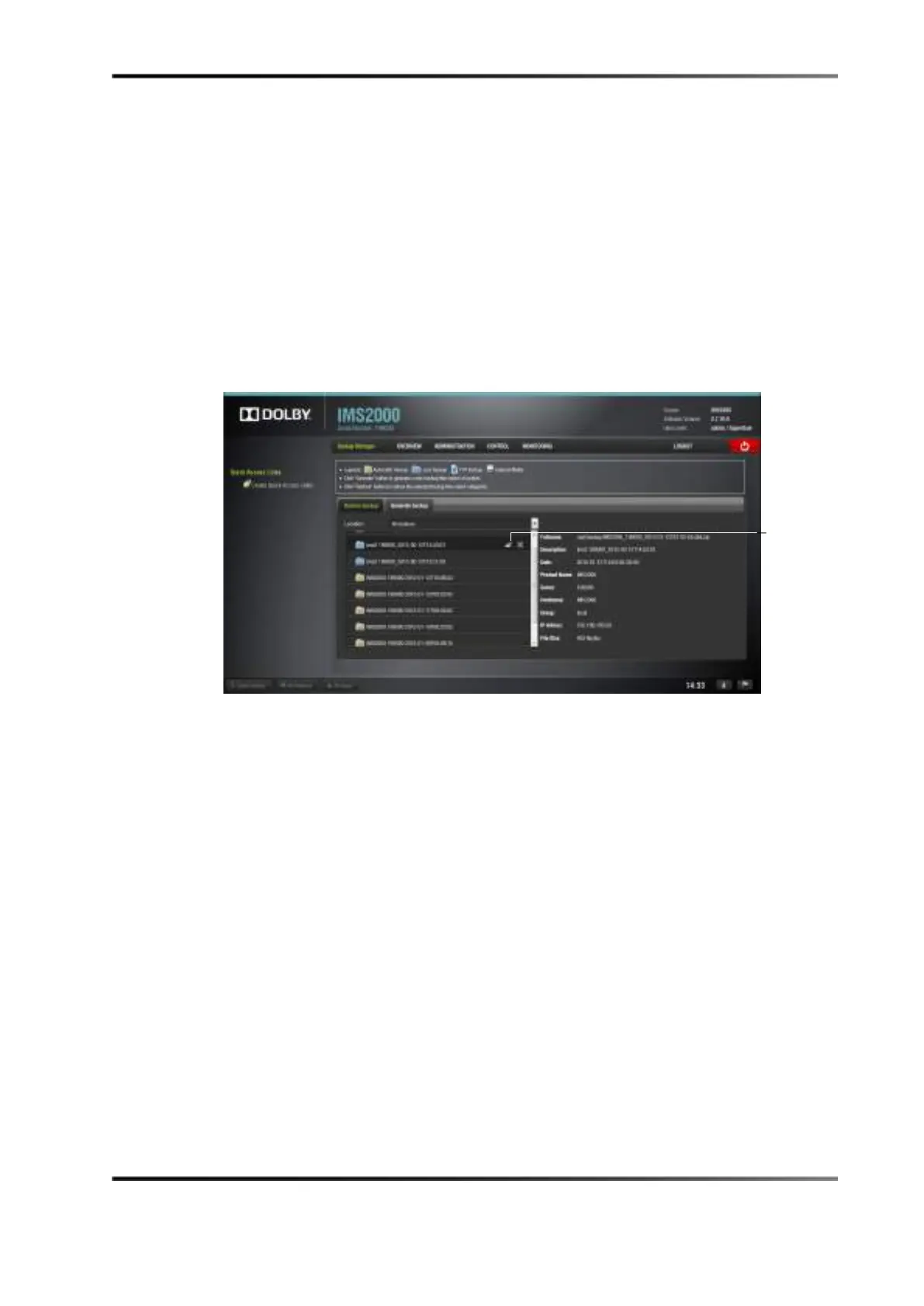
1. Select the backup file from the left-hand side.
2. Click on the
Restore button.
A login screen appears.
Figure 13-98 Restore Button
3. Enter the appropriate password.
4. Click on the
OK button.
The
Restore Category Selection window appears. Here, you will be able to choose
which types of files to restore, or you can select all files to restore:
•
Doremi: These files include configuration files, devices, SNMP threshold, audio,
and databases.
•
Identity: These files include Dolby Security Module identity certificates.
•
KDMs: These files include KDMs and digital license messages.
•
Network: Includes IP addresses, DNS configurations, and so on.
•
System: These files include system user accounts, group configurations, and
time-zone information.
For example, if you decide to select kdms, highlight the item on the left and click on
the
Restore button.
button



 To Next Page